As an artist and an art teacher I am always looking for new art applications for my iMac. This article will cover art applications for your iMac that might slip under your radar. Some of these are free and some are not.
Creative Software at Budget Prices
One note, this article will not be covering the big name software like Adobe Photoshop and Illustrator or Corel Painter or even the “lite” versions of those programs. I am also going to stay clear of programs like Kid Pix which are more commercial programs for kids. This will be about the smaller titles that you might not know about- for kids and adults (or adults that are kids). It will also cover a few photo related programs. Some of these programs will include free Mac drawing software and other programs will not be free.
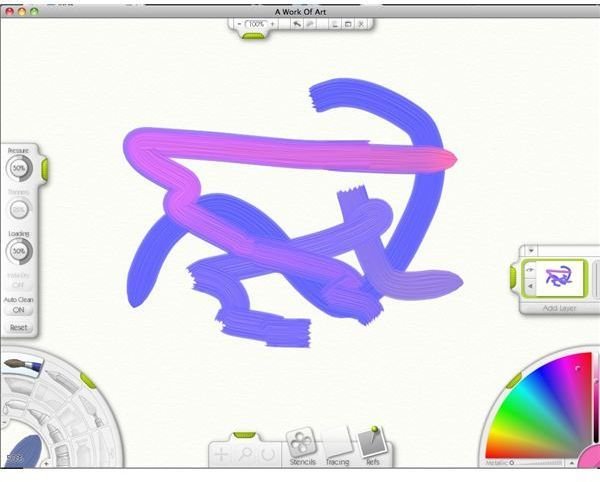
ArtRage 2 or 3 ($20 for version 2, version 3 is available for $40 and $80 versions) ArtRage is one of my favorite programs for the Mac. It is installed on every iMac in my classroom. It is very similar to Corel Painter. It allows you to paint with real tools and it looks like the real media. The different media also interact with each other like the real ones would. It is packed with features and there is a free version of ArtRage 2.5 called the “Starter Edition” available. What is really exciting is that ArtRage 3 just came out! I highly recommend you download the free version and give it a try. You will not be disappointed.
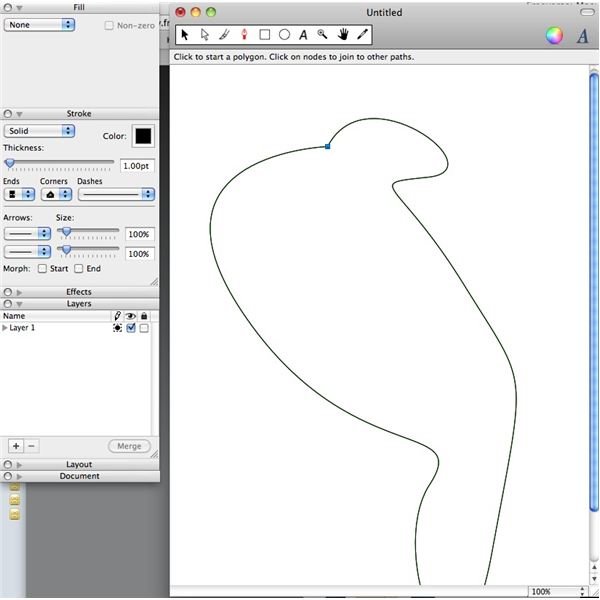
LineForm ($79.95) I love Adobe Illustrator, but it is not cheap. One of the best Illustrator-like programs I have used is LineForm. It is packed with features at a reasonable price. Keep in mind it is not Illustrator. There is a little adjustment for those who are used to Illustrator.
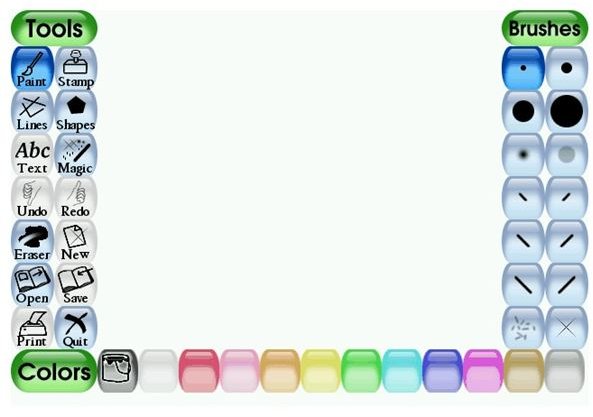
TuxPaint (FREE) TuxPaint is a free program for kids. It is very similar to KidPix, except it is FREE!
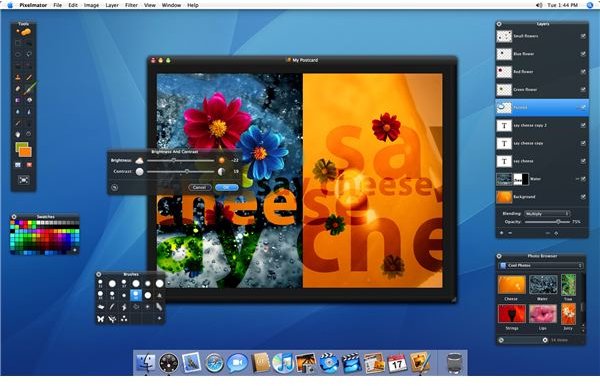
Pixelmator ($59.00) Pixelmator is probably the best Photoshop alternative out there besides Photoshop Elements. It is packed full of Photoshop features at a cheaper price. There is a free downloadable demo to try.
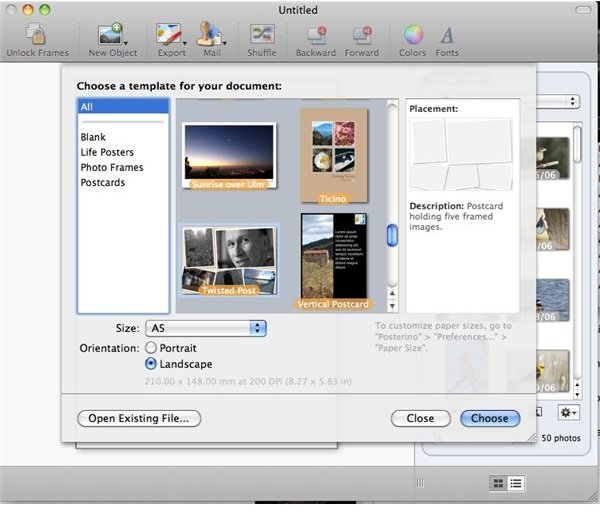
Posterino ($24.99) I have been using Posterino for a few years now. It is great for making photo posters- especially if you want to make a photo collage. It also makes postcards. It integrates with iPhoto and is the program to get if you want to make collages.
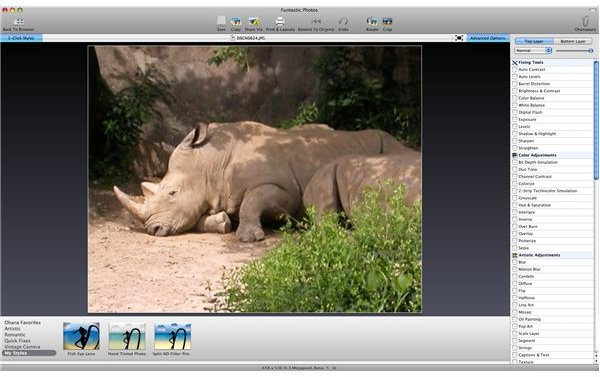
Funtastic Photos ($34.99) Speaking of photos, Funtastic photos is a great program for applying special effects to your photos. My favorite feature is the photo mosaic tool. It is the best photo mosaic tool I have tried for the Mac.
In addition to the programs mentioned above there are also a bunch of open source programs that act as substitutes for many of the big name programs, but we’ll save those for another article. In the meantime, enjoy these programs and if you know of any others, post them below!


