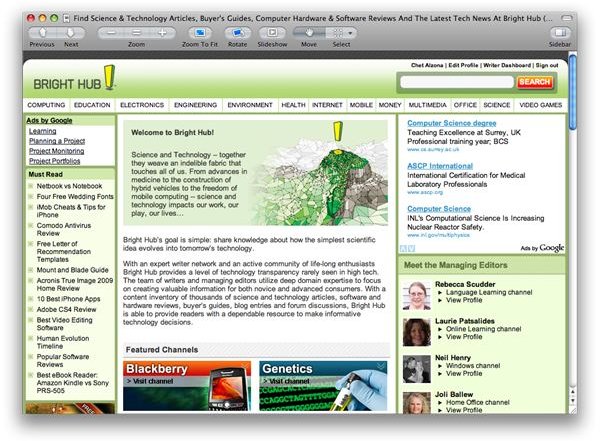
Paparazzi! is one nifty freeware tool that allows you to take screen shots of webpages from top to bottom with just a simple click.
Link, Capture, Save
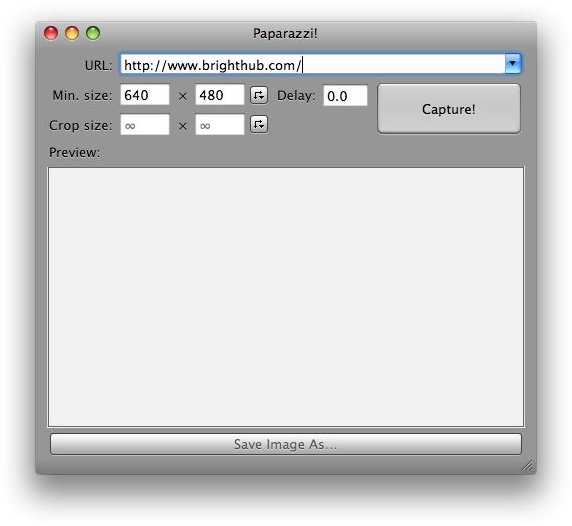
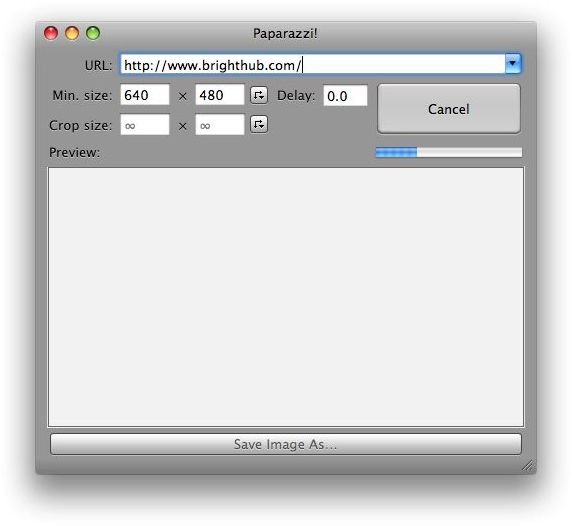
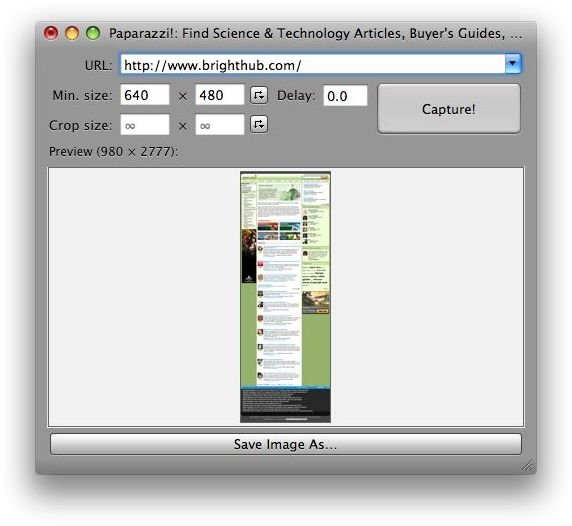
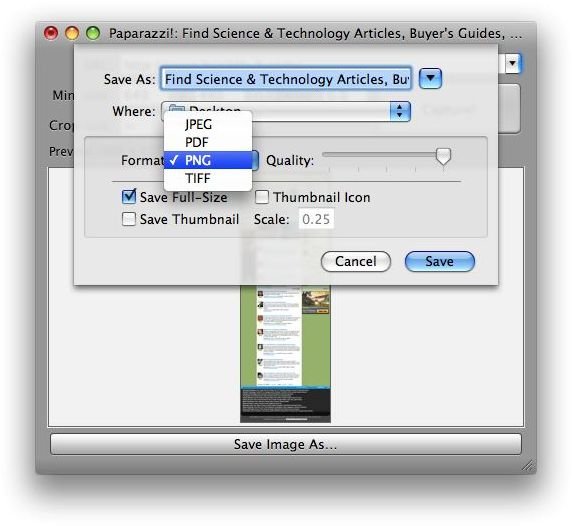
Paparazzi! is a simple tool to use and it doesn’t take a genius to make it work. Just provide the link of a site, hit Capture!, and choose a file format you wish to use. Aside from the common image formats such as JPG / PNG / TIFF, you can also save it as a PDF file right from the app itself.
Developed by Derailer, Paparazzi! is a free app you can enjoy without worry. It’s a great way to save internet content onto your hard drive to share or for keeps.
This app is handy for immortalizing constantly changing favorite web pages you want to keep for chronicling. This is also a useful tool when you want to share document web pages for later reading, or for sharing information to your friends, family, or co-workers for offline reading.
It can take high quality photos of the webpage you are viewing, so what ever file format you choose to print the whole website to, you’ll be assured that the quality of the site is preserved.
Webpages saved as PDF preserves the site’s clickable areas such as links. You’ll still be able to access linked content from the resulting PDF output from Paparazzi!
Alternative to Saving Web Pages as “Web Archives”
In Safari, you can save webpages as web archives (.webarchive ). However, the file format is not as portable between different operating systems available out there. Some files might be sent to people who do not run Mac OS X on their computers. Paparazzi! provides you an alternative approach for sharing information from the web.
So instead of saving web pages as web archives, you can opt to save webpages as an image, or better yet, as a PDF file.
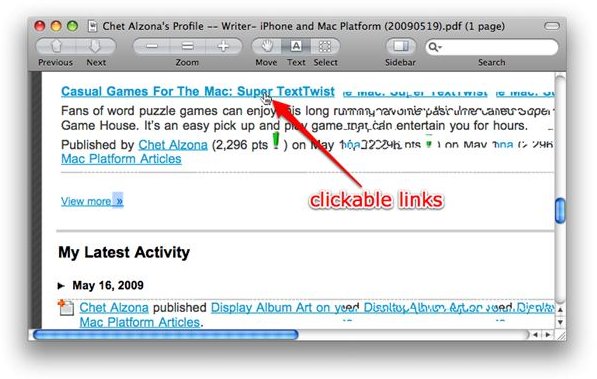
In addition, unlike other webpage-to-PDF apps, Paparazzi! creates one whole page of the document and turns it into one whole PDF file instead of breaking it in multiple pages that usually splits the webpages rather randomly.
Download and Install
You can download Paparazzi! for free from Derailer . This lightweight app (just shy of 500 KB), is one great tool that packs one of the niftiest web page capture tools out there.
Paparazzi In Action