There are several “stolen laptop tracking” applications available on the market - but is Lojack a good enough alternative? More to the point, will it find your missing device, or will you be buried under a mountain of paperwork?
Protect Your MacBook with Lojack
No one wants to lose their computer – but the time may come that your laptop is prised from your possession by thieves.
In times like this you will need some means of retrieving your computer and identifying it to the authorities. Under normal circumstances, law enforcement officers would only be able to assist if the thieves were caught on camera and their whereabouts known – but with tracking software installed on your Mac, the moment the offender boots up the computer and connects to the web, they’re caught!
This is the principle behind Lojack, a piece of security software intended for Apple MacBooks.
System Requirements
Suitable for Mac OS X 10.4 or higher, Lojack is intended specifically for Apple MacBooks, and works by installing a script into the system’s firmware, thereby overcoming any attempts to remove security software by the thieves.
Note that for smooth and successful running of Lojack, you must have given the software full permissions through your computer’s firewall software. Failure to do this will result in the potential a loss of your MacBook as well as the price of the software (anything from $39.95 or above).
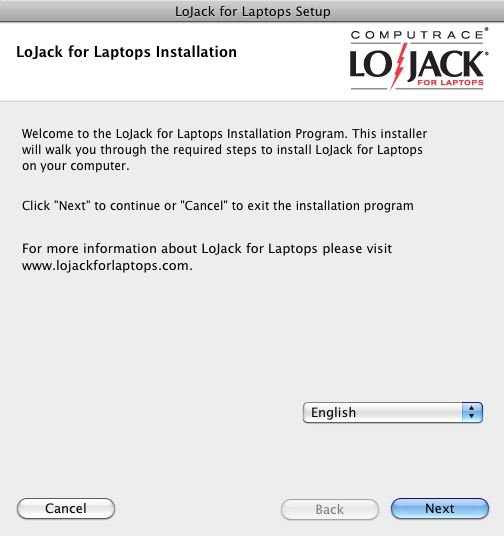
You will also need to create an account to use Lojack for MacBooks – this is set up during installation of the product, and will be used to register your computer as well as administer your details on the Lojack website.
Lojack is available via www.lojack.com .
How it Works
After installation you will be able to trace your notebook computer via Lojack’s website, although other than occasional checks and account administration you will probably want to avoid doing this.
Once your stolen MacBook is started up, Lojack will be running , and as soon as a network connection is established the computer will attempt to determine its position. There are various ways in which it can do this – detecting multiple Wi-Fi signals will enable Lojack to triangulate the location, while the IP address of the thief can also be used.
However there are several downsides to this software.
If the stolen MacBook is not connected to the web after theft, then you will not be able to trace its location or thief. Similarly a thief with know-how picked up from reading the right websites for 5 minutes will take steps to prevent any detection – while Lojack is designed to be persistent, and survive and hard risk reformatting, it cannot survive other tools and certainly will not be able to run if the hard drive itself has been replaced.
Further Downsides and Alternatives
Nothing about stolen MacBooks is particularly positive however Lojack features an extensive user agreement (in PDF format ) that must be accepted before you install the software. Outlining various legal elements of the software and service, as well as deadlines, this could prove limiting to many users.
Additionally the pricing on this software is higher than that on others – for instance the basic $39.95 is an annual fee and if your device is stolen only the IP address is returned. This is in contrast to other similar utilities that arguably offer a better service for a one-off fee (such as MacPhoneHome) or even completely free, such as Prey.
As such, despite good support and plenty of documentation, you should shop around for a more suitable alternative before spending what might be a lot of money on Lojack.
Macbook users: if all you are concerned about is the data on the device being lost or stolen rather than the MacBook itself, employing some automated remote backup software and encrypting all personal data and documents is a much cheaper alternative.
References
Screenshots and references from Lojack for Mac


