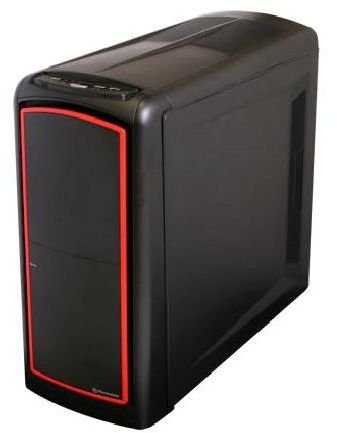
In this article a review of Thermaltake’s Element S computer chassis. It is built for professionals, and we see a lot of features geared toward professionals.
First Impression (5 out of 5)
Thermaltake has been trying to shed the image of being a budget chassis builder. The cases coming from Thermaltake the last couple of years tell me that they do not have to worry about this image any more. This case establishes this once more.
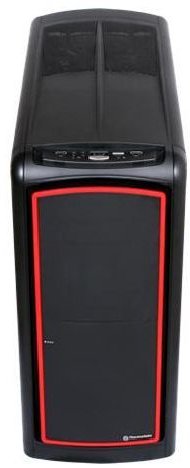
This is a very slick looking case, as the red stripe on the front panel door gives it a classy look. I really like the design, which is unusual because I am more drawn to aluminum then plastic. But this is a very tight case and I don’t mind the plastic.
Features (5 out of 5)
Points To Look At When Deciding To Buy This Case
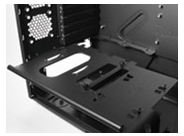
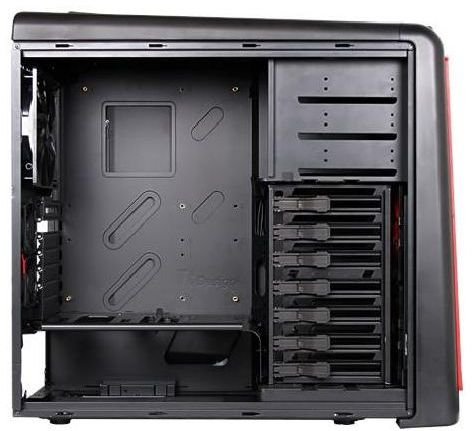
The HDD cage can be placed in the case anyway you like. Thermaltake calls this “a directional free HDD cage.” The biggest advantage of a directional free HDD cage is that you can choose how air flows through the cage. The PSU tray is removable. This makes it easier to install the PSU in the case. The tray also features two mounting spots for 2.5” HDD’s. This is important because solid state hard drives are becoming cheaper every day. As you might know, SLC HDD’s are the fastest option out there to run your OS on.
No plastic levers or some other screwless design for the PCI cards. This is very important to me because I keep breaking what ever screwless design they put on the back of the case.
Case Type: Mid Tower
Material: SECC
Front Bezel Material: Plastic
Color: Black
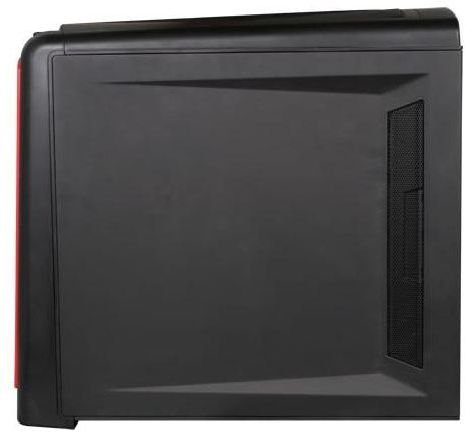
Side Panel: Solid
Motherboard Support: Micro ATX, Standard ATX
5.25" Drive Bay: 3
Int. 3.5" Drive Bay: 7
Expansion Slots: 7
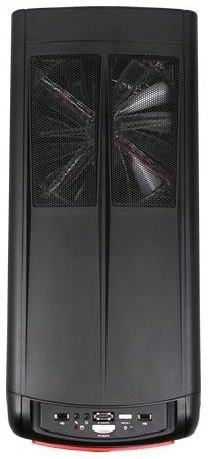
Front I/O Ports: USB 2.0 x 2, eSATA & HD Audio ports Cooling System
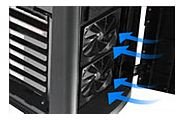
Front (intake) : 120 x 120 x 25 mm TurboFan, 1300 rpm, 17 dBA : 120 x 120 x 25 mm (optional)
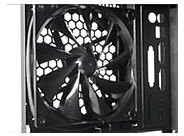
Rear (exhaust) : 140 x 140 x 25 mm TurboFan, 1000 rpm, 16 dBA
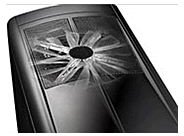
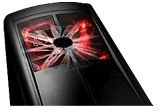
Top (exhaust) : 230 x 230 x 20 mm red LED fan, 800 rpm, 15 dBA
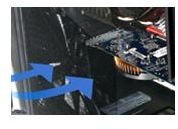
**VGA (exhaust) :**Two 60 x 60 mm fan (optional)
Power Supply Supported: Standard ATX PSII(optional)
Dimension (H*W*D): 505 (L) x 230 (W) x 540 (H) mm 21.3 (L) x 9.1 (W) x 19.9 (H) in
Net Weight: 19.49 lbs (8.84 kg)
What Would I Change On This Case (4 out of 5)
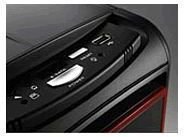
There is only one thing I can find that I would change on this case. The front panel controls I would have like to have seen behind a cover. This case has beautiful round lines, but the front panel controls break this design up. This might be intentional, but I just don’t like it.
Conclusion (4 out of 5)
Thermaltake wants this to be a case for professionals. I think they have succeeded in this goal. But any computer user should be happy with the Element S. It is a versatile medium sized tower that will fit a variety of computer hardware. The case has a design that would look good under or on any desk. Whether this is in the office or at home. The option to mount 2.5” HDD’s with out having to do so in a bracket is awesome. This case is quiet and makes me wish I had a db meter to measure how quiet.
If you have one or would like to share your opinion about why you wouldn’t like to buy one then please leave a comment on the corresponding blog post to this article.
More Images
Resources
Element S Thermaltake website
Buy the Element S on Amazon


