Need a utility to scan your hard drive and the information you store on your computer? Xinorbis is an excellent freeware utility with a feature rich selection of hard disk software tools. The Xinorbis software analyzes your hard drive like no other software.
Overview
Because of the sizes of hard drives today and the amount of data stored, keeping up with the amount of information you have can be a logistical nightmare. Xinorbis makes this task simple and efficient. Xinorbis hard drive scanner analyzes your hard drive and any mapped network drives you use. This software offers many features that outline in detail all information on the drives you are scanning. Xinorbis is freeware offered by freshney.org.
Installation
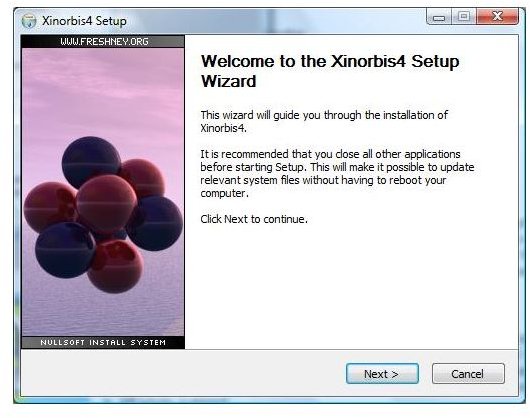
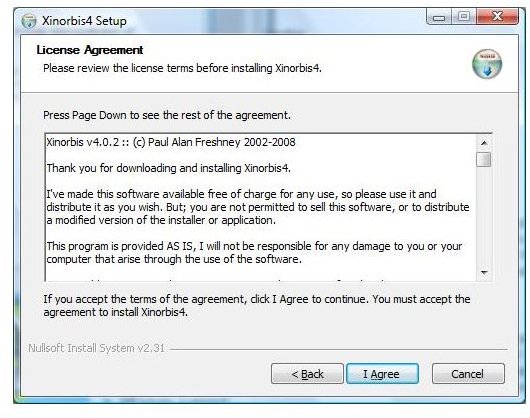
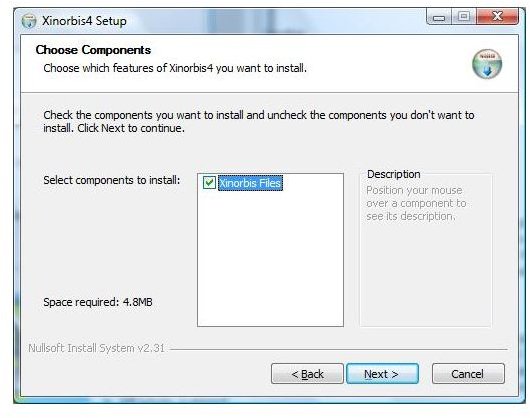
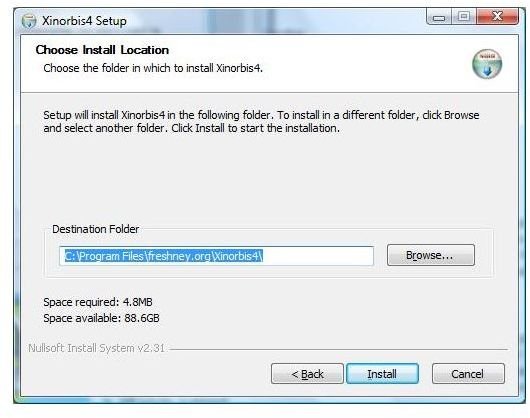
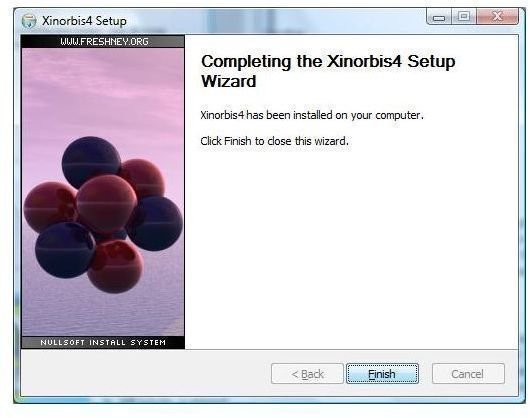
Installation and Easy of Use (5 out of 5)
Installation is straight forward and simple - made for the average end user. The 2.3 mb download requires no special configuration files or special installation procedures. With Xinorbis, the software can be installed on lower end computers and the performance remains intact.
Management Features
Optimization Features
Processing Features
Features and User Interface (5 out of 5)
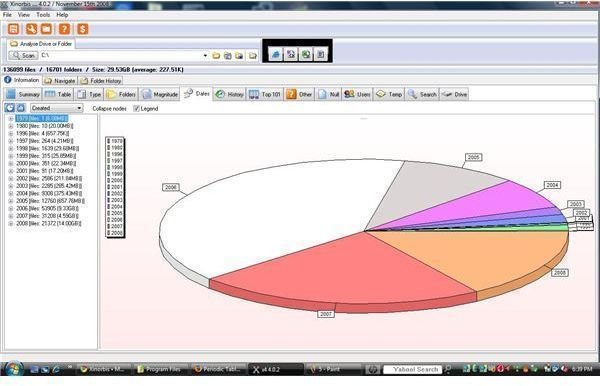
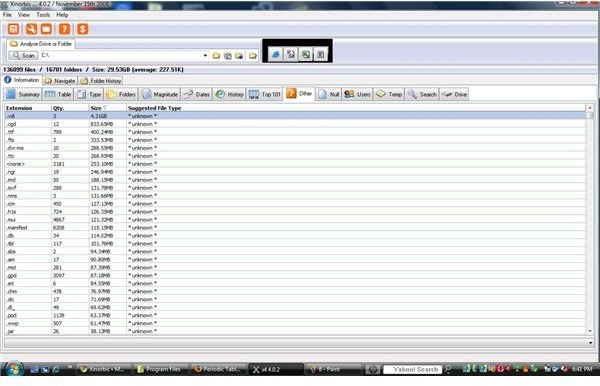
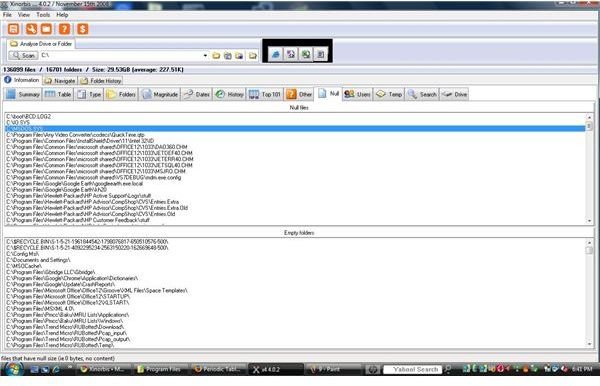
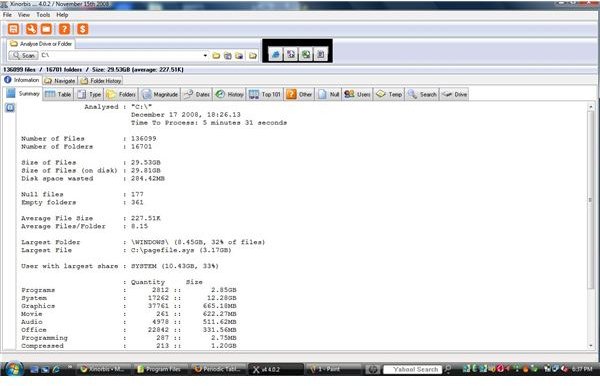
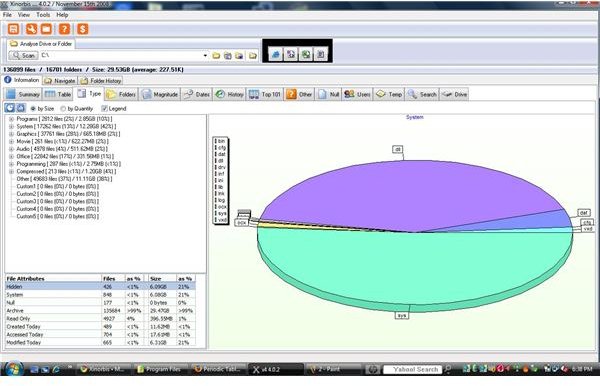
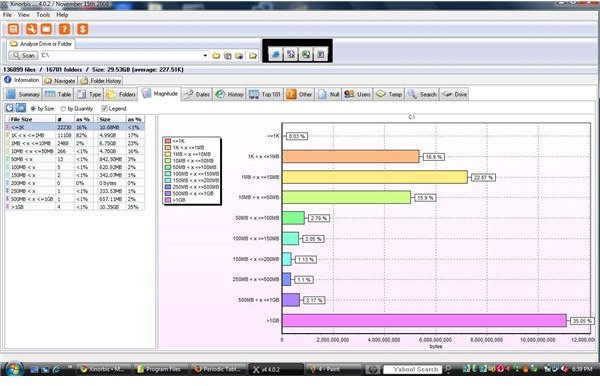
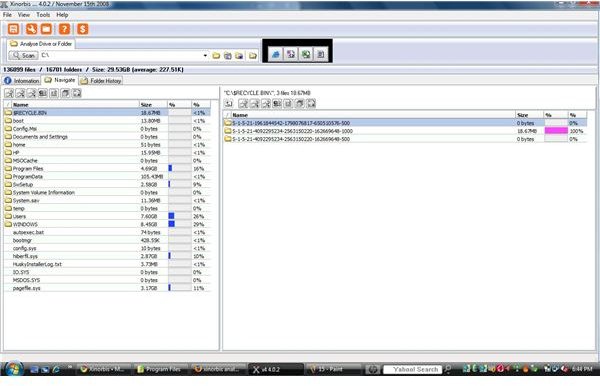
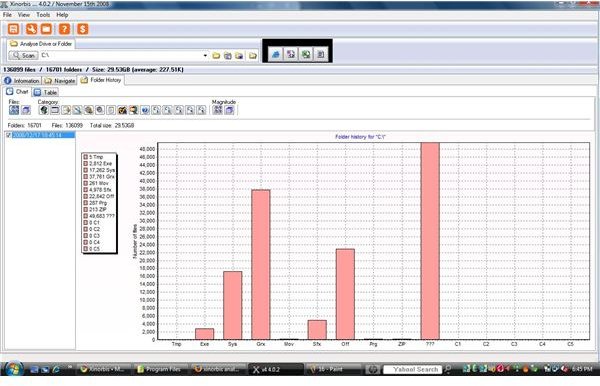
Xinorbis provides dozens of features. This freeware performs as well as any commercial software on the market. These features, among many others, are found in the Xinorbis interface:
- Local Hard Drive Support
- Network Hard Drive Support
- Accelerated Search Function
- Summary Screen
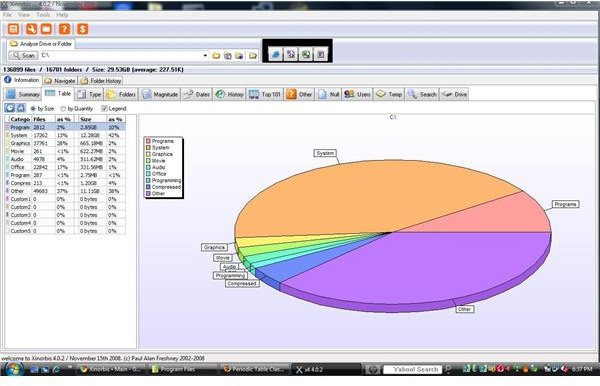
- Excellent Informational Graphics
- Table information defining file types
- Folder Information
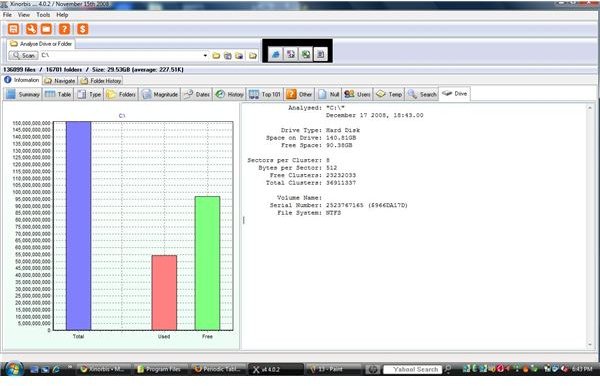
- Statistical information on files, folders, and drive
- Magnitude (File size impact)
- Dates and History Information
- Top 101 files (size)
- User Information and usage
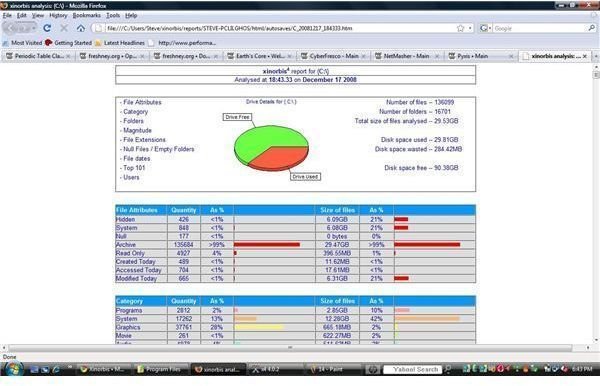
- Reports in HTML, XML, CSV or TXT
The rich, well defined and designed reports are very detailed and informative. With this many features available, Xinorbis certainly is a leader in freeware software that analyzes hard drives.
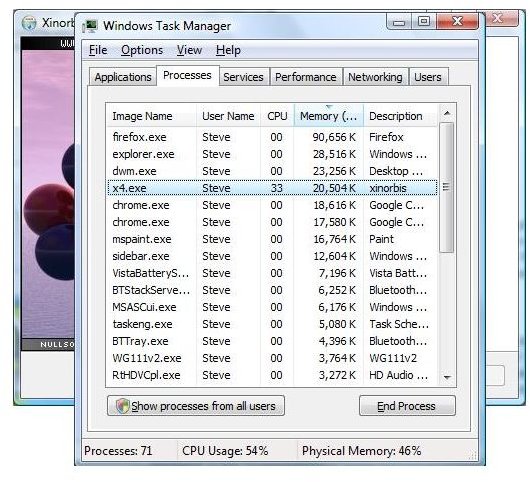
Performance - Task Manager
Performance (5 out of 5)
Xinorbis 4.0.2 performs exceptionally well. In order to read all of the files, the software has to access your hard drive, memory and CPU a little more intensely than other applications. Fortunately, the software is well optimized and performs quickly with great detail.
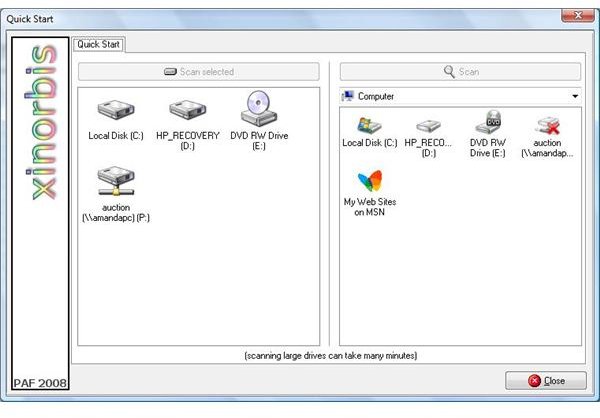
The tests performed against the software included both a local drive and a mapped network drive. The performance of course is limited by hard drive speed, CPU, memory and network speed / bandwidth.
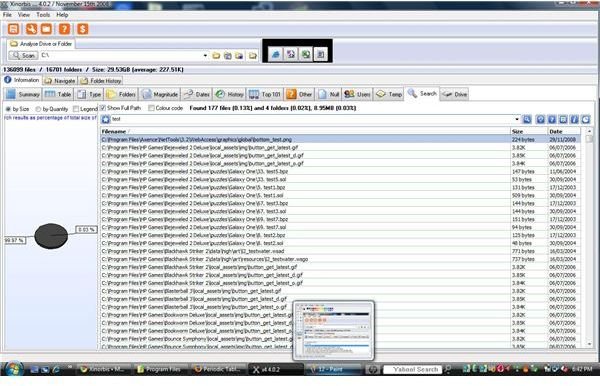
Once the software scans your hard drive and reports, the quick search feature is amazing. Searches are instantaneous and every file is indexed during the analysis.
Freshney is right on target with this software. The performance, features and details are outstanding. Freshney software offers a forum for end users to discuss the current releases of software.


