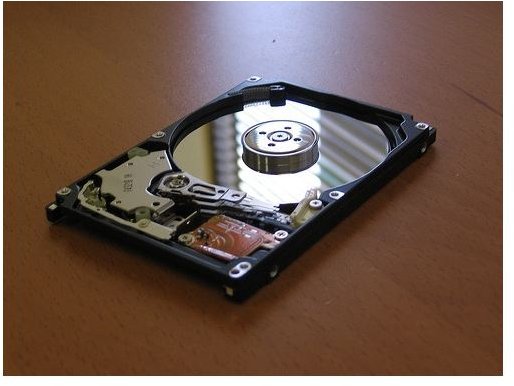
So you want to duplicate the contents of your Western Digital hard drive to another? Here is how the disk imaging and cloning process works.
Duplicating the contents of one hard drive to another is an efficient way of transferring a previously installed OS and all user files to a new drive. Creating a disk image of a drive is also a good way of backing up data. In the event that something goes wrong with the current installation, everything can be restored from the disk image that was created before. Whether you want to clone the contents of a Western Digital HDD or a similar brand, you will need disk-imaging software and the steps outlined in this article.
Precautions to Take before Duplicating a HDD
It is a good idea to make the old disk (source drive) the boot disk. Since most disk-imaging software won’t allow you to overwrite the boot drive, it will be impossible to make a mistake and overwrite the contents of the source disk. That said, it is very important that the descriptions of all the installed drives are correctly noted so that they can be properly identified when setting up the disk copying process. Again, take every precaution to ensure that the wrong drive is not written to. If need be, disconnect all hard drives that won’t be used in the HDD cloning exercise.
How to Clone a Western Digital Hard Drive
One of the first steps in cloning a HDD is to acquire disk-imaging software. Some of the better offerings include:
Acronis True Image, Paragon Drive Backup, Norton Ghost, R-Drive Image, Image for Windows and Active @ Disk Image.
Once you have acquired the disk copy software, the next step is to install the drives and prepare them for the disk imaging process . Install the hard disks (source and destination) and ensure that they are working properly. It is best to make the source disk the master, and the destination disk the slave on the same controller to allow for the easy identification of the drives when using the disk copying software.
The steps may be different depending on the disk-imaging software that is being used; in any case the process should proceed similar to these steps:
- Open the disk imaging software and start the disk cloning wizard.
- Identify the source and destination disks.
- Start the disk copy process.
- After the process is complete, ensure that the destination disk was correctly copied to.
- Install the disks to their new location as per your requirement.
Disadvantages of Cloning a Hard Drive
While doing a disk clone can ensure that there is recourse in case data is lost or the current hard drive fails, restoring data from a previously saved image only works well so long as the disk image has a very recent copy of the files that are to be recovered. In other words, any change that was made to the files since the disk image was created will not be recoverable. In addition, restoring one file from a disk image requires the restoration of all files from the image as well, which is not ideal if you don’t want to overwrite other files.
Summary
Not only is cloning a hard drive an efficient way of transferring the contents of one hard drive to another but it is also an option for keeping backups . Cloning a Western Digital hard drive is similar to cloning any other hard drive, but in any case, reliable disk imaging software needs to be used to complete the process.
Image credits:
“How do I clone a hard drive – hard disk. ” gary j wood
“How to clone western digital hard drive. ” mastermag


