The motherboard is the most important hardware component on a PC. It has all of the chips and circuitry that allows PC operations to take place. Motherboard testing software is used to test various components of the PC for performance and stability. Three programs are reviewed that perform tests.
Why Motherboard Testing?
How well will the computer operate depends on many factors. CPU, audio and video cards, hard drives, and external peripherals all make an impact.The motherboard itself can inhibit or delay operations. In this article we look at three programs that will allow users to troubleshoot and look at motherboard performance. The programs are Heavy Load, Advanced System Care, and Fresh Diagnose. All three are freeware programs but they can be upgraded to the pro model.
HeavyLoad CPU and Memory Tester
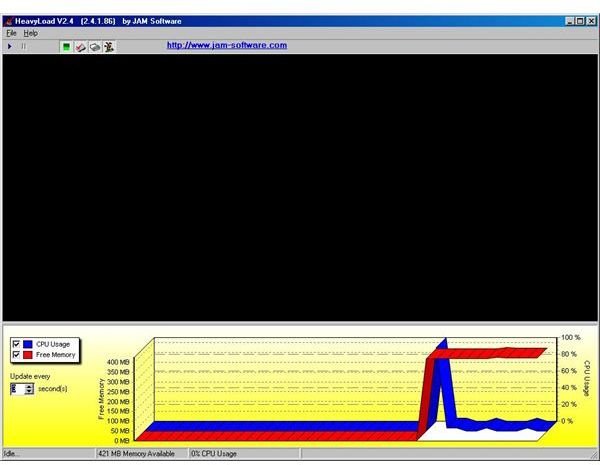
Heavyload is a freeware program that is intended to stress all resources of a PC (RAM, the CPU, hard disk, operating system, network, etc.) in order to view the hardware reliability under a heavy load operation.
For MS Windows file or database servers, it is important to know how they will perform before using them for production. It can also be used to check if a new PC will get too hot when used intensively.
How it works: To stress computer or server, HeavyLoad creates and writes a large test-file to the temp folder. Heavyload then allocates physical and virtual memory, while performing complex calculations; and it draws geometric patterns in its window.
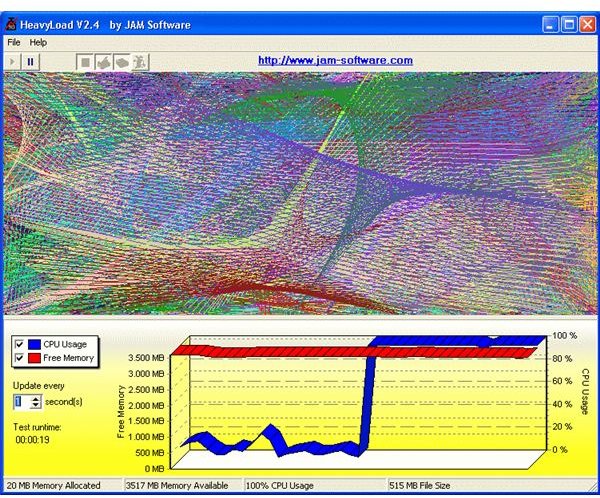
This program installs very quickly. Download the zip file, extract it, and run the executable.
Source: Jam Software-HeavyLoad
Advanced System Care
Instead of just testing the motherboard, Advanced System Care tests and repairs multiple aspects of the computer.
In its diagnostic link it can check for system optimization, security settings, disk defragmentation, and security analyzer.
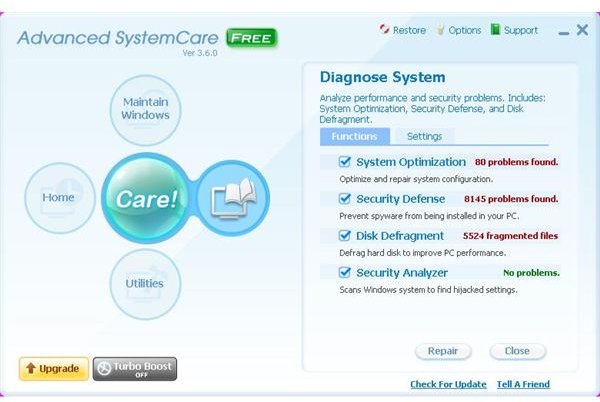
In the Utilities link you get three tabs: tuneup, security, and admin tools. Each has their own set of programs that can improve performance.
In the Windows link you can get spyware removal, registry fix, privacy sweep, and junk files clean.
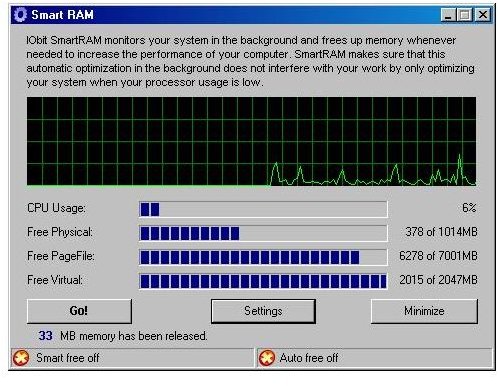
As a freeware program you can get the basic level of diagnostics and repair available. If you upgrade the system, you get advanced diagnostics and repair. Drill down into deeper levels to perform optimization tasks.
Source: Advanced System Care
Fresh Diagnose
The final program is Fresh Diagnose. It allows you to analyze and benchmark your PC. It can provide information as well on different types of hardware such as motherboard construction, your hard disk performance, CPU performance, video system information, and more.
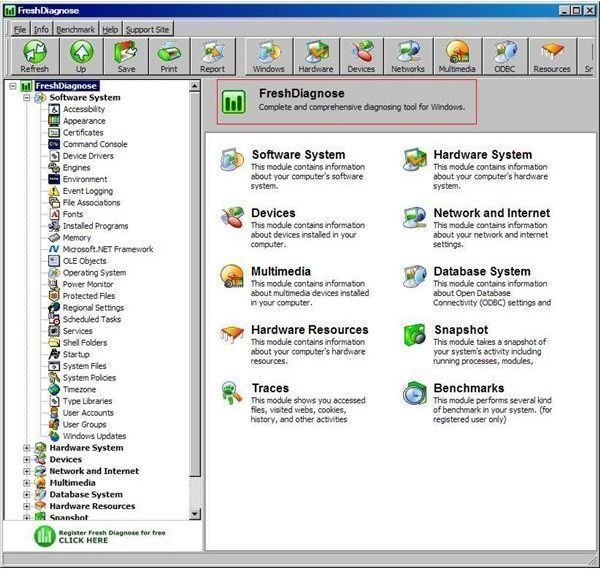
Here are some features:
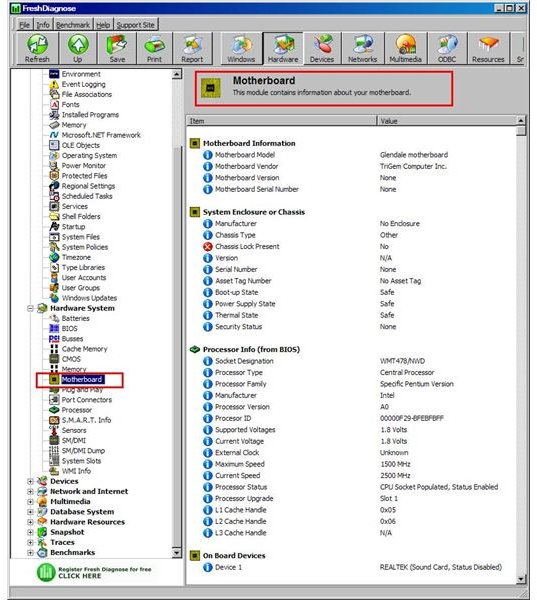
System Information: Upon scanning your computer the program can give you a complete report about your computer’s hardware and software; motherboard PCI/AGP bus information, video system information, peripheral information (like mouse, keyboard, and printer) and network information.
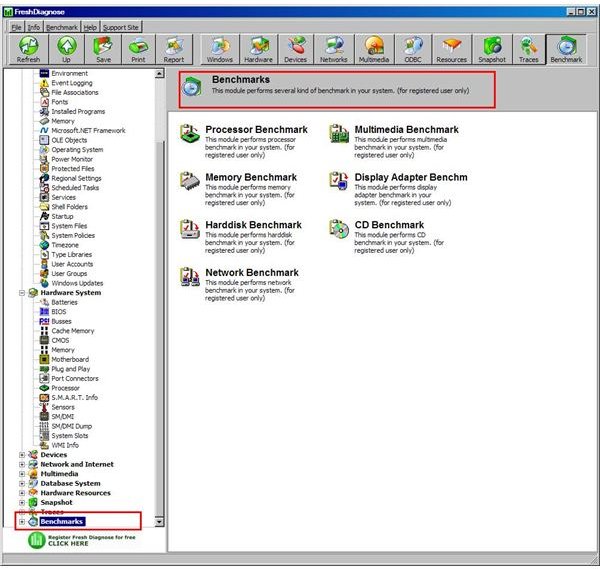
System Benchmarks: It can test your system performance, from the CPU, hard disks, CD/DVD ROM, and make a comparison with other systems.
You can use it to detect and diagnose any problems in your PC, and it will increase your PC’s performance.
The testing program has many features and offers an exceptional amount of detail for use.
Source: Fresh Diagnose
Summary
Do you need to run tests on your motherboard? Here are three reviews of motherboard testing software. The testing programs reviewed here are Heavy Load, Advanced System Care and Fresh Diagnose. Each offers different tests and different reporting opportunities.
Heavy Load is a program that will test the CPU and memory by running a program that forces the CPU into high performance. Heavy Load does only testing and not much more. The one that offers the greatest detail is Fresh Diagnose, covering not just the motherboard but its components. Advanced system care is somewhere in between.


