
Most monitors and PCs are equipped with a range of energy saving measures and user profiles - these should be employed at all times in order to cut energy use and save both money and CO2!
It Makes Sense to Switch Off
Users with an ecological and economical sense of duty should be aware that considerable power savings can be made simply by turning your PC and monitor off when you’re not using them.
While PCs aren’t the biggest consumers of electricity (using up to 2.8 kwh a year with 24/7 usage), and leaving them idle uses very little, there is still a case for shutting down or switching to a Hibernate or Sleep mode – a PC with drives running and perhaps a video game playing can be using as much as 250 watts, while in standby the same device will use under 10 watts.
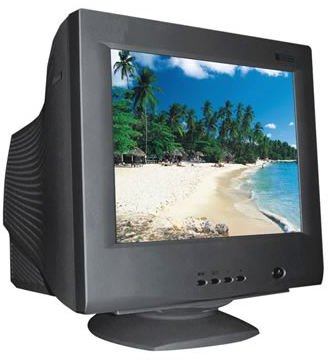
Monitors meanwhile are a different kettle of fish, depending on whether you’re using a (traditional) CRT or a modern LCD display.
Different Monitors, Different Power Requirements
There are different types of monitor, and for this reason there are different power requirements. One of the advantages to using a laptop is that these devices are designed to run off a battery – as such they have a low power requirement. A key element of the laptop computer is the LCD monitor. Typically a 17” LCD uses around 35 watts, and this is true for a desktop LCD display. Meanwhile a CRT display will use 80 watts.
Running a screensaver meanwhile will save you absolutely no energy, as this requires the monitor to be switched on – however putting your monitor into Sleep mode will reduce consumption to fewer than 15 watts, while switching off completely will see this drop to under 10 watts.
While greater savings can be made by switching off a CRT monitor, every little helps – so remember to switch off your monitor when your PC is shutdown!
Sleep or Hibernate to Save Energy
Using Sleep or Hibernate mode on your PC is another way to save money on energy bills. As long as your PC hardware is designed to do this (it’s rare to find a system that won’t hibernate) this can be set up via the Control Panel.
In Power Management (or Hardware and Sound > Power Options in Windows 7) different profiles are available for different situations, and these can be used to set your PC and monitor to go into standby mode after a pre-determined time period.
You might also try switching to a PC with a lower power requirement – or even switching to a laptop with a comparative specification. Laptops are designed to use as little power as possible for efficiency and portability purposes.
Peripherals such as printers, scanners, routers and modems should also be switched off when not in use.


