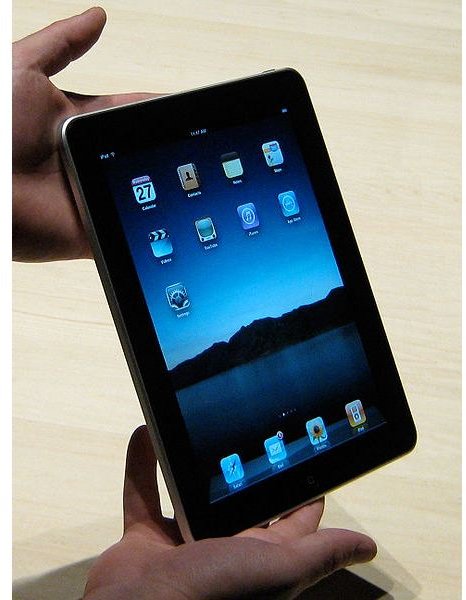
You don’t have to browse iTunes or Amazon to find books for iPad - try Project Gutenberg, which offers a free library of classic titles!
Read for Free on the iPad
Reading books on a portable device has become a popular pastime over the past few months, with the Apple iPad in particular becoming one of the top choices for anyone interested in storing and reading books in digital form.
There are many ways to read books on the iPad – the most common being to purchase and download titles from the iBooks app, available from the Apple App Store.
However if you cannot afford to regularly restock your iPad with top price titles but still want something interesting to read, you’re likely to be interested in free books for the device. There are many places online that you can take advantage of to download popular, classic and unknown titles to your tablet to read at your convenience.
iPad Book Formats
There are many dozens of ebook formats currently in use; the Apple iPad uses just a few of these to control content and the types of files that are synced to the device.
ePub – the most popular electronic book format, ePub can be read by many devices and software.
PDF – Adobe’s Portable Document Format can be read on the Apple iPad, allowing you to read corporate documents and private works.
iBooks – this is the same as ePub but with added DRM (Digital Rights Management)
In addition, you might also take advantage of free book offers from the following:
Kindle – using the Amazon Kindle app you can download and read books purchased from Amazon.
Barnes & Noble – as above, a Barnes & Noble app is available for the iPad.
Finding Free eBooks for iPad
There are over 30,000 free books in ePub format. These are located in the Gutenberg Library, available at www.gutenberg.org .
No fee or registration is required, and almost all books at Project Gutenberg are both free of charge and free to adapt and derive from.
The Gutenberg Library website isn’t the easiest to use – any of the alternative libraries that access Project Gutenberg might offer a more streamlined interface. However finding and downloading ePub documents from the library is easily done on your Mac or PC.
Downloading Free iPad eBooks from Project Gutenberg
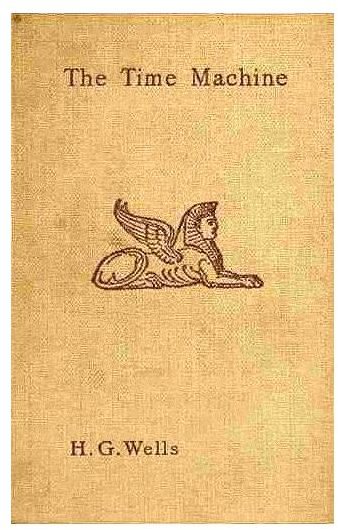
In order to download a book from the online Gutenberg Library and sync it with your iPad, first visit www.gutenberg.org and use the search tool on the left column to find a book that you want to read.
The Bibrec tab will display the Bibligraphic Record, information about the book and its author. The Download tab meanwhile can be used to select a suitable file format – to view the book on an iPad, download in ePub format.
When this is complete, open iTunes and go to File > Add File to Library…, then Browse to the ePub format document and click Open. The eBook will be added to the Books section in the iTunes Library, and when you have connected your iPad to your computer and you can see it listed in iTunes, right-click on it and select Sync.
You will then be able to read the free eBook on your iPad!
(Images via wikipedia.org)


