Looking for new ways to express your creativity with Paint Shop Pro? Try out some of these free plugins that can be downloaded, installed, and ready to use in minutes.
Paint Shop Pro Plugins
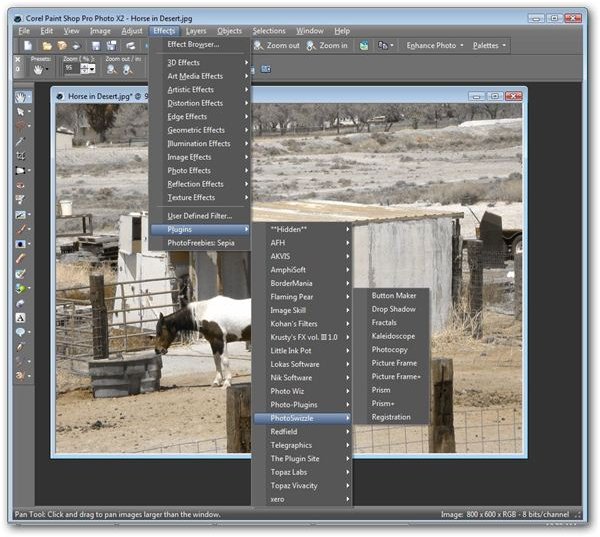
If you want to extend the photo editing capabilities of Corel Paint Shop Pro Photo X2 even further, there are a considerable number of plugins available for download, both free and commercial. These plugins cover a breadth of functions including applying special effects to images, getting rid of excess noise, and automating repetitive editing sequences.
Here, we’ll take a look at some of the best Paint Shop Pro plugins that are completely free and require nothing from you except download and installation. If this is the first time you’ve added a plugin to Paint Shop Pro and you have questions about how to load the application for general use, see the article Installing Paint Shop Pro Third-Party Plugins .
(Click on any image to enlarge.)
Also, check out what’s new in PaintShop Photo Pro X3 .
AmphiSoft Photo Tinter (5 out of 5)
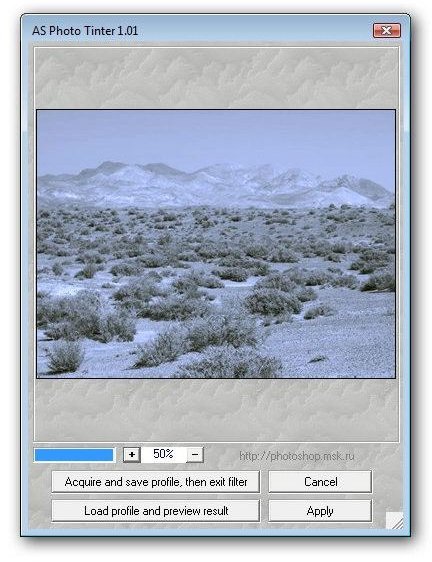
is a nice addition for those who spend a lot of time adjusting color tones in their digital photos. The feature that makes this plugin particularly useful is that it allows you to extract tone profiles from one image and apply them to another. Additionally, several profiles come bundled with the application, ready to be applied to existing photos.
The Photo Tinter plugin can also be used with Photoshop and several other image editors in the Windows environment.
Harry’s Filters 3 (5 out of 5)
Most free plugins that provide special image effects aren’t very comprehensive and usually only focus on one or two specific functions. However, Harry’s Filters 3 contains almost 70 different effects and even includes the functionality to let you create your own new effects and save them as presets within the plugin interface.
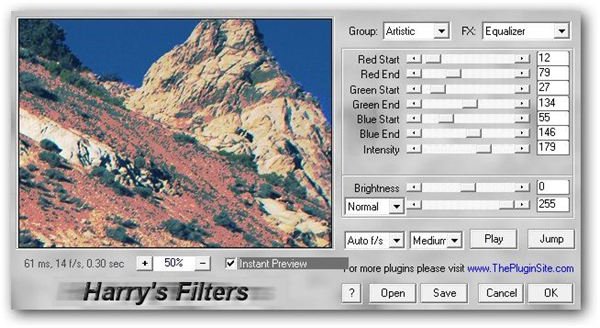
Even though Harry’s Filters 3 is a fairly lightweight application, its power rivals that of many commercial plugins. It has a very intuitive user interface and includes a basic help file explaining the function of each available setting. However, the best way to see what each setting does is to play around with the sliders, and see how the preview image is affected by the modifications.
3D Shadow (5 out of 5)
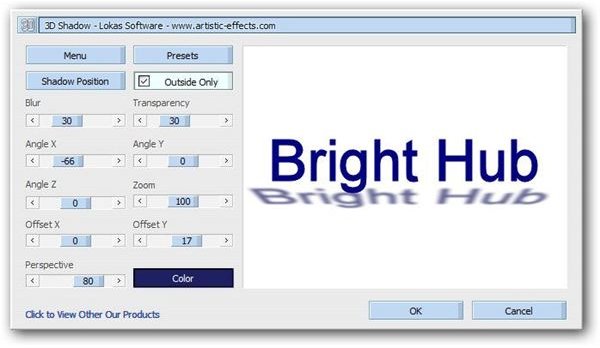
Although Paint Shop Pro Photo X2 has an excellent tool that can be used to create drop shadows for objects , it can take awhile to play around with the settings to find the exact look that you want to achieve. This process is made a lot easier with Lokas Software’s 3D Shadow plugin.
This plugin’s intuitive user interface includes a large preview window that is updated continuously as changes to the shadow effect are made. Several preset configurations come bundled with 3D Shadow, and you can even create and save your own customized settings for later use in other projects.
Flaming Pear Freebies Collection (4 out of 5)
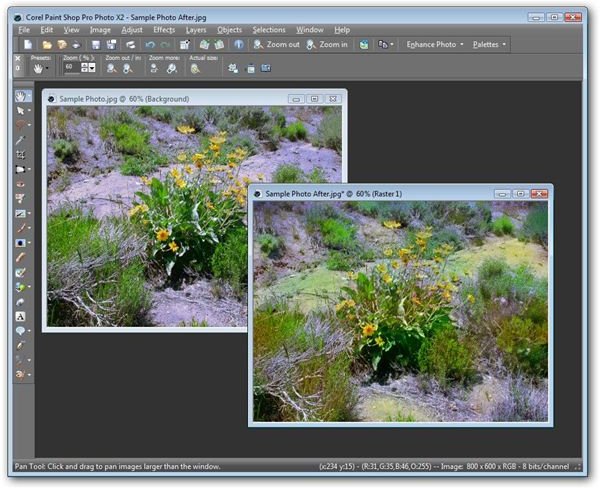
In addition to their commercial products, Flaming Pear also has a free plugin pack for Paint Shop Pro users. While the plugins in this group don’t offer the customization options found in many other selections, they do provide some very interesting effects by modifying color hues or brightness and by applying special warp settings.
Unfortunately, the plugins in this collection don’t have an option to let you preview changes before they are made to the digital photo, but that’s what the Undo button is for, right? They’re still well worth downloading and testing out on your images. Just remember, as you are testing you may want to take notes about what each plugin does as there isn’t a whole lot of documentation on this set.
Xero Graphics Free Plugins (5 out of 5)
Another large collection of free image effects can be found at Xero Graphics . Although there are over 40 different filters available here, they are packaged in bundles so you can download and install several at a time.
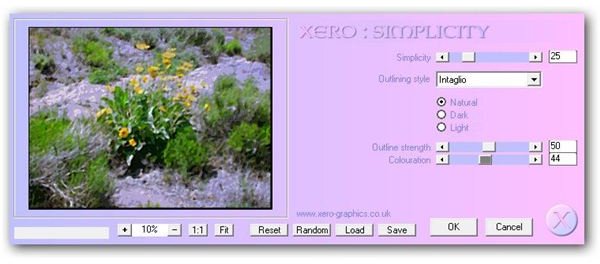
Each plugin has a preview page on the site so you can get an idea of its function before trying it out for yourself. Some of my favorites from this collection are Mistifier, which produces a soft haze-like effect, and Emphasis, which allows you to emphasize particular colors in a photo.
Filter Foundry (4 out of 5)
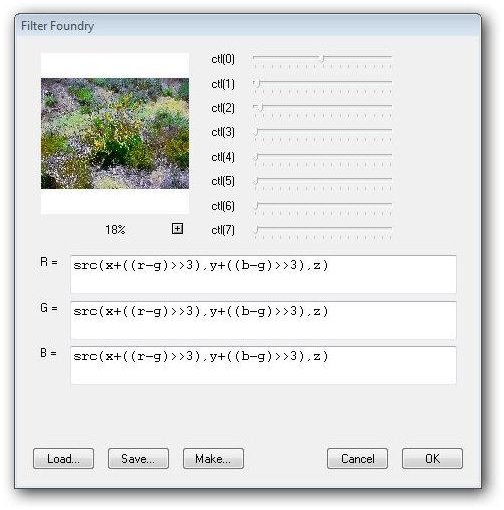
If you want to go one step further and create your own plugins for Paint Shop Pro filter effects, there are several applications available to make this process go smoother. However, most are commercial and some have pretty steep price tags (even though the added features they contain often make this price worthwhile). Filter Foundry , on the other hand, is a free alternative that’s pretty straightforward in terms of use once you’ve practiced a bit with it.
For those who are just getting started, Filter Foundry contains several sample effects that can be loaded into application as examples. Extensive documentation is also available if you want to delve deeper into the plugin’s capabilities.
BorderMania (4 out of 5)
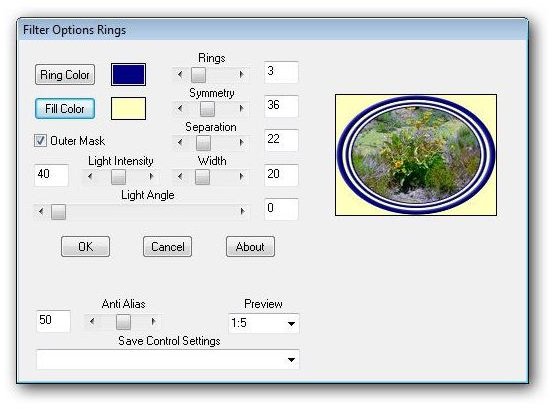
The BorderMania plugin for Paint Shop Pro contains nineteen different border effects that can be customized to create picture frames for your digital photographs or turn them into web buttons. If you do any digital scrapbooking or web design work, this plugin can save you loads of time.
Even though this plugin is very easy to use and the preview area allows you to see exactly how each setting will modify your photo, additional documentation on each filter in the package can be found on the BorderMania web site.
Craquelure 3D (5 out of 5)
Craquelure 3D is part of a free collection distributed by Redfield Plugins that can be used to create and apply textures to digital photographs. The plugin comes packaged with 13 preset filters and also allows users to save their own custom configurations.
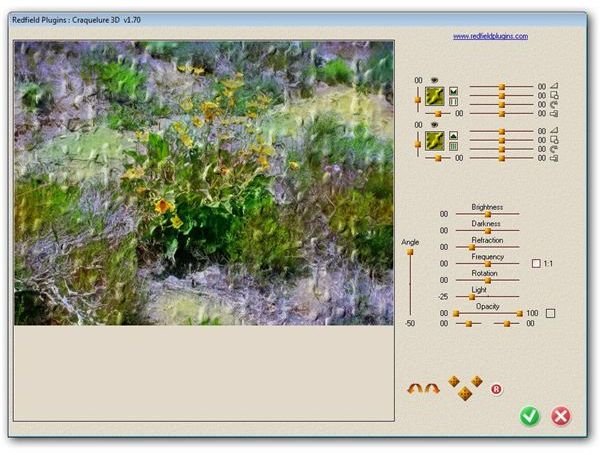
A particularly nice feature about this application is the Random Settings Generator that lets you create a completely new texture with just a click of a button. This new pattern can then be modified in the standard way by adjusting the sliders of various settings. Another great feature is the inclusion of an Undo button within the plugin interface, making it easier to experiment with new designs.
PhotoWiz PhotoFreebies Collection (4 out of 5)
The PhotoWiz PhotoFreebies collection contains 11 different plugins that are quite useful when making color adjustments to a digital photograph. One of my favorite tools in this set is the Desaturation Gradient that makes it possible to create an image that gradually transforms from black and white to color.
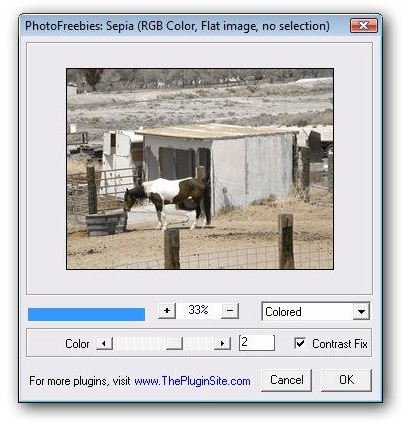
A few of the plugins in the PhotoFreebies collection immediately apply the changes to the photo being edited, but others have a basic dialog box in which you can make adjustments to the preset conditions and preview before actually applying to the image. If you really like the effects obtained by these filters but wish you had more control over them, PhotoWiz does offer more feature-rich versions of most of these tools at fairly reasonable prices.


