Top 4 Free Photo Editing Tools Online: No Need to Download Software
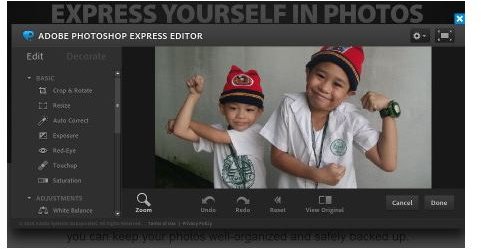
Photo editing usually requires a powerful photo editing software that can handle all kinds of image manipulation by using a multitude of tools. There are free software for this, but most of the time they can be quite expensive.
However, more and more online services are offering similar photo editing tools that are previously only available in desktop photo editing applications. Most of these online photo editing services offer free photo editing with no download required. You can now edit images and photos without the need to purchase or download bulky software. All you need is a browser and an Internet connection, preferably a fast one. Here are some recommended online photo editing web sites.
Photoshop Express
Adobe’s Photoshop image editor application is the most popular image editor in the world. It stands to reason that the desktop application should also have an online counterpart. Photoshop Express may not be as exhaustive and intricate when it comes to its image editing tools, but it covers the most common image editing tools that people require, including tools for cropping, color adjustment, resizing and red eye removal. Other features include a set of touch up tools to enhance photos such as the Sketch filter, the Soft Focus tool, the Pop Color tool, distortion effects and frames. It also offers an image hosting service, a photo organizer and a tool for creating slideshows.
Pixlr
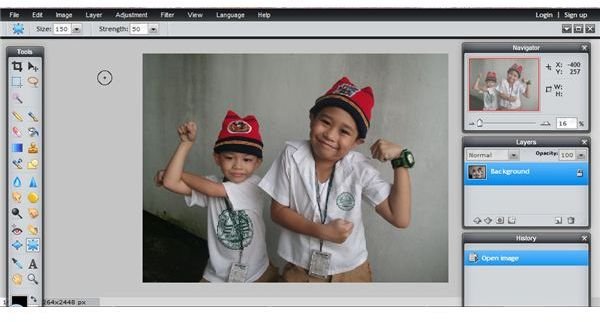
Pixlr claims to be the most popular and most advanced online image editor in the world, and the web site has enough advanced tools and features to back up that claim. Its set of features rival that of the most popular and powerful desktop photo editors like GIMP and Photoshop. It has a user-friendly interface which is similar to Photoshop set-up. To make things even easier for users, Pixlr has browser add-ons for Chrome and Firefox that let users easily load images into the Pixlr editor as wells as capture parts or the entire browser screen. For people who do not want the whole set of photo editing features offered by the Pixlr editor, there is the Pixlr Express part of the site where users can apply effects on images with a simple click of the mouse.
Splashup
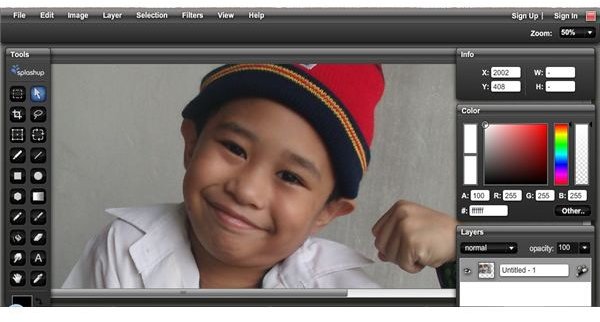
Splashup is one of the few online photo editors that supports layers, giving users a more in-depth and powerful photo editing experience. It also supports multiple image editing, which used to be an exclusive feature for desktop applications. Users can also use filters and brushes, allowing a complete suite of photo editing tools right in their browser windows. After editing an image, you can it to photo sharing accounts like Picasa, Facebook, Flickr and Splashup’s own image sharing service. There is a Light version of the Splashup editor that is perfect for mobile computers.
Aviary Phoenix
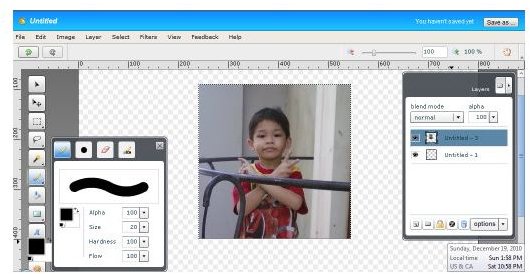
Aviary is a suite of online creation tools that include an audio editor, a music creator, a vector editor and an image editor called Phoenix. This image editor is simple enough to use for basic image editing tasks but it also powerful enough to handle more complex photo editing tasks. It is definitely a tool worth trying.