TiltShift Generator is a terrific photography app for applying creative edits to pictures taken with the iPhone.
Overview
Up until now, tilt shift photography has either required the use of expensive camera equipment or photo editing software such as Adobe Photoshop. With the introduction of TiltShift Generator by Art&Mobile , the selective focus effects of tilt shift photography can be applied to pictures taken on the iPhone.
While pictures edited using this app may not have the same quality of those taken using genuine tilt shift lenses, they do give these pictures a unique look and feel. As someone that takes lots of pictures with an iPhone, an application like this allows me to easily use the selective focus techniques of tilt shift photography to explore my creativity.
Interface and Ease of Use (4 out of 5)
One of my favorite things about this app is the simple user interface. To edit a new picture, tap Camera to open the iPhone Camera App and take a new picture. If you wish to edit a picture already in the Camera Roll, tap Album and select the picture to edit. To begin editing, simply tap one of the icons listed along the bottom of the editing screen.
The Blur setting allows you to adjust the type and amount of selective focus effect applied to the picture. You have the option of having a band across the entire picture in focus or only a circular portion of the picture in focus. The Color settings allow for adjustment to image brightness, color saturation and contrast. Selecting the Vignette setting will apply a vignette to the picture by darkening the edges.
After the edits have been applied, tap Save to save the edited picture to the Camera Roll or Export to send the picture in an email or upload it directly to Twitter. Overall, this application to be very easy to use and should give most users a fun and easy way to make creative edits to their iPhone images.
Usefulness and Value (5 out of 5)
If you are like me and enjoy using the iPhone camera to capture all the interesting things that catch your eye, TiltShift Generator is a terrific application to add to your collection. It may take a little time to get use to the look of the pictures edited with this app but seeing what it can do will certainly help you to explore your creativity.
This may be purchased at the iTunes App store for $0.99. At this price, I think it is a must-have app for anyone that has even a remote interest in getting more out of their pictures taken with the iPhone.
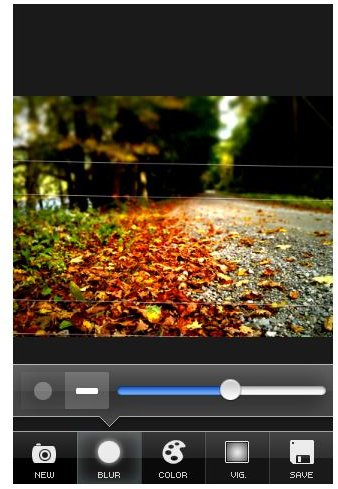
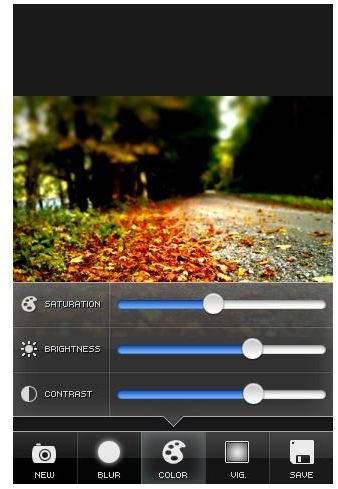
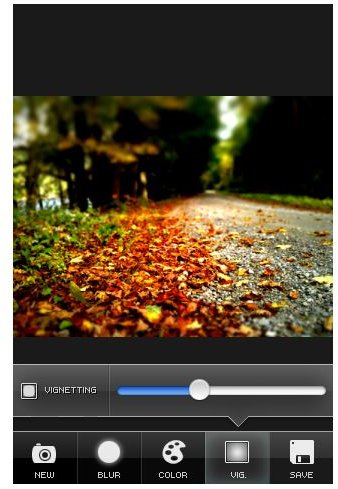
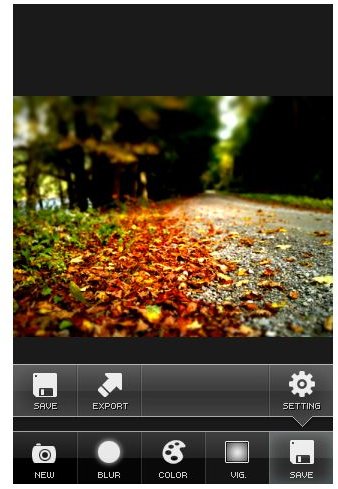
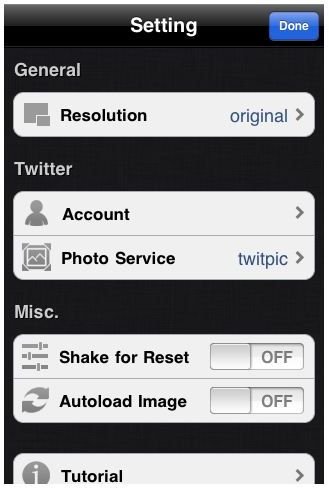
TiltShift Generator screenshots courtesy of Art&Media. https://artandmobile.com/tiltshift/


