How to Conserve Battery Life of your iPhone: Changing Settings to Save Battery Time
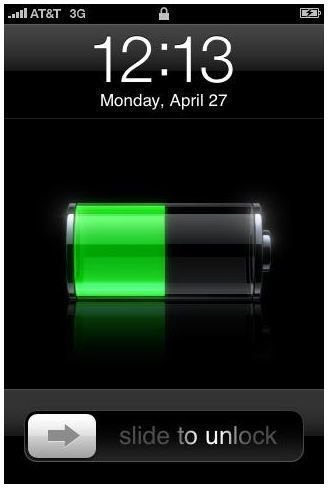
For most cell phone users, a long battery life is an important concern. With the iPhone, the battery life is better than most, considering the gorgeous, large touchscreen display. The new iPhone 3G S has better battery life for most functions, but there are always ways to improve the amount of work and fun you have on a single charge.
Bluetooth
For those of us who do not use Bluetooth headphones or speakerphones, make sure that this feature is disabled. Keeping this on, looking for Bluetooth connections, doesn’t make much sense if you don’t ever use a Bluetooth device. Go to Settings, the General tab, and then slide the Bluetooth setting to Off.
WiFi
There are essentially three avenues to connecting to the internet with the iPhone – EDGE network, 3G network, and WiFi. If you use the cell networks (EDGE/3G) to access the internet most of the time, make sure that you disable WiFi so that your phone is not constantly checking for hostpots (places with wireless internet connections). It only takes a second to turn it on when you actually need to use it. To disable WiFi, go to Settings, click on WiFi, and slide the WiFi setting to Off. This is one of the best ways to conserve your battery life, so if you don’t use the WiFi feature all the time, it’s probably best just to keep it off.
Another way to save battery life is by making the iPhone mail application check for mail less often. When you have time in your busy schedule to check your mail, you can always open the application and click the refresh button in the bottom, left-hand corner to update it manually. Go to Settings, Fetch New Data, and then click on Hourly (or manually if you don’t check you mail too often). In this way, you’re not making the phone constantly checking for new mail when you don’t have time to check it anyways.
These tips, obviously, will not apply to every iPhone user because it all depends on how you use the phone on a day to day basis. For me, tweaking these few settings have helped me keep a longer charge, which we can all agree is very important. I’d much rather take the time to flip a setting on than worry about my battery dying during an important call, wouldn’t you?