Looking for the best clock apps for your iPhone? Check out this list of the 10 best options with links and descriptions.
iPhone clock apps are available in abundance at the App Store. Digital alarm clocks, weather clocks, radio clocks, clocks that schedule your alarm based on your personal sleep cycles and themed clocks are just examples of what you can find. With so many options, it’s hard to pick a good clock app for your iPhone. To help you pick the best app for you, check out the top 10 iPhone clock apps:
1. Sleep Cycle - $0.99
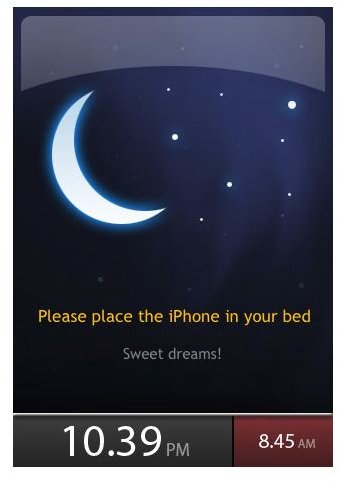
Sleep Cycle is an app that sets your alarm to wake you up according to your sleep pattern. Before going to sleep, open the application and set your alarm for the latest time you want to wake up. Once the alarm is set and the app is opened, set the phone on your bed and go to sleep. Sleep Cycle uses the accelerometer in the phone to analyze your REM stages of sleep (based on movement of the bed). When the time for your set alarm is near, the alarm will go off at the lightest stage of sleep possible (within a 30 minute window). The app claims that this technology will help you wake up feeling more rested. When you do wake up, you are provided with a graph that charts your sleep analysis.
2. Alarm Clock Free - $0.00
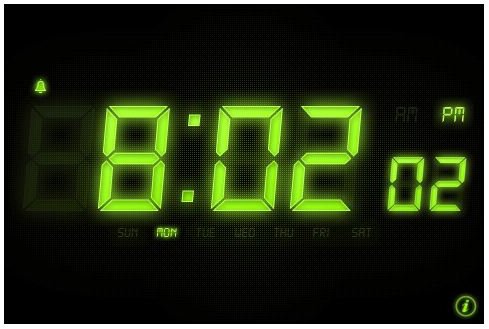
Alarm Clock Free turns your iPhone into a digital clock and alarm clock. There is nothing fancy about this app, but it is free and gives you the basics of what you need.
3. Alarm Clock Pro - $0.99
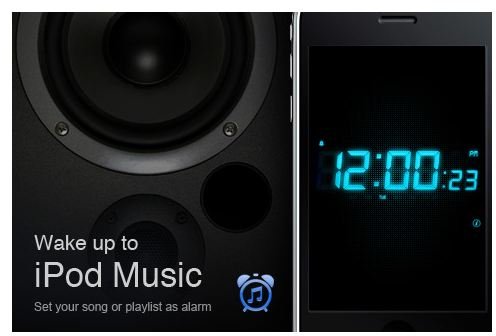
Alarm Clock Pro is a beefed up version of Alarm Clock Free. Alarm tones can be set to songs stored in your iTunes library. Select from different clock themes as well. For only $0.99, Alarm Clock Pro is a great choice.
4. Absalt EasyWakeup Classic - $9.99
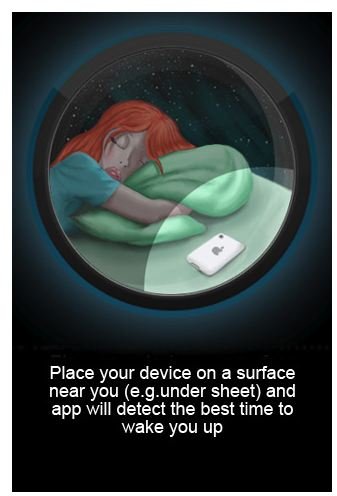
Another app based on sleep cycle research, Absalt EasyWakeup Classic works similar to Sleep Cycle. The app costs $9.99, more expensive than Sleep Cycle because it has more options and allows you to program your alarms for the entire week. If you want the bells and whistles, along with the option to wake up to music from your iTunes library, the $9.99 is worth it. If you only want the sleep cycle technology, you’ll save quite a bit of money by going with Sleep Cycle.
5. Best Alarm Clock FREE - $0.00
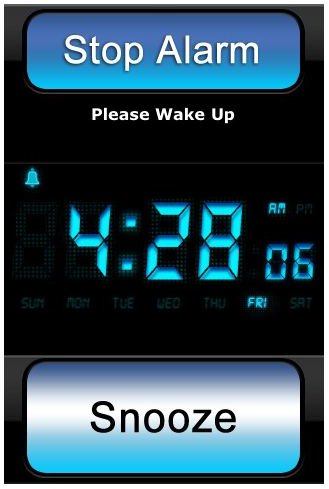
Best Alarm Clock FREE is a digital alarm clock that features the current weather conditions and temperature. This app offers more basic weather conditions than other apps, but is well worth it for the price…free.
6. The Alarm Clock - $0.99
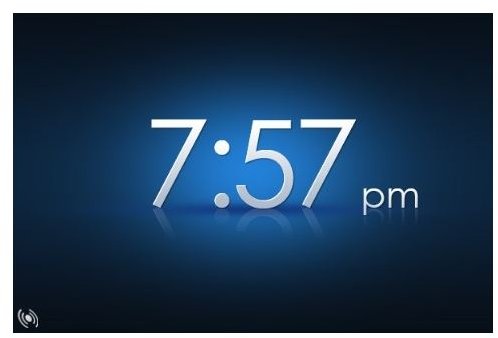
The Alarm Clock is a basic clock and alarm. Program alarms to use songs from your iTunes library. One cool thing about this app is its option for voice readout of the current time.
7. Nav Clock for iPad/iPhone - $2.99
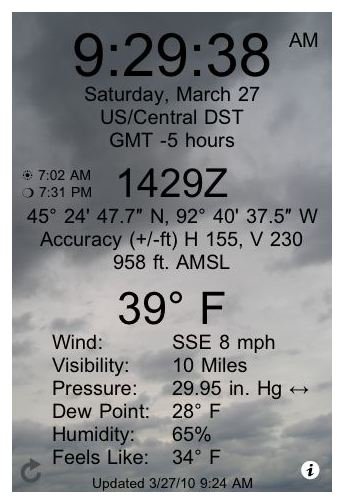
Nav Clock for iPad/iPhone is a weather station clock. The comprehensive display features the time, date, time zone, current temperature and other weather forecast information.
8. Hard Awakening - $1.99
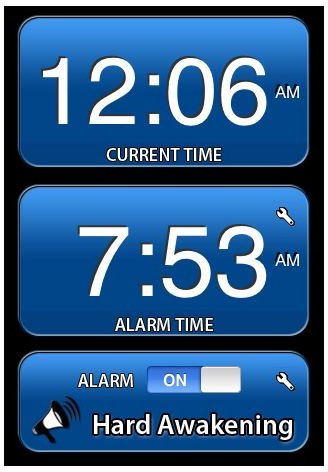
Hard Awakening doesn’t wake you up gently. This app is for the hard sleepers that have a hard time waking up. Use pre-programmed alarms or music from your iTunes library.
9. Relax Alarm Clock Pro - $4.99
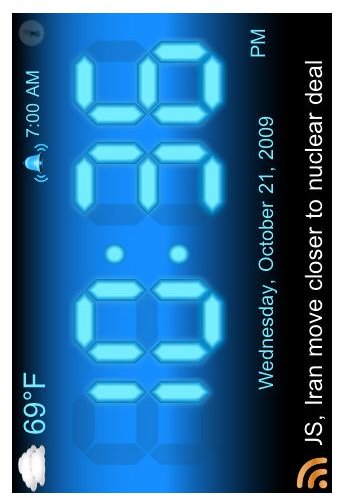
Relax Alarm Clock Pro works the opposite of Hard Awakening. Relax Alarm Clock Pro wakes you up to soothing sounds. Choose from 70+ pre-programmed sounds (such as forest rain and beach waves). The soothing sounds can be played at any time, with or without an alarm.
10. Atomic Clock - $1.99
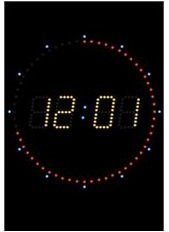
The Atomic Clock app displays the precise time according to the Apple Time Server. Atomic Clock syncs automatically. The alarm allows you to choose music from your iTunes library for your alarm.


