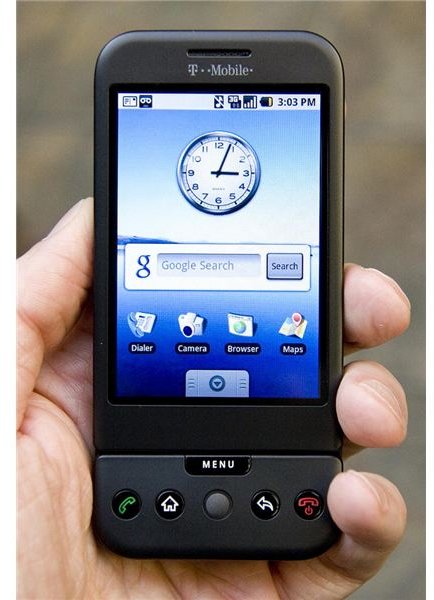
Want to unlock your T-Mobile G1 so you can use it on a network outside of T-Mobile? If so, you will need to understand how to unlock your device. This step-by-step guide will show you how to unlock your G1.
Unlocking your mobile phone offers you the basic freedom to be able to use any SIM card with your phone. When finished, you will be able to use the SIM card of any operator of your choice, and hence be free to use any SMS plans, data plans and call plans you want to. To unlock your T Mobile G1, you basically need the device’s unlock code which is based on your mobile phone’s serial number. Unlocking your mobile phone removes all the restrictions placed on it by your mobile phone operator.
There are many ways to unlock your T Mobile G1 – all of them involve manually entering the unlock code into your G1.
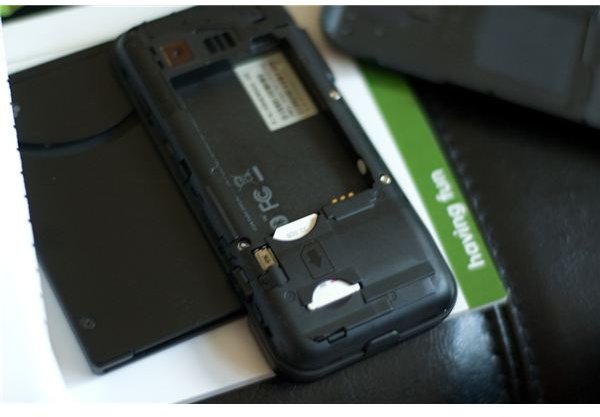
To get your unlock code, you will first need to obtain your IMEI code (International Mobile Equipment Identity Code) which is unique to every phone. It is usually printed under the battery compartment of the phone.
An easy way to find out your IMEI on your T-Mobile G1 is to enter *#06# on your device’s keypad and dial it. You will then see your 15 digit number. On a side note, it can be used by your network operator to identify stolen mobile phones and block them.
There are 2 separate steps you can take to get your unlock code:
Get Your Unlock Code Officially
To get your unlock code officially from T Mobile, first get your IMEI number by entering *#06# and pressing enter. Call T-Mobile customer care at 1-800-TMobile or send a message to a Live Chat representative online and ask them to provide the unlock code by giving your IMEI. They have a policy to provide free unlock codes 40 days after the purchase of any device on a postpaid plan and 60 days after the purchase of any device on a prepaid plan.
Get Your Unlock Code Unofficially
To get the unlock code unofficially, you can visit sites such as www.unlock-tmobileg1.com or more widely known sites such as dream.unlock-now.com . These companies provide you with a serial code based on your IMEI code for a small fee.
Enter Code to Unlock T-Mobile G1
After you obtain your unlock code, you will need to enter the code exactly as you are told. The unlock process for the T-Mobile G1 device is simple, just insert a non T-Mobile SIM card into your G1 and it will ask you for your device unlock code, enter it and your phone will be unlocked.
You can now use your G1 with any operator. Also, remember to enter the APN settings for your new operator in order to activate your G1, you can find this info from your carrier’s customer service department or online in most cases.
References
- Google Android T-Mobile G1 Phone Unboxing - -11 by jugglerpm under CC BY 2.0 .
- T-Mobile G1 launch event by MobileBurn under CC BY-SA 2.0 .
- T-Mobile: SIM Subsidy Unlock Code, http://support.t-mobile.com/docs/DOC-1588


