Adobe released a new version of its Dreamweaver Web design software last year. By now, the usual first release bugs have had a chance to be resolved. How does this latest version compare to Dreamweaver CS3? Is the upgrade price worth the money? This comparison may help you decide.
Major Improvements in CS4
Note: For more recent Dreamweaver coverage, see Bright Hub’s review of Dreamweaver CS5 .
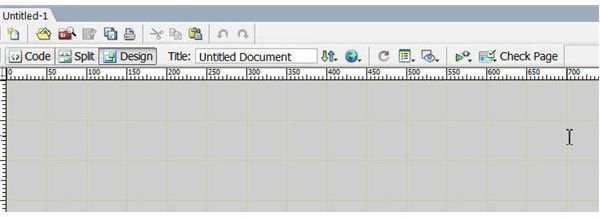
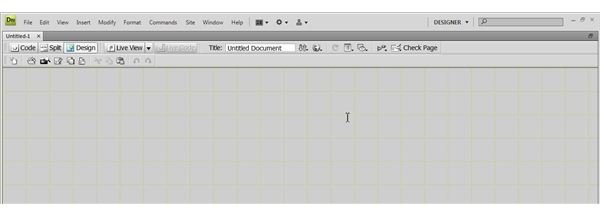
In CS3, in order to preview a page in a browser on your PC without uploading to a live site, you have to make certain the testing server is set up correctly, usually in the inetpub/wwwroot folder established by Microsoft Internet Information Services. This can involve working to make the folder into a virtual directory, which depending on individual security settings can be a bit of a problem. While this is still true in CS4, the new version adds a feature called “Live View” on the design bar. This lets you see during the design phase exactly what a user would see in a browser when the site is live. This can be helpful in troubleshooting since you can see what is happening in a Javascript as it runs.
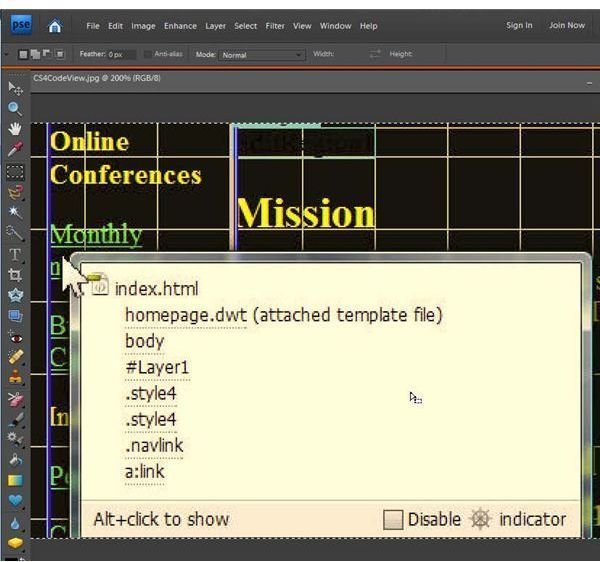
When you want to edit CSS styles in CS3 you open the CSS panel and find the particular style you want to change. This can be cumbersome. In CS4, a new option called the Code Navigator lets you place the cursor on any item on a webpage and press “Alt-Click.” This instantly opens a window that lists the external files and CSS items associated with the section. Hovering over one style opens the current properties such as size associated with that style. Pressing “Alt-Click” again opens the actual code involved.
CS4 features an enhanced method to read datasets and store data in an HTML table. It also includes a way to link external items like a Yahoo! UI calendar widget using the new Extension Manager to a Spry dataset and display it on your webpage. This is not possible in CS3. CS4 also adds four new Spry wizards to13 available in CS3. These are the Spry Validation Password, Spry Validation Confirm, Spry Validation Radio Control Group, and Spry Tooltip. CS4 drops the Spry Table.
Several other enhancements may or may not be applicable to your particular environment such as a “Related Files” view or expanded support for Javascript.
Cosmetic Improvements
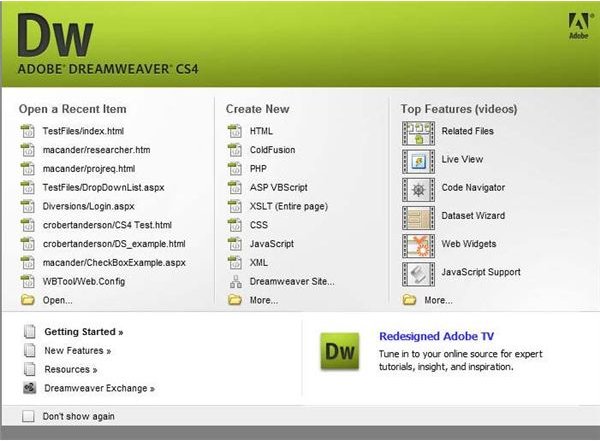
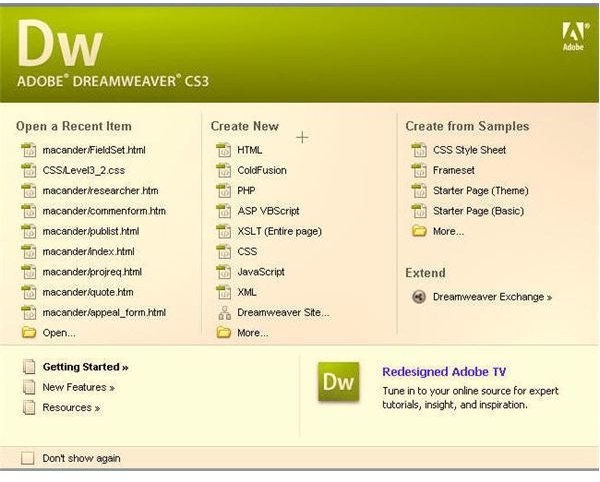
CS4 now uses the same interface as all other CS4 programs like Photoshop. There is a panel-oriented approach rather than multiple view/ insert screens. The panels expand or collapse to an icon, leading to a cleaner display. The opening screen in CS4 is a bit more helpful than CS3 and includes direct links to video tutorials on new features.
Bottom Line
The upgrade price of $199 may seem a bit hefty for the number of new features added if you are only using Dreamweaver CS3 to create and maintain simple Web sites. If the consistent interface between multiple Adobe programs means nothing for your uses, then this enhancement may not justify the cost. As with any new version, there will be a learning curve. Some of the time-tested features in CS3 either do not work exactly the same way or, as with a common user complaint, are “hidden.”
If you are going to make the plunge, it is probably better to drop CS3 because otherwise trying to use both will cause problems. One version may override the other when you open it. In reviewing the two, it appears that both cannot be opened at the same time. In addition, when you have been working with CS4 and shutdown, trying to open CS3 from the Start menu ends with opening CS4 instead. Adobe does make a 30–day trial version available though, so there is plenty of time to make a decision.
CS3 vs. CS4 Images