With the help of the Papervision 3D engine, you can create various shading effects for your Flash gaming project. Read on to learn more.
Shading is a technique used to highlight a 3D model against a light source. In previous articles no shading at all was used – the models appeared to be uniformly lit. While fast, this lack of shading does detract from the visual appeal of the 3D model.
Papervision 3D supports a number of shading methods, 4 of which will be demonstrated here.
Object Highlights
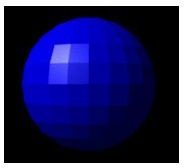
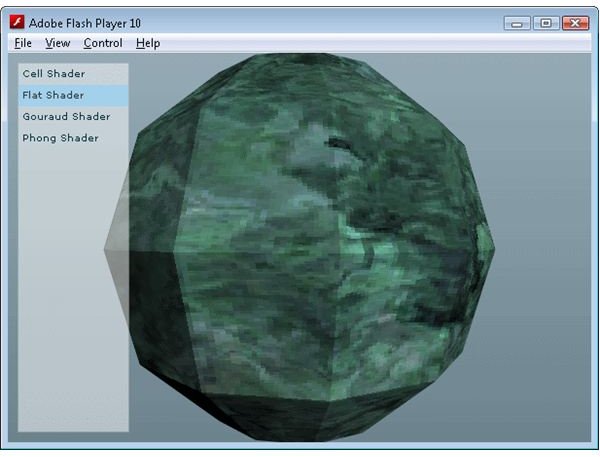
Flat shading is a very simple shading technique where each polygon in the model has the same lighting value. It is very quick to calculate, but the polygons do stand out giving the model a very sharp look.
Cell Shading
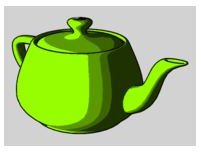
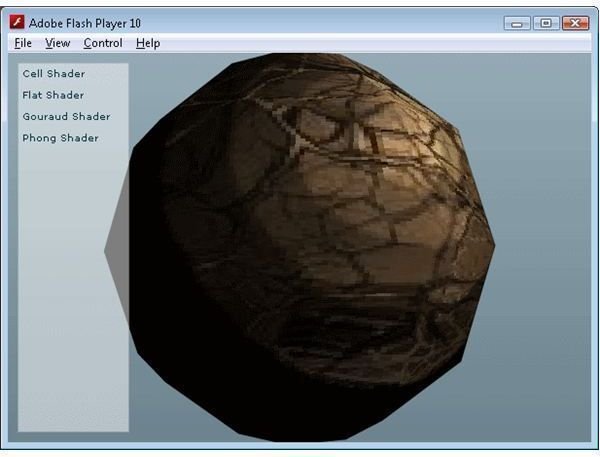
Cell shading uses a number of discrete lighting levels to produce a simple, flat lighting look. This is commonly referred to as cartoon shading as the end result looks like the simplistic shading often employed by hand drawn cartoon images. It is quite fast to render, and when used in conjunction with simple textures can product quite an appealing look.
Gouraud Shading
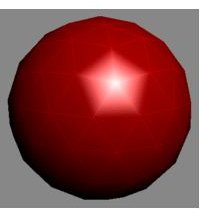
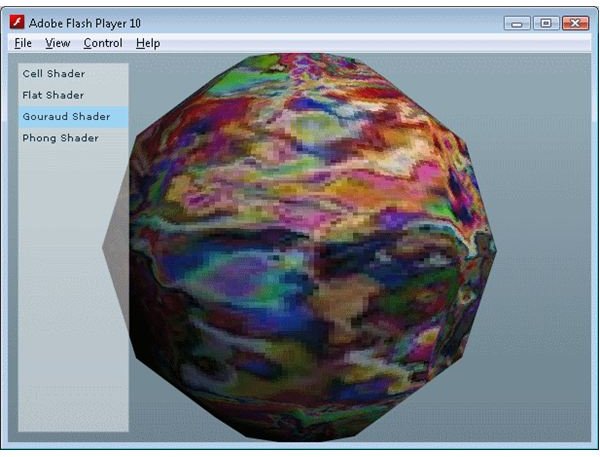
Gouraud shading attempts to highlight a model by applying lighting values to each vertex of a model, and interpolating between them. For high detail models this is quite an effective, and quick, technique. However for models with lower triangle densities the specular (i.e. shiny) lighting can appear to jump across the model. Given that all 3D rendering done with Papervision will almost certainly involve low polygon models this may prove undesirable.
Phong Shading
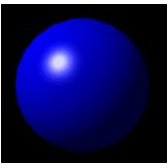
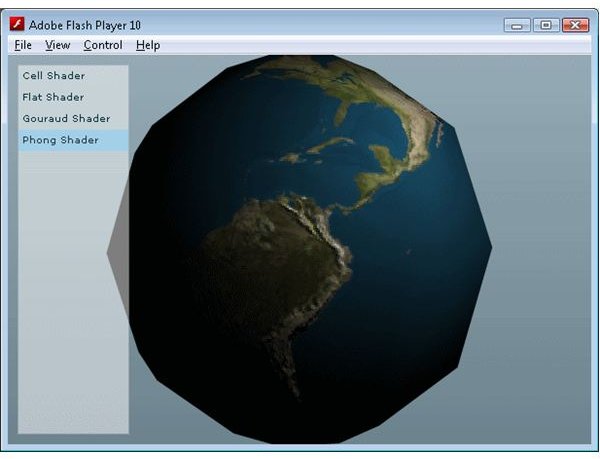
Phong shading is the best looking, but most computational intensive, shading technique available in Papervision 3D. Unlike Gouraud shading, Phong shading applies a lighting value to each pixel, avoiding the issue of an inconsistent specular lighting effect. Papervision 3D also allows bump maps and specular maps to be applied to the Phong shader to add an additional level of realism.
To demonstrate the differences between the different shading techniques I have created a demo that applies each of the 4 techniques above to a sphere. Check out the Flash demo , and download the source code .
Images
Related Article
Away3D Programming Tutorials - Phong Multipass Material
This free article shows you how to use the new PhongMultipassMaterial class in Away3D
This post is part of the series: Papervision 3D Flash programming tutorial
A series of articles that show you how to use the Papervision 3D engine to create Flash 3D effects in your web pages.
- Papervision 3D Programming Tutorial - Loading and Displaying a 3D Model
- Working With Particle Systems in Papervision 3D
- Papervision 3D Programming Tutorial - Modify Textures At Runtime
- Using WOW Physics With Papervision 3D
- Shading in Papervision 3D
- Creating Effects With Papervision 3D
- Animated Textures in Papervision 3D


