Google Blog Search isn’t the same thing as the regular Google Search that we all know and often use. Using this handy tool can do more than limit your search results to blog. It has a few tricks of its own to make things easier for you. Discover its secrets.
Many of us may revisit the same blogs on a regular basis. However, with so many valuable blogs on the web, we have to expand our world a little to meet the people we would otherwise not meet. Google Blog Search differs from Google’s regular search in that it limits the searches to blogs rather than any online content.
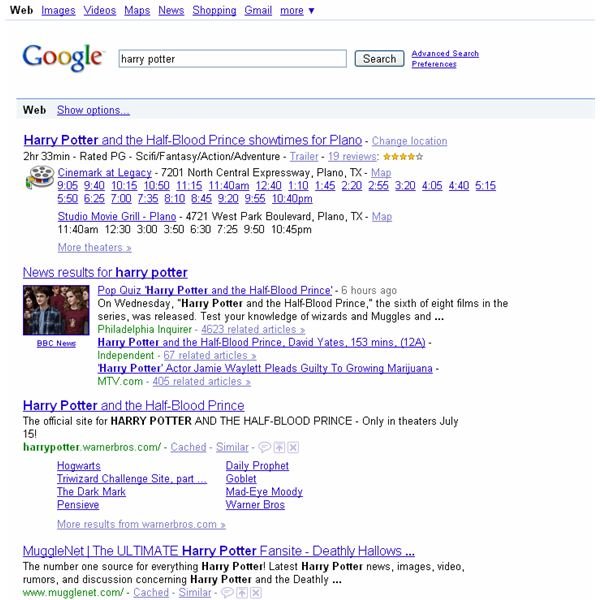
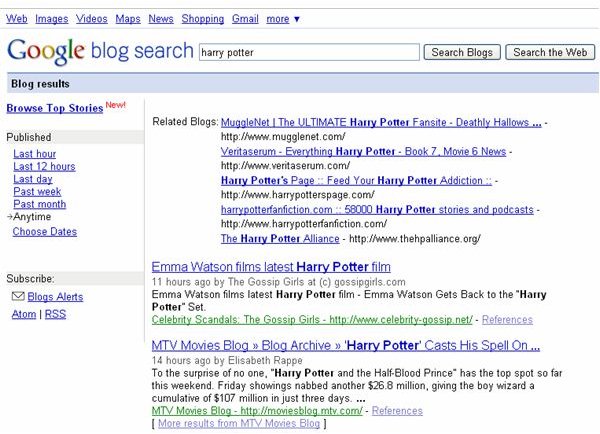
If you use Google.com to search for say, “Harry Potter,” you’ll get results from every type of site known to humankind. This includes encyclopedias, spam sites, fan sites, forums and more. Search for “Harry Potter” at https://blogsearch.google.com/ to knock cut out the noise and see only blog results.
Look at the next two images. The first shows the results of “Harry Potter” in Google Search and the second limiting the search to blogs.
Using Other Features
After running a search, you can narrow down your results by the publishing time from “last hour” to “choose dates.” We know how news goes out of date online in almost an instant, so you can make sure you have the latest results, if timing matters. You can also change your sort from “by relevance” to “by date.” You may prefer to keep it on “by relevance” and then use the published time to control the freshness factor. When search for a general term, relevance will provide better results.
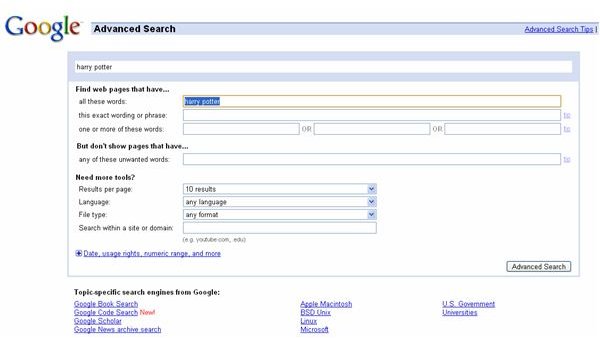
Like regular Google search, Google Blog Search offers Advanced Search options. Both advanced search options work the same way. The only difference comes in what Google searches (blog vs. internet). The next two images show you the regular Google advanced search and Google Blogs advanced search.
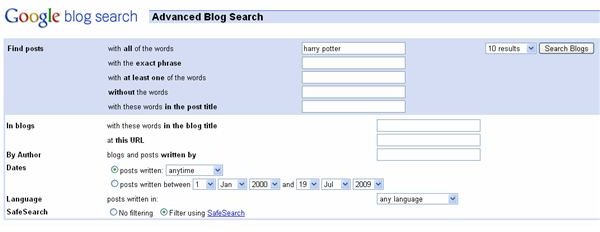
Google Blog Search uses the standard Google Search operators such as link, site, intitle as well as its own operators such as inblogtitle, inposttitle, inpostauthor and blogurl. If you enter “inblogtitle harry potter,” it returns only sites that have “Harry Potter in their blog titles. To expand beyond blog titles and look for posts, use “inposttitle harry potter.”
Spammers, of course, find their way into almost every keyword. You can report spam in the Blog Search index by submitting a spam report . Is a site using your blog’s content without your permission? You can also report copyright infringement .
Submitting Your Blog
Your blog doesn’t have to run on Blogger.com, Google’s blogging application, to appear in the results. If your blog isn’t included, review the Google Blog Search Pinging Service FAQ to automatically ping your blog. Add your blog to Blog Search to manually submit your blog.


