How to Program a Philips Universal Remote Using Code Search and Direct Codes Entry Features
Getting Started with Philips Remotes
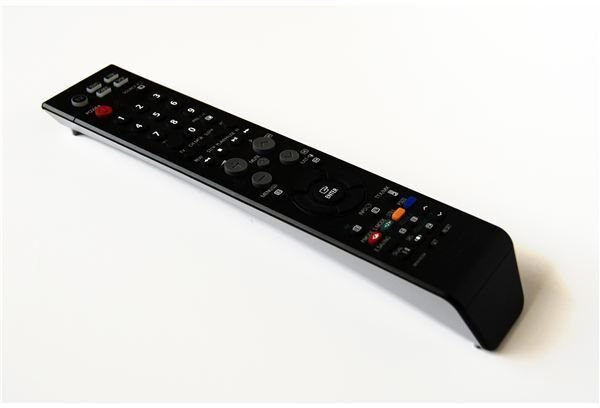
Philips offers dozens of types of universal remote controls, from the standard long black type to sleek, extremely high-tech touchscreen models that program themselves. Fortunately, though, the models that require programming all follow the same, basic, easy to follow steps. Before beginning the process of programming your universal remote, note how many devices your particular remote is capable of controlling. Then, consider which devices you want to program whether it is your TV, DVD, DVR, stereo, or other electronic and home theater equipment. Start with the first device and follow the steps to program your Philips universal remote all the way through. When you are finished, complete the steps for the second device, and so on. Photo Credit: sxc.hu/Asif Akbar
Program the First Device by Entering Direct Codes
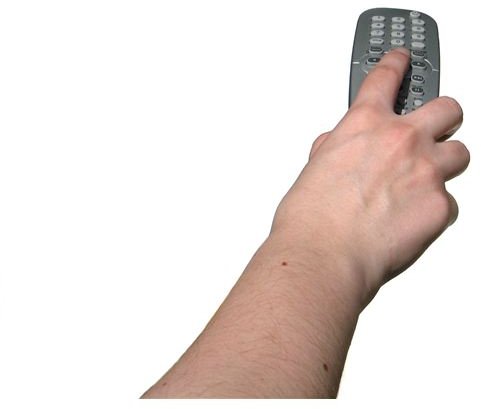
Your Philips universal remote control comes with a list of codes for devices by brand name. Find the first code for the brand name and type of device you wish to program. Turn all of your devices off, and then manually turn on the device you want to program. Press the Setup button on your the universal remote and continue to hold it down until the indicator light stops flashing and remains solid. Release the Setup button. Press the Mode button for the type of device you want to program on your Philips universal remote, such as the TV or DVD button. Release it immediately and make sure the indicator light is illuminated. Enter the first possible four-digit code on the universal remote, and then press another button on the remote to see if the device is now programmed, such as the volume control or power button. If the device responds, you have successfully programmed your Philips universal remote. If not, turn the device off and back on and follow the steps again using the next code on the list. Repeat until the device successfully responds. Photo Credit: sxc.hu/sanja gjenero
How to Program a Remote Using Code Search
Your Philips universal remote has a built-in code search feature that will find the correct code for your device. This process may take longer than using direct code entry, but can be helpful if you do not have access to the code list or if the brand for your device is not listed. Make sure all of your devices are turned off, and then manually turn on the first device. Press the Code Search button and hold it down until the red indicator light stays illuminated. Press the Mode button for the type of device you want to program on your Philips universal remote, such as the TV or DVD button. Release it immediately and make sure the indicator light is illuminated. Press either the Channel button (on a television or stereo, for example) or the Play button (on a device without channels, such as a DVD player or DVR) until the device responds. You may have to press the button up to 300 times. Each time you press the button, the Philips universal remote tries a new code. When the code works, press the Mute button on the Philips universal remote and the code will be stored.
More Information
Want to learn more about universal remote controls? Check out the Bright Hub articles How does a Universal Remote Control work? and How To Convert Your Symbian Phone into a Remote Control.
References
- Philips Universal Remote Control Code Finder; http://www.p4c.philips.com/cgi-bin/dcbint/urccf.pl?slg=EN&scy=US