Plenty of error cleaners exist for Windows Vista on the Internet. We tried a few out and here’s how well they worked…or didn’t.
What Are Error Cleaners?
As you use your computer, the Windows OS keeps on modifying the registry and creates several logs, temp files and more. While the log and temp files accumulate as junk on your computer, making it slow, the registry may often go corrupt due to other reasons. The focus of Vista error cleaning programs is to fix the registry and to remove the junk so that your computer functions better. When dealing with the registry, the error cleaners should be able to parse the registry for broken pointers, duplicate entries and more, so that they can be removed or corrected in order to let the machine function normally.
The following are some of the error fixers we tried. Just check them out below.
Microsoft Fixit
We’ll start by mentioning the free Fixit from Microsoft. This tool fixes errors in your system registry which cause problems that make some drive letters disappear in Windows Vista.
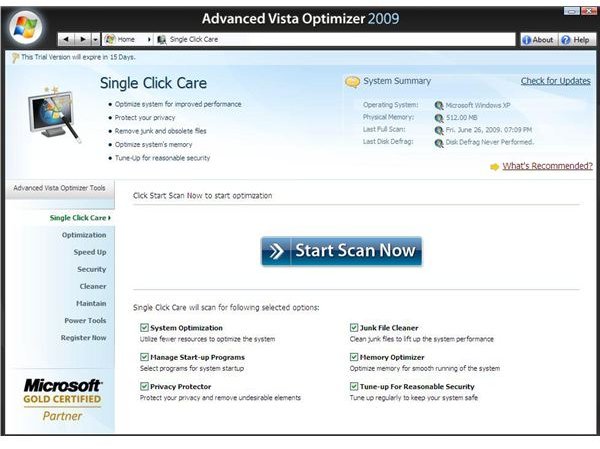
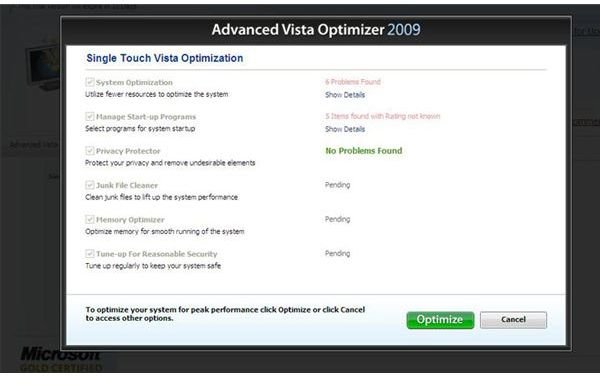
Advanced Vista Optimizer
The application from Systweak contains a plethora of tools (around twenty-five) in a single user interface. In addition to cleaning and repairing errors in the Windows Vista registry, it offers a disk cleanup tool to remove unneeded files and save space. It also defragments the Vista registry thereby optimizing it for speed. It also includes other features like disk defragmentation, data encryption and privacy protection, as well as several tweaks that allow for faster shutdowns and booting.
AVO is free to use for a month, and should you wish to use it further, you can purchase it at around $35. For a person who would like to use a single piece of software for most of his/her computer maintenance and tweaking tasks, it’s a decent deal.
Vista Error Cleaner
The second most popular tool I found is Error Cleaner from FreeVistaFiles that removes errors from the system registry. It also offers you a privacy and clean-up option by removing temporary files and cookies. The software also includes a Cookie Manager so that you can specify the cookies that you do not intend to delete while chosing to clean the computer.
It is free to use for 60 days, then they want USD $39.99. You can purchase it at freevistafiles.com.
Windows Vista Cleaner
The Windows Vista Cleaner is quite popular and works well on Windows Vista to scan the registry for errors. It removes and fixes Windows registry errors. It also contains an option to remove temporary and log files, and you can also remove the cookies and history traces to protect your privacy. The best thing about this software is its easy to use interface.
This software is also shareware, with a free trial period of 60 days during which you can decide if the software is working properly. If you want to continue using it, you need to buy it for $29.99 from freedownloadcenter.com.
Comodo System Cleaner - Old is Gold
Even though there are several tools rising up almost every day with plenty of claims to improve your computer, not all are reliable. To be honest, some of them can do more harm than good. I personally recommend Comodo System Cleaner to keep your computer error free and running well.
The software has been around for a considerable time and has proven to be among the best. It has a registry scanner and the option to get rid of unwanted junk files to boost the performance of your computer. The best thing about this software is that despite the popularity it enjoys, the program is still free to use.
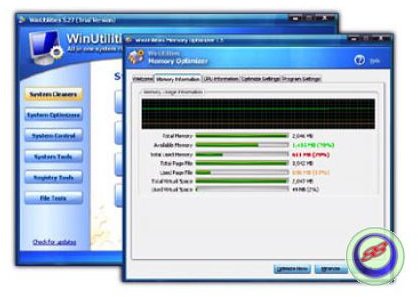
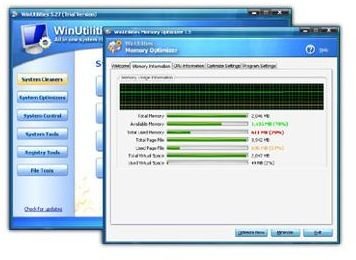
Screenshots of Windows Vista Error Cleaner
References
Microsoft Fixit, https://go.microsoft.com/?linkid=9645377
Advanced Vista Cleaner, https://download.cnet.com/Advanced-Vista-Optimizer-2009/3000-2086_4-10162883.html
Vista Error Cleaner, https://www.freevistafiles.com/Error-Cleaner+Error-Cleaner.html
Windows Vista Cleaner, https://www.freedownloadscenter.com/Authors/Vista_Cleaner.html
Screenshots by the author, from the related software
Based on author’s own experience with Windows Vista error cleaners


