Differences Between Windows XP and Windows 7: A Comparison of the Two Microsoft Operating Systems
Migrating from Windows XP to Windows 7
I’ve been planning, in my head, for this day for quite some time now. The last time I formatted any of my systems, let alone the notebook that is my main machine, was almost 3 years ago. To be frank, Windows XP had become so slow that I could not wait for the release candidate of Windows 7. Release candidate means that Se7en is beyond the beta testing phase and is OK for casual use, but not quite “bug free” yet.
I did my homework well. I backed up my files, created a virtual machine (using VMware’s free tool, VMware vCenter Converter) on my main partition, and created emergency bootable media, just in case I needed to come back to Windows XP, heavens forbid. Don’t get me wrong, I loved Windows XP, but over the course of 9 or so years, I’ve learned to hate the aging operating system. This became especially acute when Vista was introduced (which I did not adopt out of pure laziness) and I saw all the new ‘stuff’ that came along with it.
I inserted the Windows DVD, restarted my machine, and began the installation process. Surprisingly, not too much was required for it to install, and soon afterwards it was done. I was running 7 for the first time ever!
Hello Windows 7!
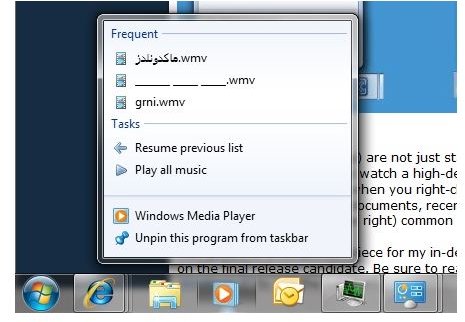
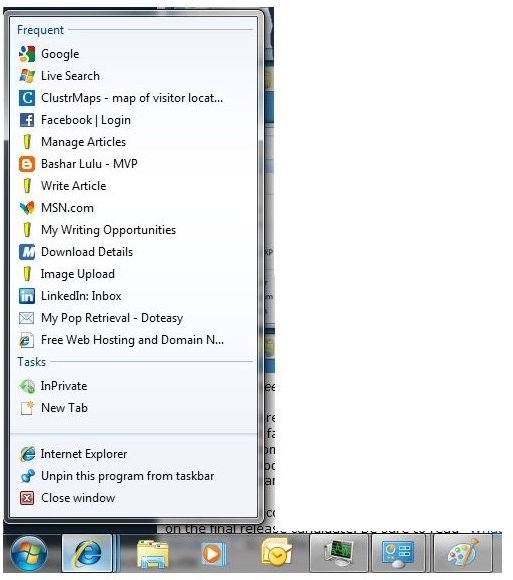
You will not believe how happy I was when I first saw the new features in Windows 7. It was full of “cool” stuff, including the new taskbar, dubbed the “power-bar” by many. However, it was very much like Vista, albeit maybe with a new default background for the desktop. Perhaps the most important thing I wanted to check out was Window 7’s speed, it’s responsiveness and it’s memory utilization.
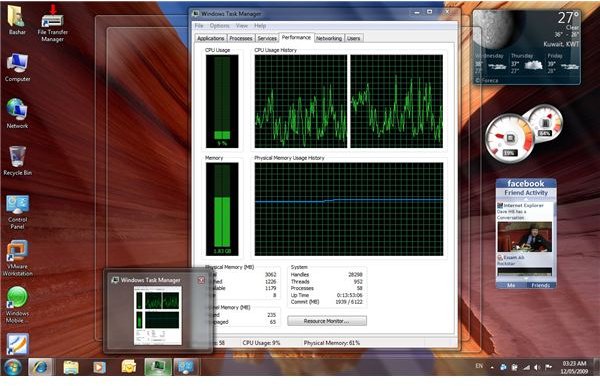
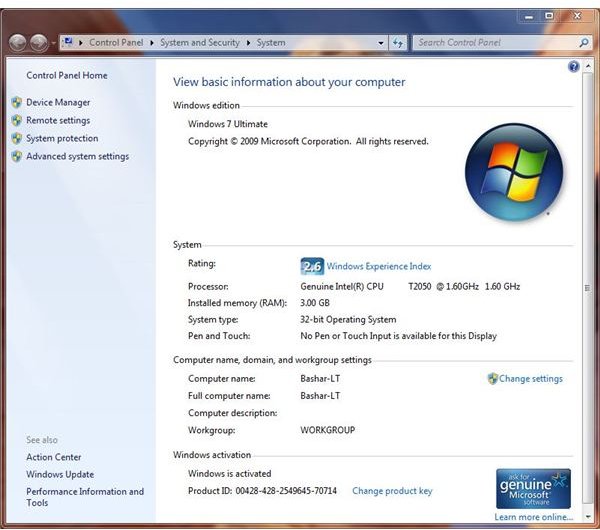
Needless to say, I was terrified when applications started to freeze up on me, even if they did work fine for a while. IE8 froze, Media Player froze and even the taskbar froze. I could not understand what was wrong. Another thing that disturbed me was that Windows 7 was using way too much memory, even on my 3GB RAM “Vista Capable” three-year-old Gateway.
For your info, the first thing you should do after you install Windows 7, or any other operating system really, is to check to see if your drivers have installed successfully for all your hardware. I failed to do this, seeing as it’s been so long since I’ve last done this. My ‘”Mass Storage Device” had not installed correctly and this caused 7 to pause every few minutes with abnormal hard disk activity. That was what was causing the intermittent “freezing,” and my nightmares. I didn’t want to revert back to XP. As soon as I’d installed the updated driver from Gateway’s webpage (I downloaded the Vista drivers) , the problem was fixed and things never looked better.
Key Differences Between Windows XP and Windows 7
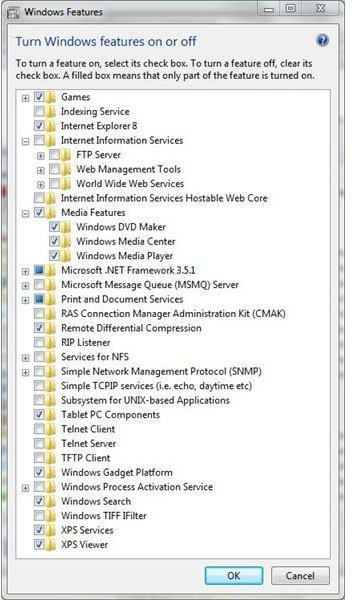
I have to admit that I didn’t see this coming. Windows 7 has been exceptionally responsive, and delightfully nimble, especially after installing the driver update. Back on Windows XP, IE8 was exceptionally slow and buggy, to say the least, however, on 7, it was much better. I thought things would be better, but not this good. And the more time I spend with the new operating system, the more I fall in love with the new OS. By default, there are so many “features” installed that you can almost see the new wave of anti-trust cases creeping up on Microsoft. However, you are able to turn almost all of them off.
And the cool factor is way up there. I mean things like previewing windows without activating them. I mean wiggling a window to make it the only one standing (minimizing all other windows). Dragging a window to the left edge of the screen to dock it there and then dragging another window to the right edge to view them side-by-side. I mean, with “Aero Peek,” hiding all active Windows to view the desktop without a single click by hovering over the “show desktop” button at the end of the taskbar (clicking it would actually minimize all windows).
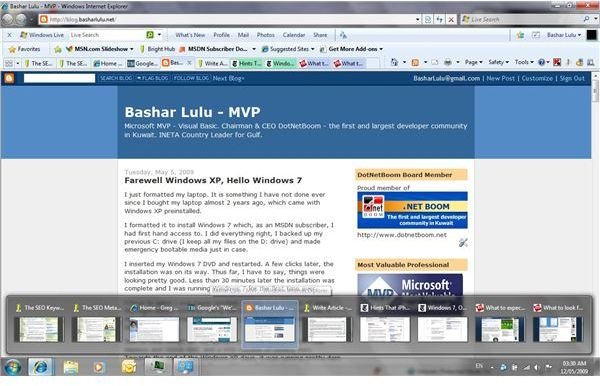
You can view the contents of every tab in IE simply by hovering over the IE icon in the taskbar. This also works for multi-document applications such as Word and Excel; you can preview all open documents simply by hovering over the Word icon in the taskbar.
Searching for anything in Windows 7 is extremely simple and fast. Almost every window has a search area in the top right corner. Searching indexes folder is lightning fast and considerably quick for non-indexed areas.
Windows 7 Screenshots
Overall Comparison of Windows XP and Windows 7
If I were to list all the new stuff that comes with Windows 7 over XP, or even Vista, I’d have to write a book. It just goes to show that it really does help users work faster, more efficiently, and in my case, become much happier people.
For now I can say that Windows 7 is definitely here to stay. If you’re looking for more reasons to make the switch, read another comparison between Windows Vista and Windows 7.