This article will review Look’n’Stop Personal Firewall, a lightweight and effective personal firewall for Windows.
Overview
Look ’n’ Stop Firewall has been around for years; it’s a solid protect that provides excellent protection and is extremely light on resources.
32-bit and 64-bit editions of Windows are supported by Look ’n’ Stop (LnS): Windows 7, Vista, XP, Windows Server 2003, Windows 2000, ME and 98. The Visual C++ Runtime Library is also required but you do not need to hunt for this required file because the installer will download and install it, if it detected missing.
Key Features of Look’n’Stop
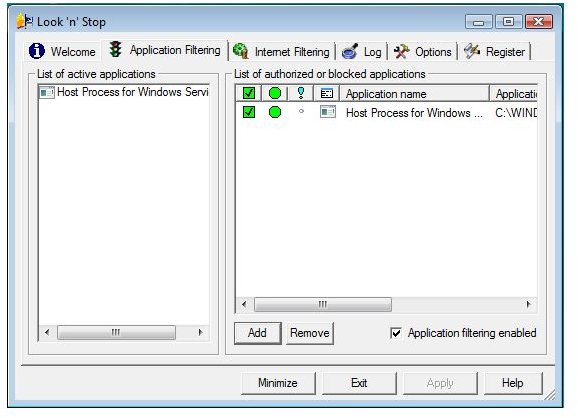
- Application Filtering – LnS will alert you on any application that will use internet connection
- Internet Filtering – most firewall offer this feature to block or allow inbound and outbound data packets
- Rule-based firewall – you can create or modify new firewall rules
- Advanced logging – a neat feature in LnS is to have a log (simple or full logs) for any application of your choice. This is useful if you would like to monitor few or all application’s network connections.
- Plug-ins – an option to extend the capability of Look’n’Stop firewall by activating available plug-ins
- Look ’n’ Stop includes an anti-flood log protection
Host Intrusion Prevention System (HIPS) is the only feature that Look’n’Stop is lacking. Other firewall software is boasting their HIPS protection but the developer of LnS disagree to include HIPS in LnS, “Look ’n’ Stop contain 2 advanced features to block both filtering (Application and Packet/Internet) even if the application is stopped/killed.” I think this is great since you have the assurance that Look’n’Stop will defend against unwanted shutdown of its firewall.
Installation (4 out of 5)
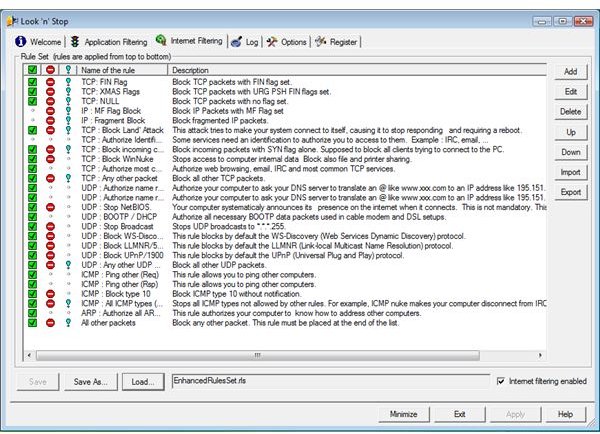
The installation is simple however, the Vista test system displayed a Windows Security prompt to allow the installation of the signed driver. Allowing the installation of its network service driver did not cause problem in Windows. A reboot is required after installing the firewall. Look’n’Stop automatically start protecting the system against unsolicited request.
A minor issue is that LnS
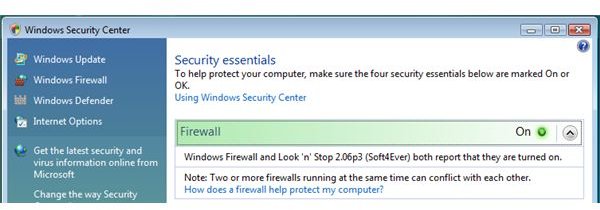
nor alert me that another firewall is enable and actively running which is the built-in firewall in Windows Vista. You will need to manually disable Windows Firewall prior installing Look’n’Stop. Note that there is no conflict in having both firewall enabled but since you want to third party firewall, it is better to have one software firewall protection only.
Performance (5 out of 5)
Look’n’Stop Personal Firewall have impressive performance for it is using little memory usage while providing many features. The commit memory size (a.k.a. virtual memory size) for LnS is 6720KB

The Application Filtering alert by LnS is quite responsive and fast. No application is able to bypass Look’n’Stop. Two set of Internet Filtering is available when using LnS: Enhanced and Standard rulesets
Both types of rulesets has proper configuration that you do not even need to edit unless you have other specific needs to filter.
On this review, I installed Look’n’Stop v2.06p3 and the updater did not find any new version available. However, I saw there’s new available version in the official support forum
of LnS so I download the installer and install on top
Firewall Protection (5 out of 5)
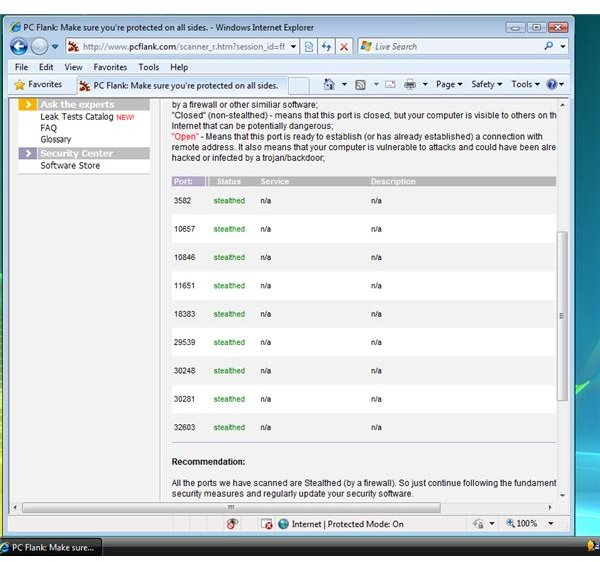
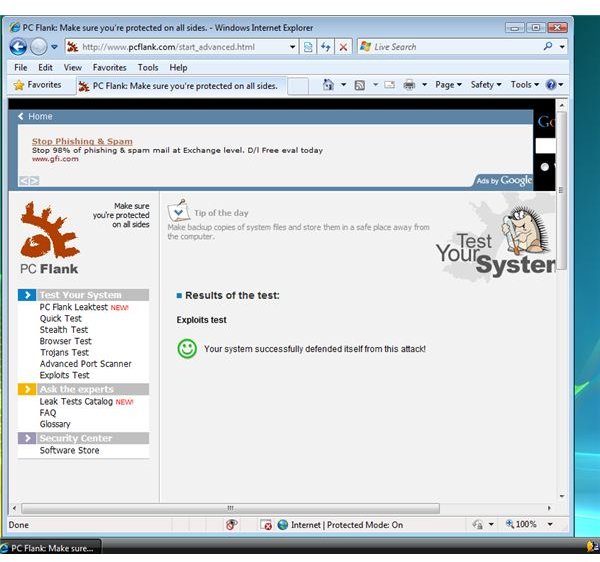
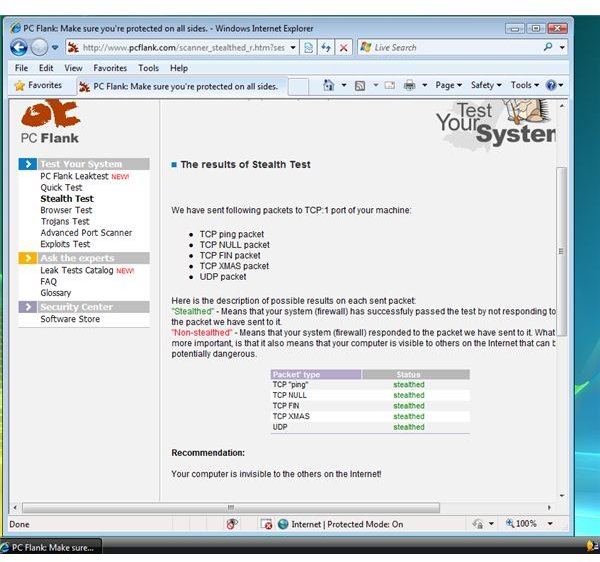
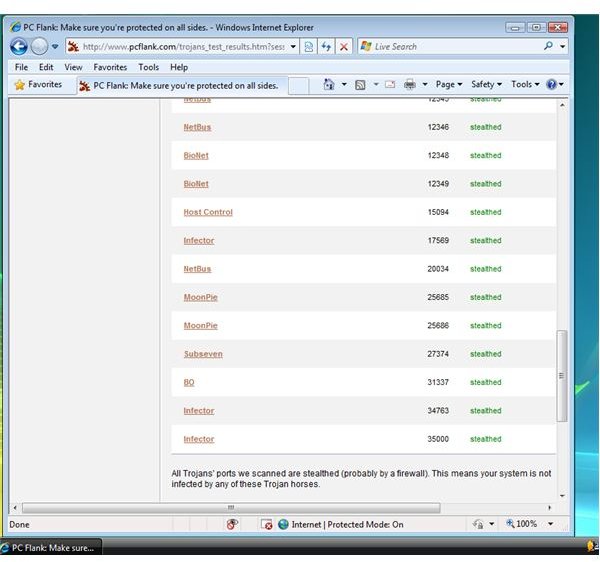
Most people would like to use firewall software that will pass stealth, exploit and advanced port scanning. I put LnS to test using PCFlank.com Advanced Testing and the result is “passed”.
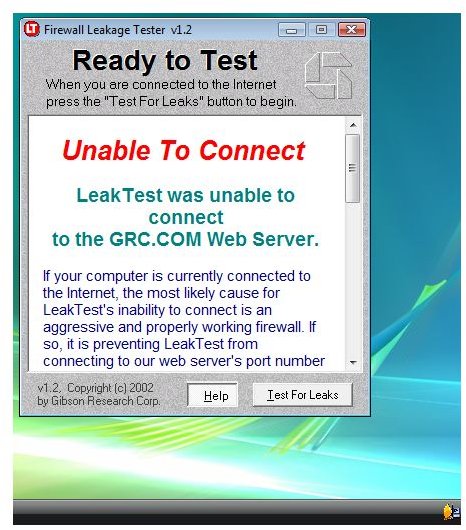
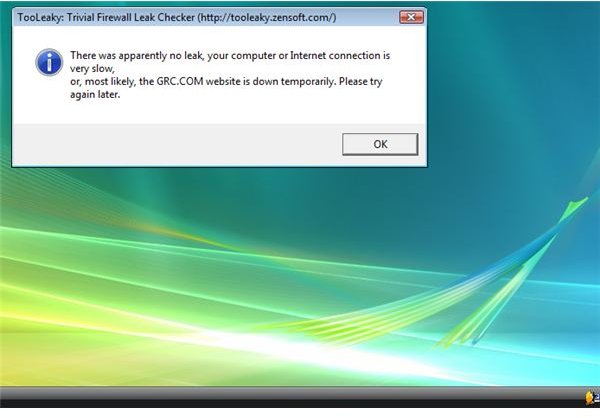
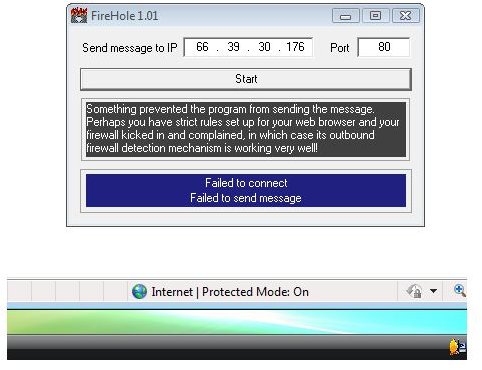
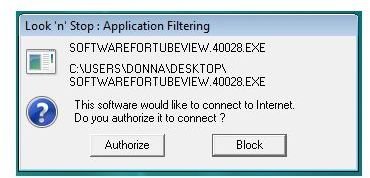
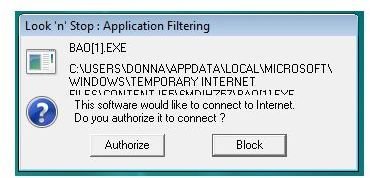
I also downloaded Tooleaky, Leaktest and Firehole programs and run them (you can read more about these and other tests in our article What You Need To Know About Firewall Leak Tests ). Look’n’Stop prevented all these tools that will try to bypass the firewall protection. I downloaded and run few Trojan downloader to check if Look’n’Stop will notify me on any actions done by the Trojans. Look’n’Stop is fast to alert me that the Trojans would like to use the connection. When I hit “Block”, Look’n’Stop immediately killed them. Look’n’Stop has self-protection against unwanted shutdown and you can password protect the settings so no one can change your configuration.
Screenshots of Leak and PCFlank Tests on Look’n’Stop
Price to Value (5 out of 5)
At $29.00 unlimited license, LnS represents excellent value for money.
The Bottom Line
If you are looking for effective and lightweight firewall software with advanced protection, you should definitely consider Look ’n’ Stop. The program does exactly what it’s supposed to do - which is to firewall your PC and network connections against malware, bad packets, exploits and other network attacks. Highly recommended!
More Reviews!
Be sure to check out our reviews of other leading firewall solutions including ZoneAlarm , Ashampoo Firewall , Outpost Free and Outpost Pro .


