Review of Sandboxie:
Installation (5 out of 5)
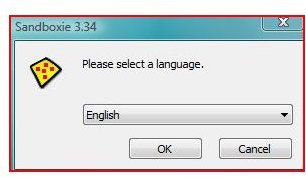
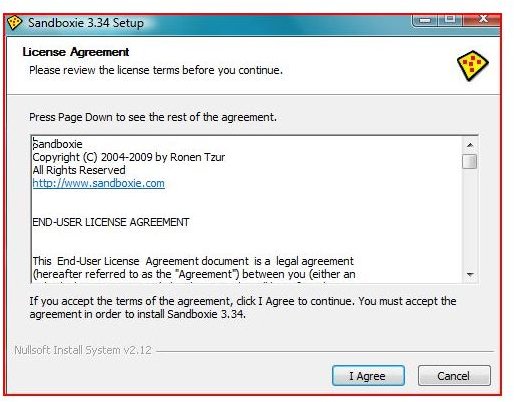
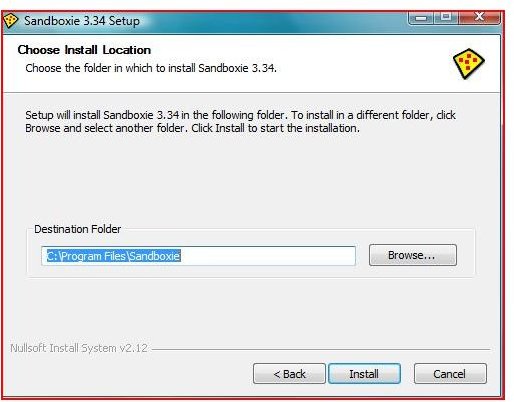
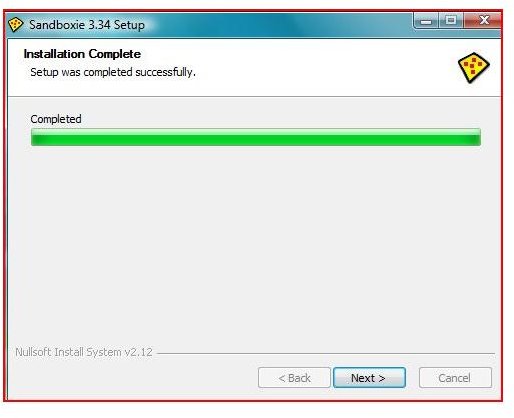
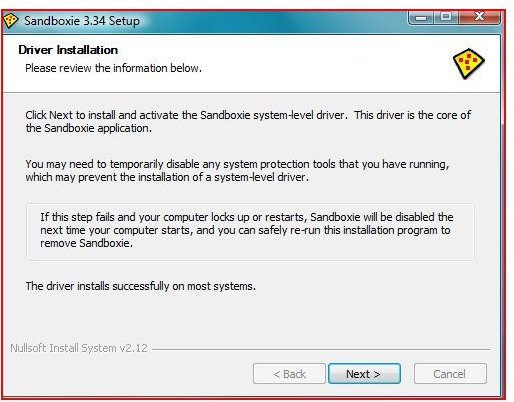
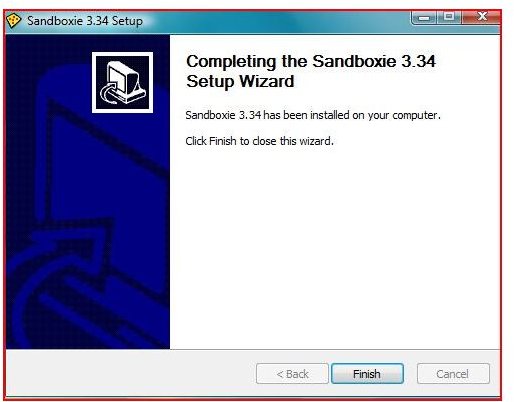
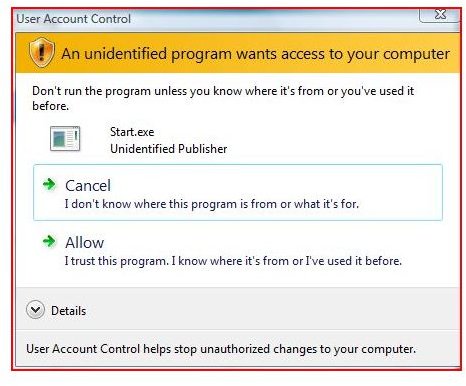
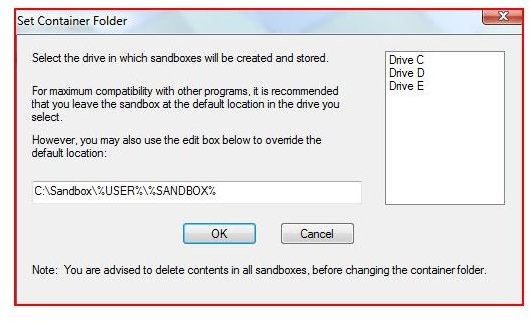
Installation of Sandboxie is easy and requires no special skill. For users who have never used a ‘sandbox’ program, this is important. During the installation process, Sandboxie creates a section of your harddrive where programs are contained and can be ran locally through Windows explorer. Sandboxie weighs in at only 476 kb. This small program presents a basic installation found in most Windows installation programs.
Sandboxie Installation
Features and Performance (5 out of 5)
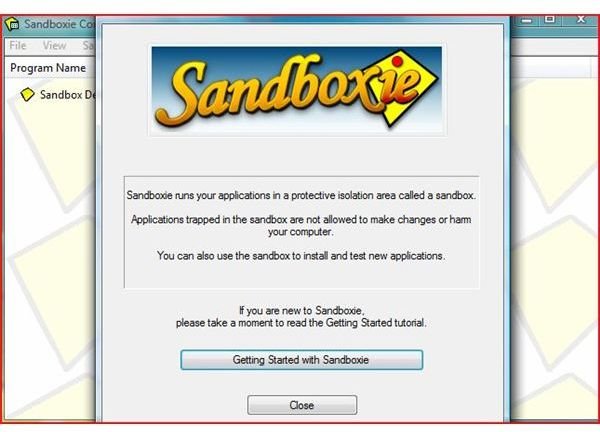
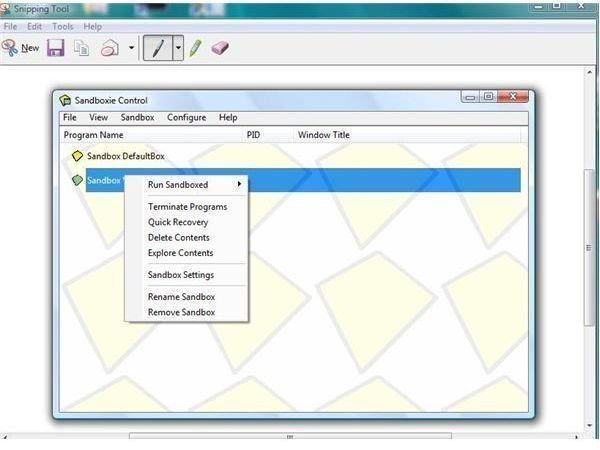
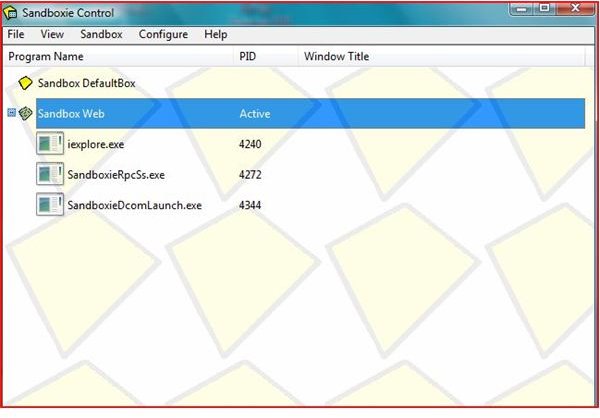
Sandboxie is loaded with features. A Sandbox is an area on your hard drive that isolates programs, files and / or folders and helps to prevent malicious scripts, files, websites or programs from infecting or damaging your operating system.
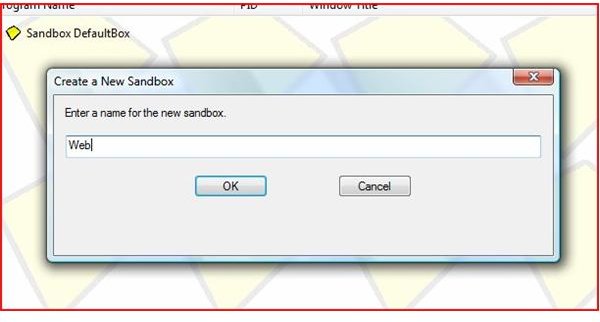
The settings and configuration allows for the Recovery of programs if the sandbox is deleted. The delete option allows for the automatic deleting of the contents of a sandbox when the last sandboxed program stops. With the following options (Paid Version Only) you can use the Forced Programs or Forced Folders options. Sandboxie also allows for the migration of files from your hard drive to the controlled sandbox through the File Migration options. Options to move files is controlled by the size of the individual file.
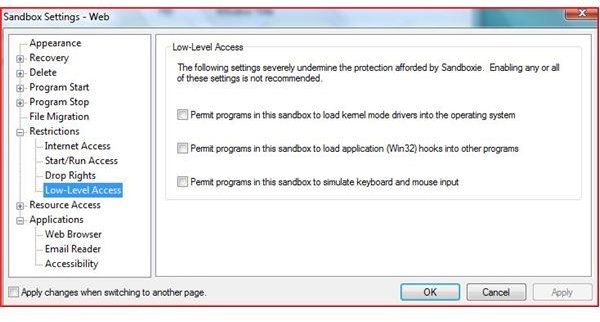
With Access control, Sandboxie stops kernel mode drivers from loading into the operating system, and stops the loading of application (Known as Win32) hooks into other programs. This protection is a key in protecting your operating system. The Trial version does not enable Forced Programs or Forced Folders which further protects users (especially if a computer has more than one user).
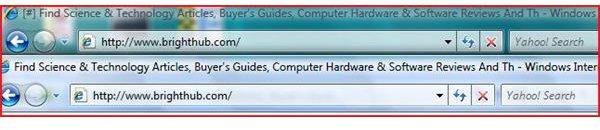
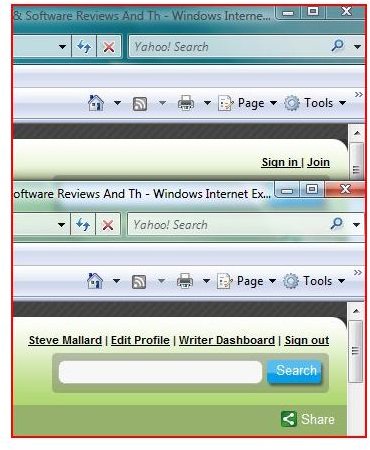
For the average user, Sandboxie is preconfigured for optimal protection - no further configuration is needed. Users can access the internet (Websites that are sandboxed have a # symbol on the Title of the Website - See photo below) check email and run programs from the start of this program. With the advanced options, it allows you to tweak SandBoxie as needed.
Sandboxie 3.34 does recognize that some Adobe products with licensing, Canon printer programs and several other programs may have problems while running under a sandbox environment. (See Conflicts).
Features
Price and Value (4 out of 5)
Sandoboxie can be used in either free or paid mode. In free mode, the program displays a pop-up prompt to register the program once 30 days have expired. In free mode, Sandboxie does not allow the Forced Programs and Forced Folders feature and does not allow for more than one sandbox to be run simultaneously.A lifetime registration for the current version and future versions is only €22 Euros (roughly $30) which is an extremely small price to pay for the security which Sandoxie provides.
To find out more or download, visit the Sandboxie website.
More Reviews!
Would you like to read more reviews? Look around Bright Hub and you’ll find reviews of numerous other leading security solutions including Norton Internet Security, Kaspersky Internet Security, ESET Smart Security, McAfee Total Protection, Blink Professional and ZoneAlarm Internet Security Suite.