RadarSync 2009 Review
RadarSync 2009 Installation (5 out of 5)
The installation of RadarSync is a standard installation that is fast and easy. The end user should watch for the options of RadarSync toolbar, homepage redirection to Netvibes and a Weather Channel Desktop installation. Users can elect to install these features if they wish. The RadarSync toolbar is a nice addition to Internet Explorer if you aren’t loaded full of toolbars. RadarSync installation is not complex and is made for all users. The free version doesn’t require a registration or product key.
Radarsync Installation
Features and Performance (5 out of 5)
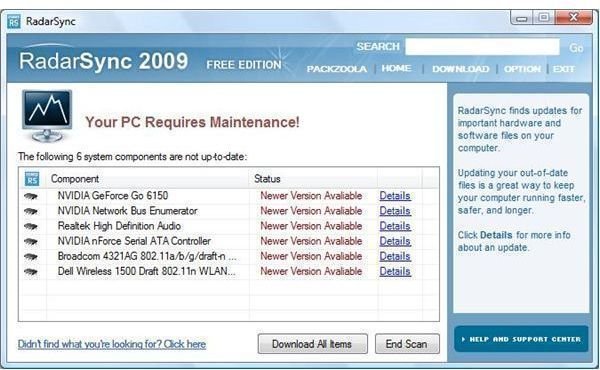
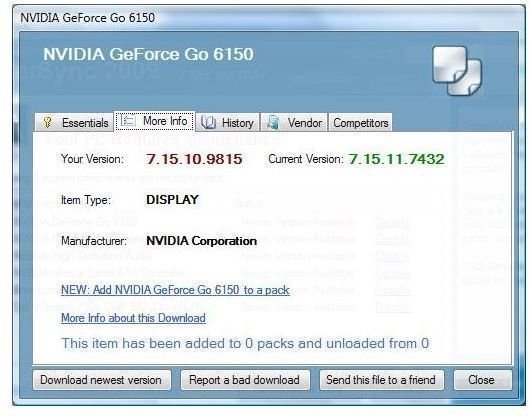
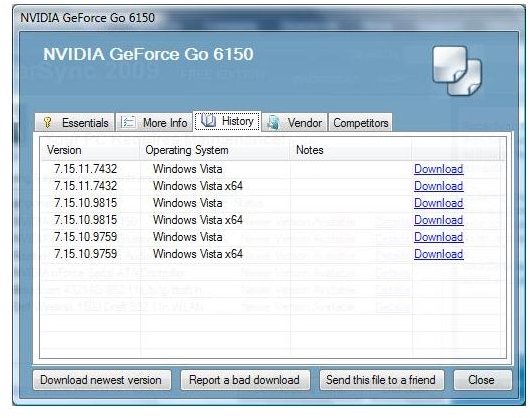
The initial application run of RadarSync scans your computer’s hardware installed and unknown drivers. This initial scan reports in to RadarSync and your current drivers are shown. Clicking on the ‘Details’ link shows the driver’s current driver version and the newer driver if available. This component also shows the versions of driver software that was released for this individual piece of software. With a system backup option, you can download the latest version and if it is not correct, roll your computer back. With Microsoft Windows XP or Microsoft Vista, the device manager also offers you an option to roll back your driver. This failsafe option doesn’t stop there. If the latest driver did not work, the details allows you to download any of the other versions of the driver that are available.
The driver search feature takes a matter of seconds. The time administrators and home users save is incredible. A typical search for a driver can take several minutes to several hours depending on the hardware and how obscure the driver is. Time in Information Technology is a commodity and this software has an excellent ROI (Return of Investment).
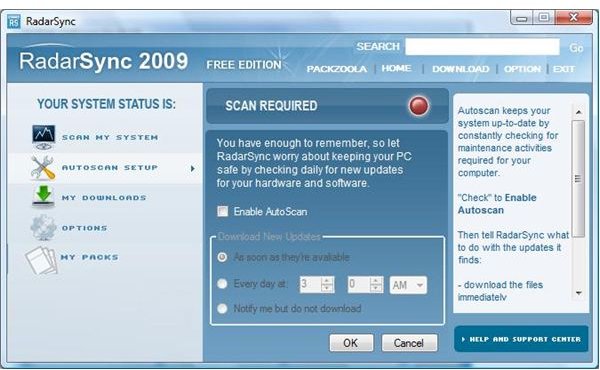
RadarSync allows for a manual scan or you can set a schedule to autoscan your hardware at a predefined time. This feature alone is an excellent add on to ensure your computer is running efficiently.
Driver Scanning
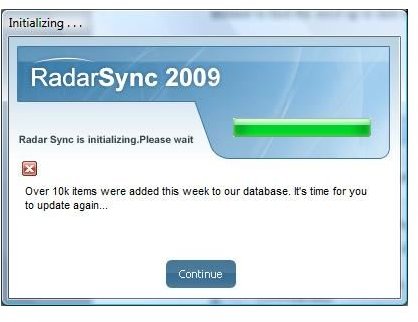
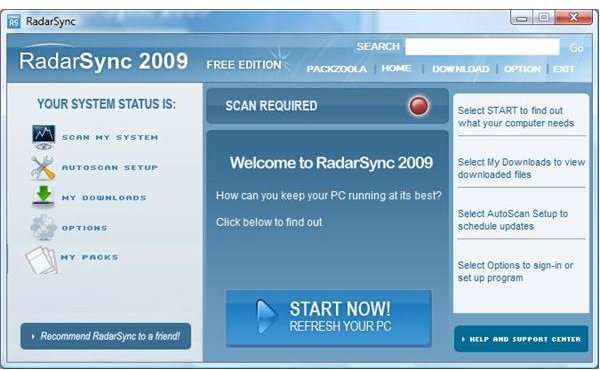
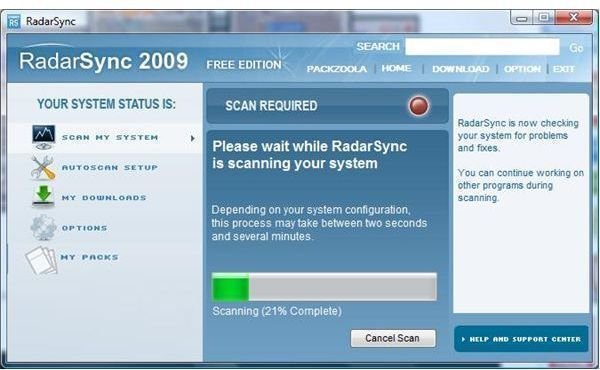
Downloads and Autoscan
Value (5 out of 5)
With two versions of RadarSync, you can’t go wrong. The free version finds drivers you need fast and who can beat the price of free! RadarSync Pro gives you the same features plus the ability to store your favorite files into packs and technical support when using and downloading drivers ad free. The professional version is only $29.95 annually. This product was needed years ago. RadarSync 2009 scores a five out of five. Excellent software to assist home users and administrators in all size businesses save hours of time searching for up to date drivers. Excellent software!
More Reviews!
Would you like to read more reviews? Look around Bright Hub and you’ll find reviews of numerous other leading security solutions including Undelete, SpamTitan, GFI MailEssentials, GFI LANguard, Norton Internet Security, Kaspersky Internet Security, ESET Smart Security, McAfee Total Protection, Norman Internet Security Suite and ZoneAlarm Internet Security Suite.