With Linux you get a few options in web browsers. In this article we highlight 11 of those browsers - some popular, some not so popular. Whether you want to use a big name browser or not, this article will give you an insight into what your choices are.
What Types Of Web Browsers Are There
In linux we have two main groups of browsers: Text based and GUI based. The web browsers can have different engines behind them (an engine is what makes the browser work). The two biggest engines used are Gecko and Webkit, but below is a full list of all engines that are commonly used.
- Gecko
- WebKit
- Presto and Presto Core 2
- Trident
- Tasman
- KHTML
This is probably not all of them, but it’s just to give you an idea. Web Browsers are a critical part of any operation system. These days most people wouldn’t know what to do without Internet and their web browser.
Below, you will find an overview of 11 web browsers. I used my own blog to test them. I did this because I know exactly what the website has in terms of Flash, Javascript, and advertising.
Each browser is rated on the following:
- Usability
- Adblocker
- Javascript & Flash
Please note that I have used all of them to do my regular surfing (blogs, news, Google etc.) for at least a couple of hours except for the text based one. I just couldn’t bring myself to use the text-based web browser for more then a few minutes.
The list below is in no particular order.
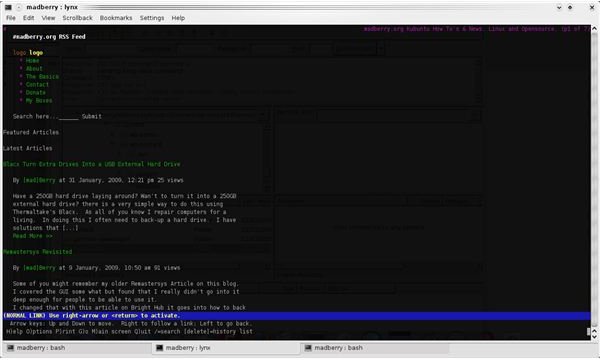
The Lynx Web Browser (3 out of 5)
This is the text-based web browser I checked out. Lynx is one of the web browsers that you would use if you only have a Terminal like on a Server with out an X-server installed.
It is a fully functional browser, and you can do basic stuff like open pages and click download links. Of course, it goes without question that this browser doesn’t have Flash or Javascript. There is no use for Flash or Java if the browser is text-based, after all.
I can only rate this browser as average because I rated the browser on the above criteria. But, for what it does, it’s great and it has helped me out of a squeeze before in a server environment.
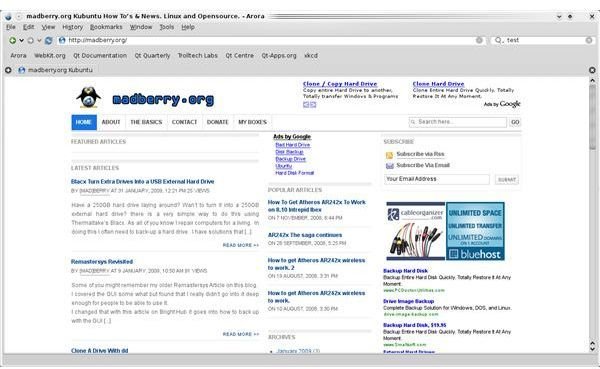
The Arora Browser (2 out of 5)
Arora is a fully functional simple cross-platform web browser. Javascript seems to work without a problem. Flash, however, doesn’t. Arora uses the QTWebKit which means there is no problem running it on the QT-based KDE desktops.
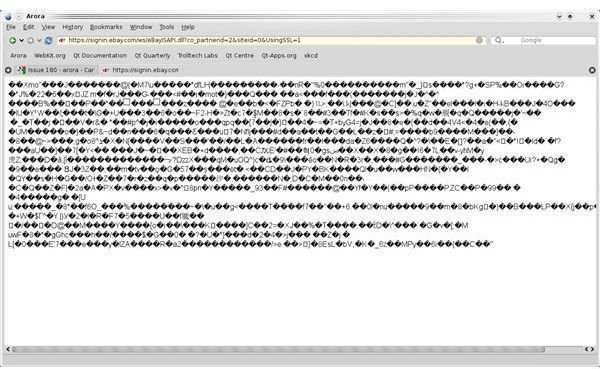
The feature list is very short: History and Bookmarks. Arora is a very basic browser which seems to have a problem with SSL. I tried to login to Ebay. This didn’t work (see screenshot below).
I could only rate this web browser as good because of the fact that I use Ebay a lot and I need to be able to login to Ebay. Of course the lack of flash didn’t help. The browser seems pretty fast and I like the fact that the address bar turns into a progress bar when loading pages. I’ll come back to this browser when they are a little further in the development. If SSL is usable, then the browser will get an higher rating.
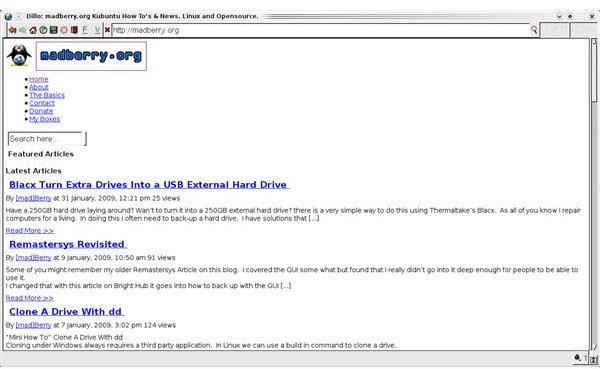
The Dillo Web Browser (2 out of 5)
Dillo is one of the basic web browsers. Dillo is small - just over 400k. At this size (as you can see on the screenshot), it doesn’t do any CSS processing. There is no Flash support and, as far is I can tell, no Java either.
It does login to my Ebay account, but the My Ebay page is pretty much unreadable.
If the developers would include CSS processing, then this would be a great browser. Dillo claims to load websites fast but, c’mon, this really isn’t hard to do if you don’t load Javascript or CSS.
No need to explain why this one was rated so low.
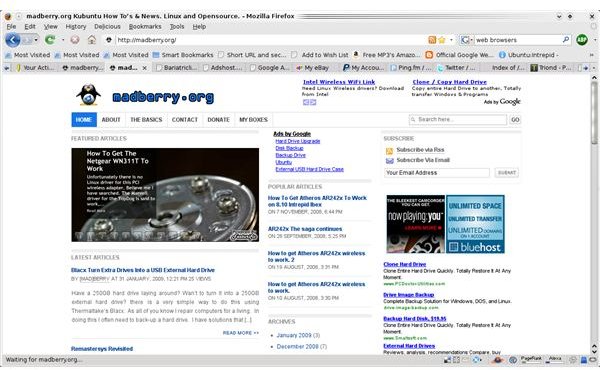
Firefox 3 (4 out of 5)
Is there anything to say about this modern day icon in browsing technology? Yes. Firefox promised better memory handling in version 3. I was disappointed they couldn’t do better. However, it is still a lot better then Firefox 2.
I love the Awesome Bar, and I use it a lot. Just in case you didn’t realize it yet, Firefox is my daily browser although I tend to use Opera sometimes as well.
I’m kinda stuck in using Firefox because there are some add-ons I use everyday that I think I couldn’t live without.
I use Password maker and Foxmarks every day. Password Maker for my website passwords and Foxmarks to synchronize my bookmarks with my server.
I don’t need to explain that Firefox handles Flash and Java perfectly.
However, it still uses a lot of memory. Also, some websites that are faster in other web browsers are slower in Firefox. This is the only reason I can’t give this the full five circles.
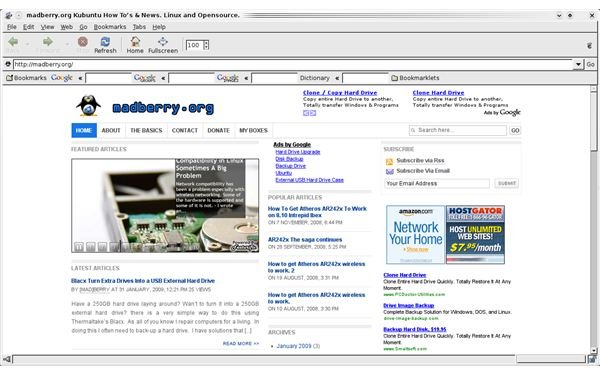
The Galeon Web Browser (5 out of 5)
Galeon is one of the Gecko based web browsers. Designed for use on the Gnome desktop, Galeon is a full featured web browser that handles Java and Flash like a pro. It also processes all the web standards without a problem.
Login in to Ebay was no problem. Memory use is fine. Overall, it’s a very nice browser.
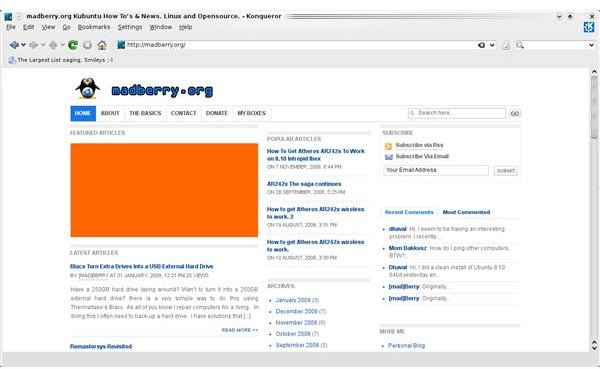
The Konqueror Web Browser (2 out of 5)
Based on KHTML, Konqueror has some problems. It claims to be CSS 1, 2 and 3 compliant, but I’ve had problems on websites with W3C verified CSS such as divs not showing like they should and some strange color problems. I just don’t like Konqueror even though I used it for a while when I first started using Kubuntu. I switched to Firefox shortly after because of the problems I just mentioned. I keep trying Konqueror with the hope that the problems have been fixed, but there’s been no progress so far. I’ve also had problems installing Flash and getting Java to work without a glitch.
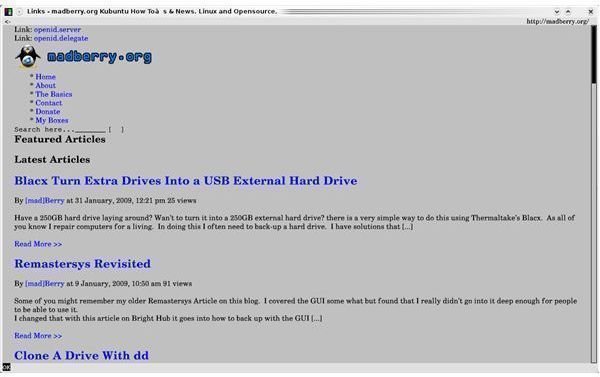
Links2 (3 out of 5)
Links2 is a front-end for Lynx, and it can be used in graphical mode and text mode.
There is not much to say. I rated it the same as Lynx.
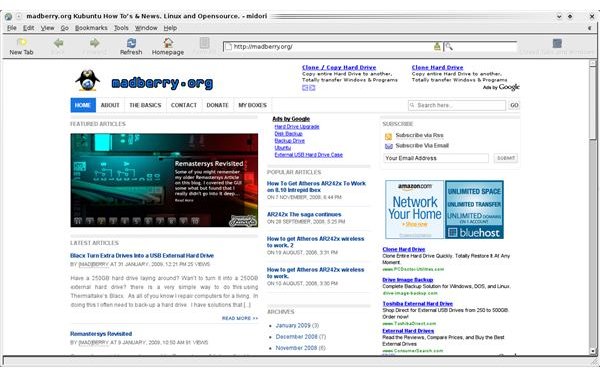
Midori (4 out of 5)
Midori uses WebKit. Is a full featured web browser that seems to handle everything I can throw at it. Midori is small - only a little bit over 176kb. However, Midori is pretty slow.
Midori is still under development and is only at version 1.2. Midori does improve every release cycle.
I rated this browser good. If not for the slowness, the rating would be higher.
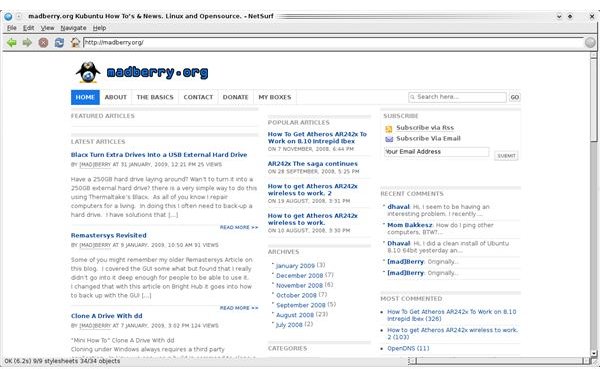
The NetSurf Web Browser (2 out of 5)
NetSurf is a unique web browser. NetSurf was written to work on PDAs, cable boxes, and other proprietary hardware. It uses its own engine totally written from scratch. It’s standard compliant and fast.
It doesn’t support Javascript, and I did try to get Flash going but after wasting an hour on it, I just didn’t bother anymore. This browser is also on version 1.2. If they get Flash and Java to work, then it might not be a bad goto browser if I want to take a break from Firefox.
No need to explain the rating - no Flash and Javascript says it all.
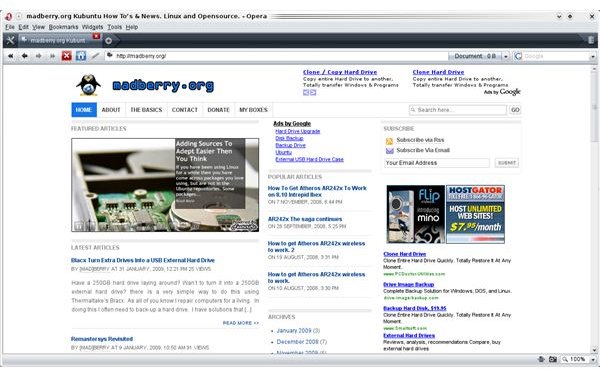
Opera (5 out of 5)
Opera is, without a doubt, the best replacement for Firefox. Everything works even though I had to tinker a bit to get Pogo games to play on my wife’s laptop. It looks great, and it is faster than Firefox. What can I say? I love Opera. I wish the plug-in system was better, but other then that, I have no complaints.
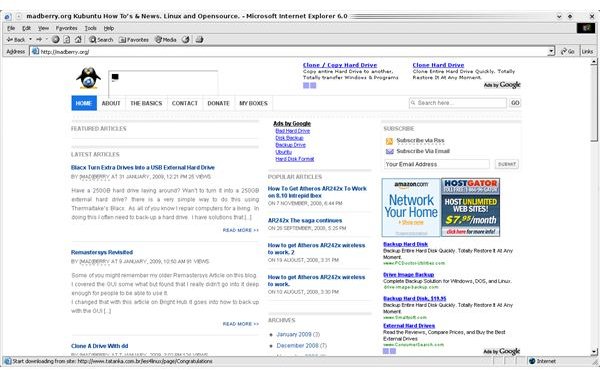
What If I Need IE?
Seriously, if there is a site that you NEED IE for, then I wouldn’t use the website any more. But, for those bank websites that just don’t want to listen to customers, who almost all use FF, you might need this solution.
Ies4Linux is a project that with help and Wine enables you to run IE version 5, 5.5 and 6. It is not recommended to use these versions of IE for daily browsing. We do have better web browsers for Linux. But for that one stubborn website that just doesn’t want to work in Firefox this is a good solution.
Websites
Below is a list of the official website for all the web browsers covered. For any one with a remark please leave a comment on my blog .


