Eeebuntu offers an out of the box experience for the supported hardware. However, there are hidden configuration gems inside this wonderful operating system and inside we reveal them one by one.
Eeebuntu 3.0 Netbook Remix on Asus Eee PC 1000 HE
Eeebuntu configures all the hardware on the supported netbook models. I have tested an Asus Eee PC 1000 HE with Eeebuntu Netbook Remix and found that everything is just working as they should be. However, there are a lot of things to play with and here is how to do them:
- Spice up your touchpad
- Manage Wi-fi, Webcam, Bluetooth, Touchpad, Screen Resolution, System Performance level with just two clicks
- Manage external monitor
Spice up Your Touchpad
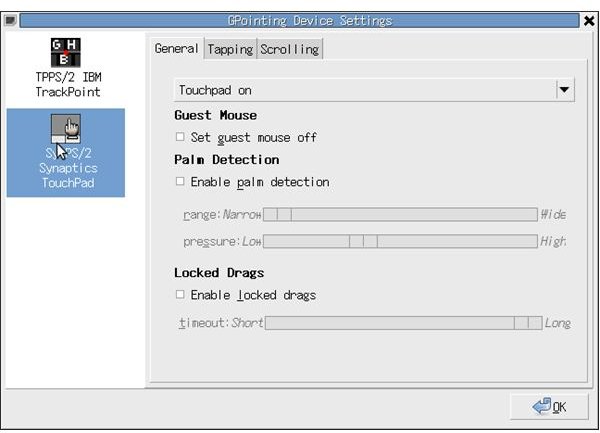
To scroll down in the pages, don’t try to go to the right side of the touchpad and slide your finger down - it does not work. Instead, Asus 1000 HE employs two multitouches for this purpose, you have to put two fingers on the touchpad and slide down. To zoom in and out of the images, you have to place two fingers on the touchpad and move them away from eachother or towards eachother. I can say that Eeebuntu 3.0 works fine here with Asus 1000 HE and the multitouch is fully supported. But we want to tweak it further and install GPointing Device Settings (GSynaptics is in the repositories but deprecated) for this purpose. Both of them do this without any problems. You will find the palm detection feature of the program especially useful when you are typing.
Managing Wi-Fi, Webcam, Bluetooth, Touchpad and System Performance Level
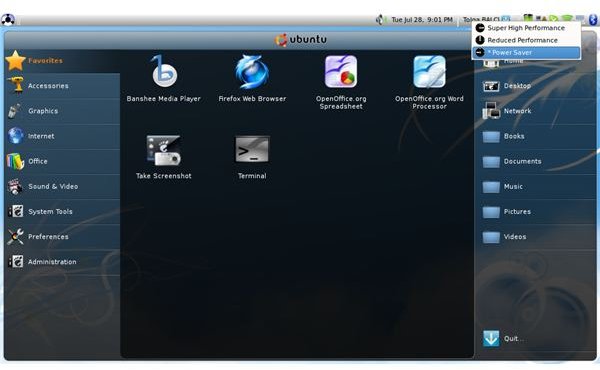
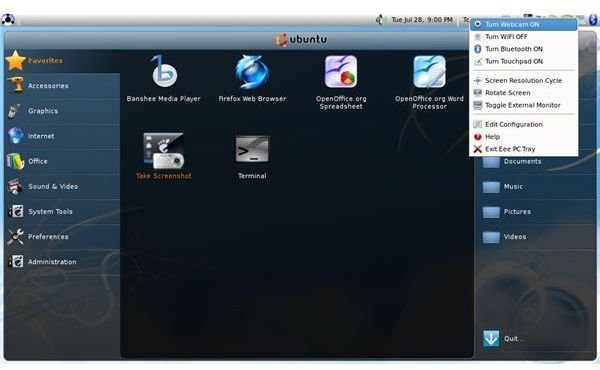
Eeebuntu 3.0 places an Asus Eee Tray on the system tray. The developers were definitely smart and put many options in one small icon. If you right click on the Eee Tray icon, you can turn Wi-Fi, Bluetooth, webcam and touchpad on and off with just a click. If you left click on the icon, you can switch between various power schemes: Super High Performance, Reduced Performance and Power Saver modes. This gives you the easiest management of battery life you can find in an operating system: switch off Wi-fi if you don’t need/have connection, switch off Bluetooth and put the system in Power Saver mode and you are good for a longer battery life. It just takes three clicks to do all these!
Eeebuntu 3.0 Asus Eee Tray
Manage External Monitor
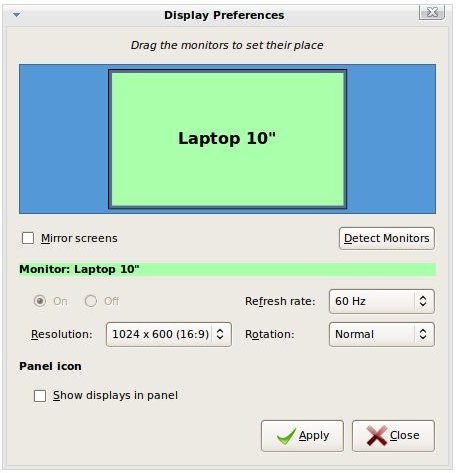
Plug your external monitor (or any other display device such as a TV set) to the D-Sub connection and go to Preferences in the left menu and open the Display program. You will see both your netbook’s monitor and the external display device. What you need to do is just to click on the external monitor and turn it on. Depending on the display device’s capability, the resolution and refresh rates will be set automatically. Just click “Apply”, and then “Keep this resolution” in the opened dialog box and click on “Close.” Now you can work with the external device.
Conclusion
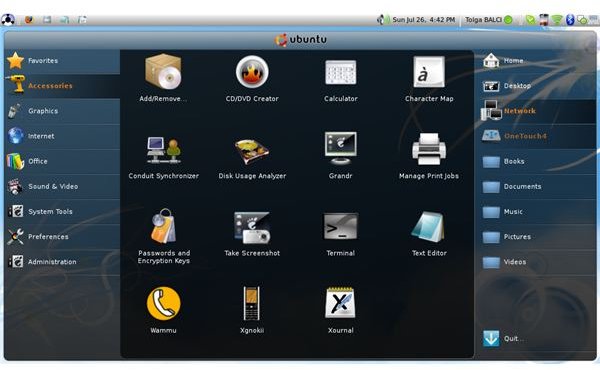
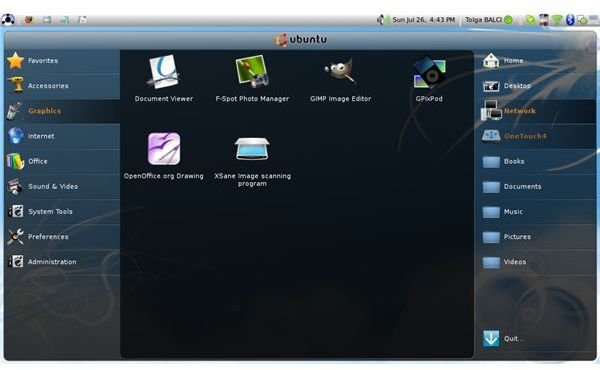
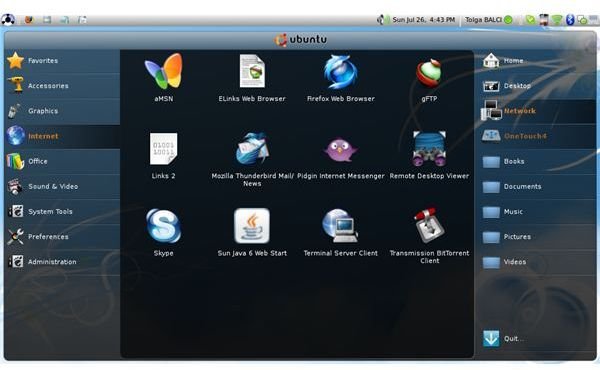
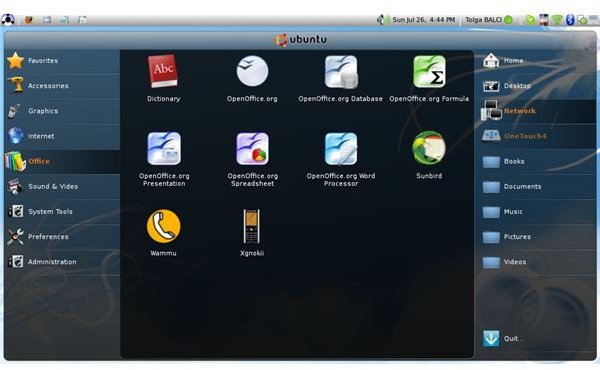
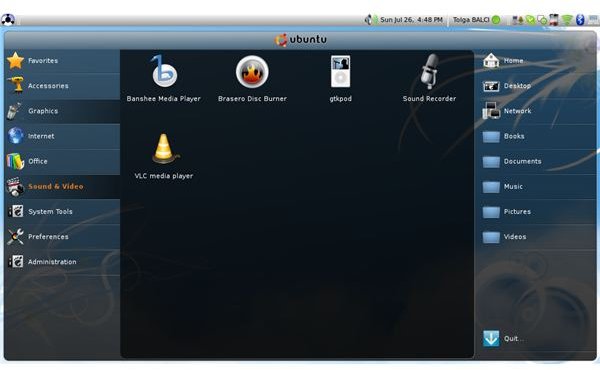
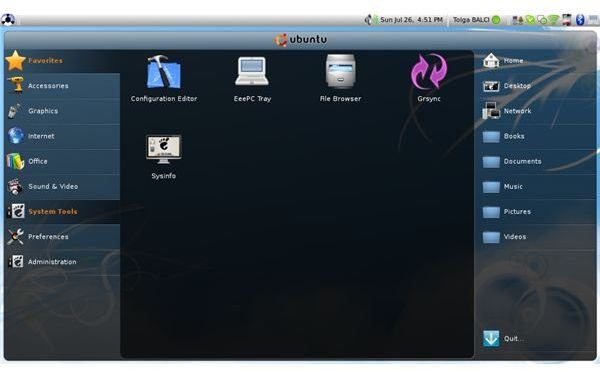
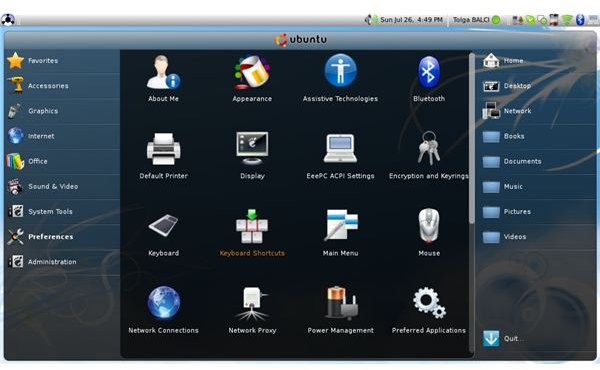
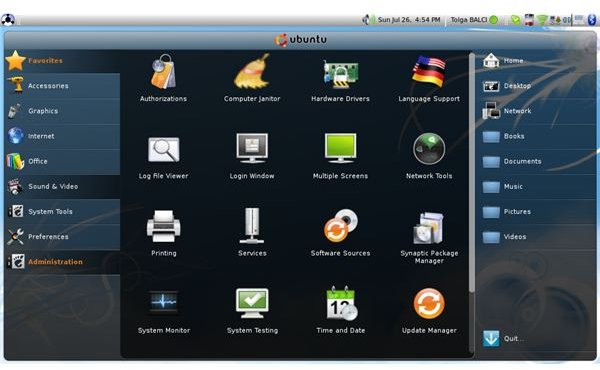
If you are considering making a netbook purchase and using it with Linux, I strongly recommend you to look at Eeebuntu’s compatibility list. To choose a distribution, Eeebuntu is the best one to go because it works out of the box without any configuration needs and it is designed to take advantage of every pixel on the small screens. Even for the users who are not familiar with the Linux environment, the learning curve is not steep and it takes too little time to warm up and keep working; just have a look at the screenshots below.
Eeebuntu 3.0 Netbook Remix Complete Screenshots