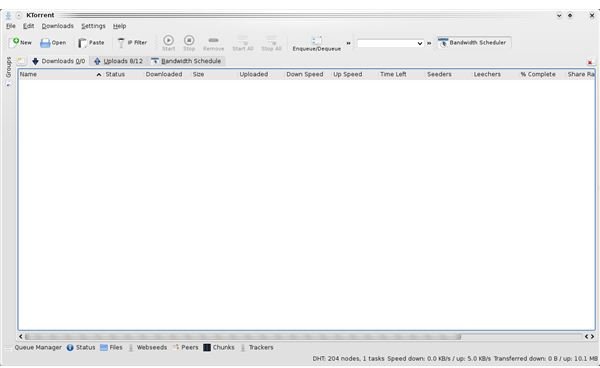
In this article we review Ktorrent, one of the most versatile torrent clients for the KDE Desktop. We also provide a little insight into the history of Bittorrent and why we need Bittorrent as a Linux community.
The History Of Bittorrent
Bittorrent is a protocol that has been around since April 2001 when Bram Kohen designed it. It was first implemented on July 2, 2001. Bittorrent stands for peer to peer file sharing often referred to as P2P. It is an ideal way to get a file out to the masses for content providers that don’t have the millions to buy expensive bandwidth. Also, most Linux distros use this platform to take some strain away from their busy servers when releasing a new version.
Fun Fact: According to Isohunt the total amount of content is currently more then 1.1 Petabytes.
Ktorrent
Features
Ktorrent is feature rich, and therefore great for regular downloads of IPTV shows like democracy.tv , revision3.com , geekbrief.tv , hak5.org (just some of my favorites), and many, many more. Below is a list of all the features.
- Search and find torrents from within Ktorrent.
- Queue manager to enqueue and dequeue torrents.
- Uses tabbing to show information about the torrent file.
- Supports downloading and uploading through a proxy.
- Sets the maximum upload and download speed to preserve bandwidth.
- Possible to use DHT.
- Ability to use protocol description.
- Set maximum uploads and downloads.
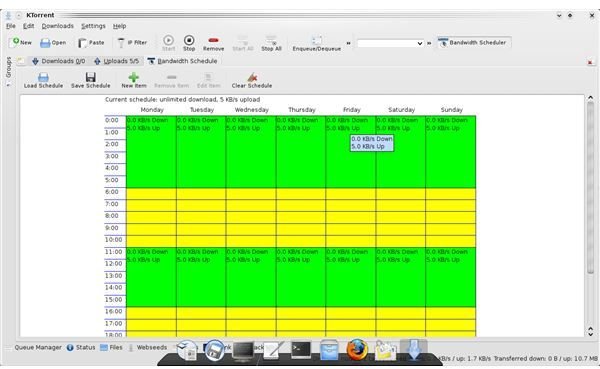
- Uses plugins like IPfilter and bandwidth scheduler.
- Web interface so you can control your torrent from any where you want.
For more screen shots see the Ease Of Use section.
Basic Installation And Configuration
If you use a version of (U)(X)Kubuntu then you might already have Ktorrent. Otherwise, you can find it in the repositories of your Distro. Just use the apt-cache search ktorrent command for apt, or search in adept or synaptic package managers for Ktorrent. If you can not find it anywhere else, then you can always download Ktorrent directly from ktorrent.org . Please note that Ktorrent will work on Gnome, KDE and Xfce desktops.
Ease of Use
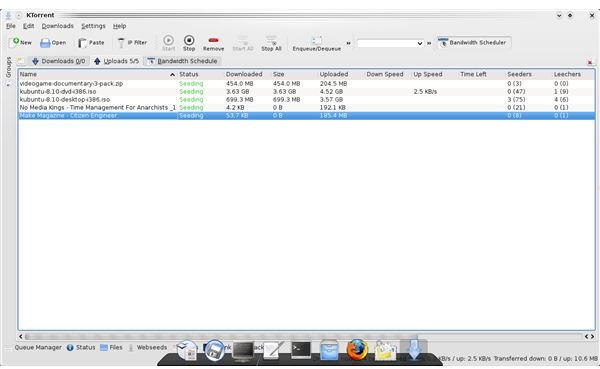
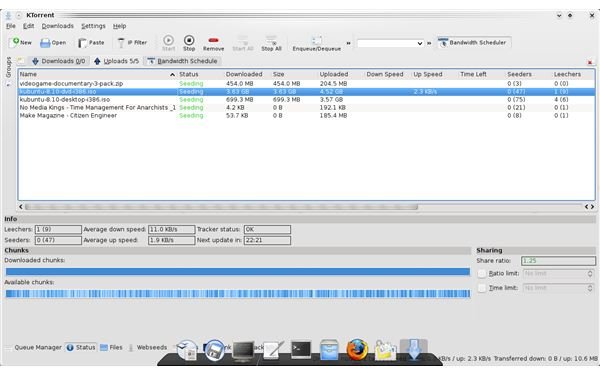
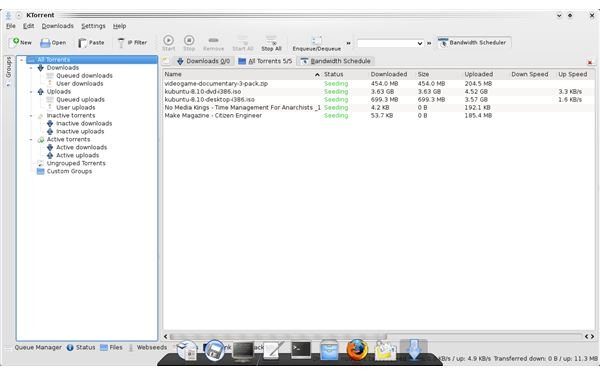
Ktorrent is an incredibly simple program if you are used to using torrent clients. If you just heard about bittorrent via this article, then the learning curve might be a bit steeper. Below you will find screen shots of Ktorrent.
Screen Shots
At the end of January 2009, I will publish part two which will go into how to use Ktorrent to download and seed files. If you would like to use Utorrent instead then read this article .


