Optimize your small home office space with practical ergonomic adjustments that boost comfort, productivity, and health without requiring a large footprint or costly equipment.
Creating a comfortable and efficient home office can be challenging when space is limited. However, with thoughtful ergonomic adjustments, even the smallest work areas can support healthy posture and productivity. This guide offers practical strategies to tune up your home office ergonomics, focusing on maximizing comfort and minimizing strain in tight spaces.
Assess Your Available Space
Start by measuring your available workspace accurately. Knowing the exact dimensions will help you select furniture and accessories that fit without overcrowding. Use a tape measure to determine height, width, and depth of your desk area and any nearby walls or furniture. This information allows you to plan where to position your desk, chair, and other essentials to maintain enough clearance for movement and avoid cramped conditions.
Choose the Right Desk and Chair
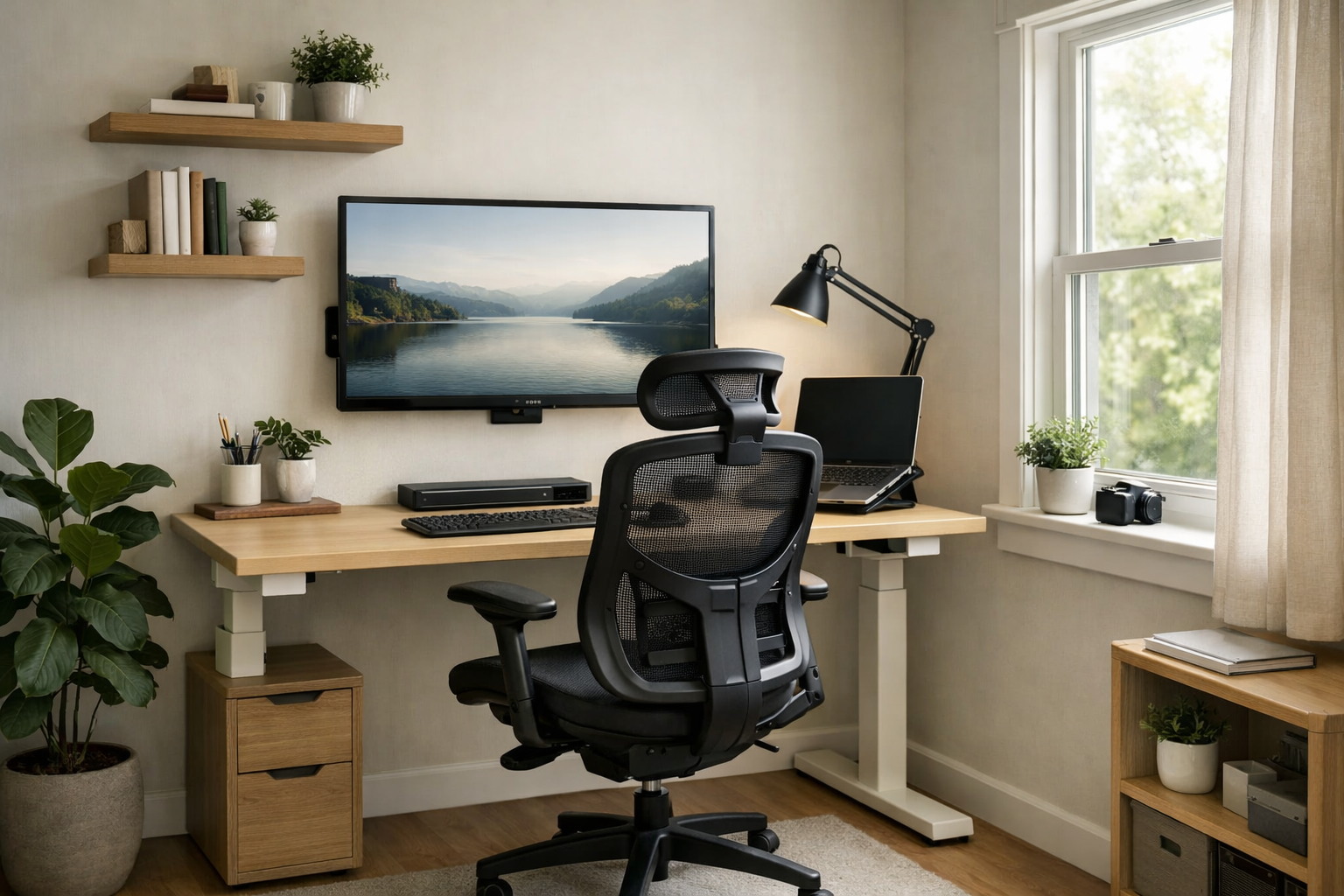
For small spaces, consider compact desks with built-in storage or wall-mounted foldable desks that free up floor area when not in use. A desk with adjustable height can offer ergonomic benefits by allowing you to switch between sitting and standing positions, which reduces prolonged strain.
When selecting a chair, prioritize adjustable options that support your lower back and promote good posture. Chairs with a small footprint but ergonomic features-such as lumbar support, adjustable seat height, and tilt-help you stay comfortable without overwhelming the space. If space is extremely limited, a stool with back support or a kneeling chair might be alternatives that encourage active sitting while saving room.
Optimize Monitor Placement
Proper monitor placement is crucial for reducing neck and eye strain. Ideally, the top of your screen should be at or slightly below eye level, and the monitor should be about an arm’s length away. In tight spaces, use monitor arms or wall mounts to elevate and angle your screen without taking up desk space. This also frees up room for keyboard and mouse placement.
If using a laptop, consider an external keyboard and mouse paired with a laptop stand to raise the screen to the correct height. This setup prevents hunching over the keyboard and supports a more natural neck position.
Organize Cables and Accessories
Clutter and tangled cables can make small spaces feel even more cramped and create hazards. Use cable organizers such as clips, sleeves, or under-desk trays to keep cords tidy and out of the way. Mount power strips under the desk or on walls to clear floor space.
Keep frequently used items like pens, notebooks, or external drives within easy reach using desk organizers or small shelves mounted to walls. This keeps your desktop clear for work and reduces distractions caused by clutter.
Improve Lighting Without Taking Up Space
Good lighting reduces eye strain and boosts focus. In tight offices, avoid bulky desk lamps that consume valuable surface area. Instead, opt for clip-on LED lights that attach to shelves or the desk edge. Adjustable wall sconces or overhead LED fixtures provide ample illumination without crowding your workspace.
Natural light is ideal when available. Position your desk near a window to benefit from daylight, but use blinds or curtains to control glare on screens. If natural light is limited, choose bulbs with a color temperature around 5000K to mimic daylight and support alertness.
Incorporate Movement and Stretch Breaks
Even with perfect ergonomics, sitting in one place for long periods can cause discomfort. In small spaces where a standing desk or extra room for movement may not be feasible, schedule short stretch breaks every 30 to 60 minutes. Simple stretches targeting the neck, shoulders, wrists, and back can relieve tension and improve circulation.
Use reminders on your phone or computer to prompt breaks. If possible, stand up and walk around briefly, even if just to another room or hallway. This helps combat the effects of prolonged sitting and keeps your body energized.
Personalize Your Space Thoughtfully
Adding personal touches like plants, artwork, or meaningful objects can make your home office feel inviting. Choose small, low-maintenance plants that improve air quality and add a touch of nature without requiring much room.
Keep decorations minimal to avoid visual clutter, which can increase stress and reduce focus. Select items that inspire or motivate you, placed strategically to enhance rather than crowd your workspace.
Maintain Ergonomics with Regular Adjustments
Your ergonomic needs can change over time, especially if your work habits or equipment evolve. Periodically reassess your setup to ensure it continues to support comfort and health. Small adjustments to chair height, monitor angle, or desk organization can make a significant difference.
Document your preferred settings and note any discomfort you experience. This practice helps identify what works best and guides future improvements.
In summary, optimizing home office ergonomics in tight spaces involves careful planning, thoughtful furniture choices, and proactive habits. By measuring your space accurately, selecting adjustable and compact furniture, organizing cables, and improving lighting, you can create a comfortable and productive work environment. Incorporate regular movement and personalize your area with minimal clutter to maintain well-being. With these practical steps, even the smallest home office can become an ergonomic haven that supports your daily work and health.