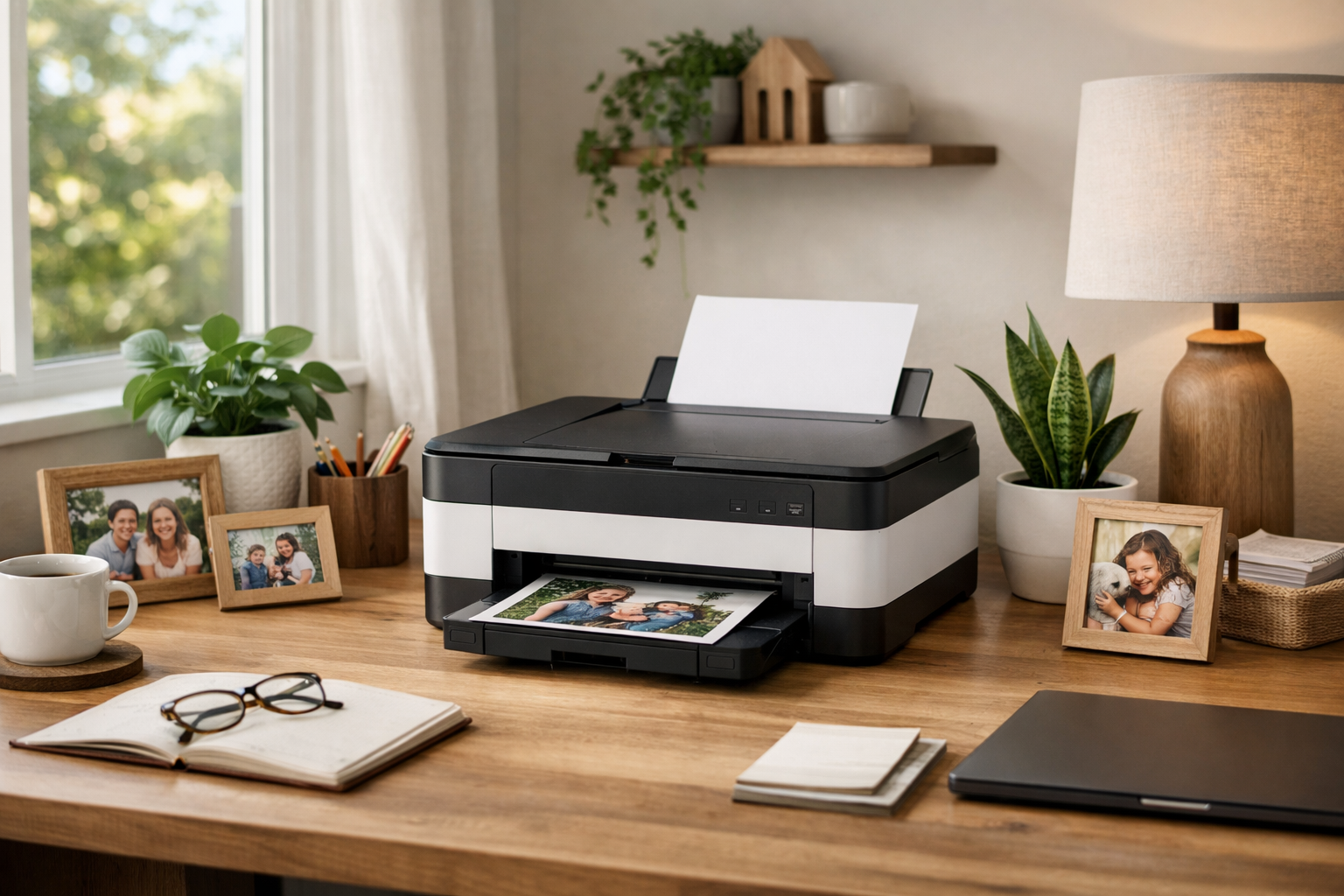
This guide explains key factors to consider when selecting a family printer, covering types, features, connectivity, ink costs, and sustainability for practical home use.
Choosing a printer for your family can feel overwhelming with so many options available. This guide breaks down the essential considerations in plain English, helping you find a reliable and cost-effective printer that fits your household needs.
Understanding Printer Types
There are two main types of printers suitable for home use: inkjet and laser. Inkjet printers spray tiny droplets of ink onto the paper, making them ideal for photo printing and color documents. They are usually less expensive upfront but can have higher ink replacement costs. Laser printers use toner powder and heat to produce images, offering faster print speeds and sharper text, especially for black-and-white documents. While laser printers typically have a higher initial cost, their toner cartridges often last longer and can be more economical over time.
Assessing Your Printing Needs
Consider what you will print most often. If your family prints photos, school projects with images, or color newsletters, an inkjet printer with good color accuracy may be best. For mostly text-based printing like homework, forms, or letters, a monochrome laser printer can provide sharper text and lower ongoing costs. Also, think about volume: families that print frequently will benefit from printers designed for higher monthly duty cycles.
Connectivity Options
Modern printers offer various ways to connect. USB connections are reliable for single-computer setups but limit mobility. Wi-Fi-enabled printers allow multiple devices, including smartphones and tablets, to print wirelessly from anywhere in the home. Some printers also support Ethernet for wired network connections. Additionally, features like Apple AirPrint or Google Cloud Print compatibility can simplify printing from mobile devices without installing special drivers.
Ink and Toner Costs
Ink and toner replacement is a major factor in the total cost of owning a printer. Original cartridges from manufacturers tend to be expensive. Some printers use individual ink cartridges for each color, which can save money if you only need to replace one color at a time. Others use combined cartridges that require replacing all colors together. Consider printers that support high-yield cartridges or ink tank systems, which provide more pages per refill and reduce the cost per page.
Print Speed and Quality
Print speed is measured in pages per minute (ppm). If your family prints large documents or multiple copies regularly, a faster printer will save time. However, speed can sometimes come at the expense of print quality. For everyday documents, most printers offer acceptable speed and quality. For photo printing, look for printers with higher resolution and dedicated photo modes to get better results.
Size and Placement
Think about where the printer will live in your home. Some printers have a compact footprint suitable for small desks or shelves, while others are larger due to additional features like scanners or multiple paper trays. Measure the available space and consider how easy it will be to access paper trays and replace ink cartridges. Also, check if the printer requires a power outlet nearby or if it supports features like power-saving modes.
Sustainability and Environmental Impact
Choosing a printer with eco-friendly features can reduce environmental impact and operating costs. Look for printers with energy-saving certifications like ENERGY STAR. Some models offer duplex printing, which automatically prints on both sides of the paper to save paper. Refillable ink tank printers reduce plastic waste compared to disposable cartridges. Also, consider recycling programs offered by manufacturers or local facilities to dispose of used cartridges responsibly.
Additional Features to Consider
Many family printers come with extras that may be useful:
- Built-in scanners and copiers for document management.
- Automatic document feeders to scan or copy multiple pages quickly.
- Touchscreen controls for easier navigation.
- Memory card slots or USB ports for direct printing from storage devices.
Evaluate which features align with your family’s habits to avoid paying extra for unused options.
Selecting the right family printer involves balancing upfront cost, ongoing expenses, and features that match your household’s printing habits. By understanding the types of printers, connectivity options, ink costs, and environmental considerations, you can make an informed choice that serves your family well for years. Plan your purchase around your actual needs and space constraints to ensure a smooth printing experience at home.