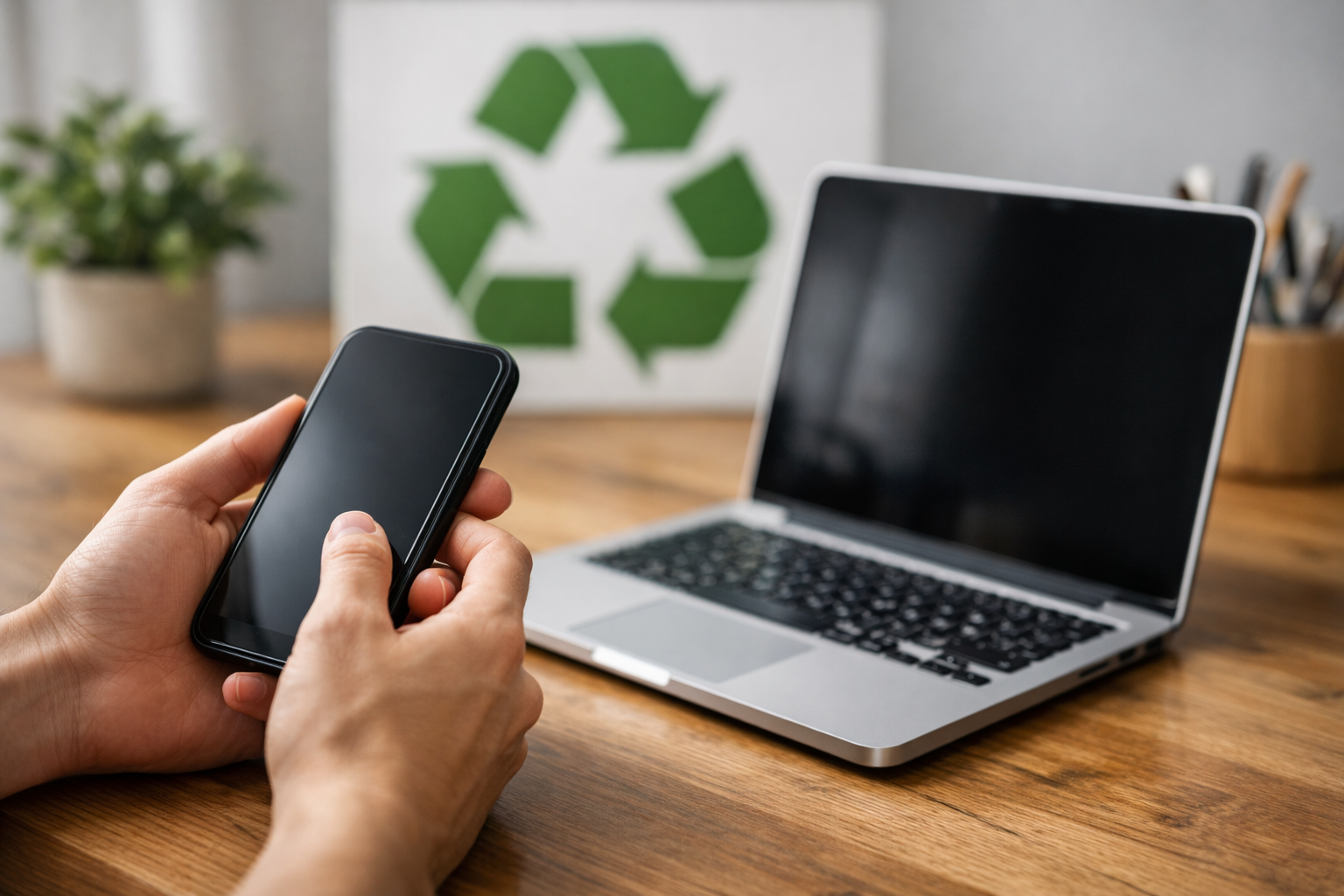
Learn essential steps to prepare your old phone, tablet, or laptop for recycling, ensuring data security, environmental responsibility, and proper device handling.
Recycling old electronic devices like phones, tablets, and laptops is a responsible choice that helps reduce e-waste and conserve resources. However, before handing over your device for recycling, there are critical steps you should take to protect your personal information, prepare the device properly, and select the right recycling option.
Back Up Your Data
Before you recycle your device, back up all important data. Phones, tablets, and laptops often contain valuable information such as photos, contacts, documents, and app settings. Use cloud services like Google Drive, iCloud, or OneDrive, or transfer files to an external hard drive or computer. For example, Android users can sync contacts and photos with their Google account, while iPhone users can use iCloud backups. This ensures you won’t lose essential information once the device is erased.
Sign Out and Remove Accounts
To prevent unauthorized access, sign out of all accounts on the device. This includes email accounts, social media, app stores, and any other services linked to your device. For example, on an iPhone or iPad, sign out of your Apple ID to disable Activation Lock, which could prevent the next user from setting up the device. On Android devices, remove your Google account to avoid factory reset protection issues. Signing out helps protect your accounts and makes the device ready for a new owner or recycling.
Perform a Factory Reset
A factory reset erases all your personal data and restores the device to its original settings. This is a crucial step to protect your privacy. The exact process varies by device:
- Phones and tablets: Navigate to Settings > System > Reset options > Erase all data (factory reset).
- Laptops: For Windows, use Settings > Update & Security > Recovery > Reset this PC. For macOS, erase the disk using Disk Utility and reinstall macOS.
Double-check that the reset was successful by restarting the device and confirming no personal information remains.
Remove SIM and Memory Cards
Before recycling, remove your SIM card from phones and tablets. The SIM card contains your cellular account information and can be reused or safely destroyed. Also, take out any microSD or SD cards used for extra storage. These cards might contain photos, videos, or files you want to keep. Handling these separately ensures no data is accidentally shared.
Remove Accessories and Peripherals
Take off any cases, screen protectors, or external accessories such as keyboards, mice, or chargers. Many recycling programs only accept the core device, and including accessories can complicate processing. If your accessories are still in good condition, consider donating or selling them separately.
Check for Manufacturer or Retailer Recycling Programs
Many device manufacturers and retailers offer take-back or recycling programs. For example, Apple, Samsung, and Best Buy have programs that accept old devices, sometimes even offering trade-in credits. These programs ensure devices are recycled responsibly or refurbished for reuse. Check the company’s website or contact customer support to find out about options and any requirements.
Locate Certified E-Waste Recyclers
If manufacturer programs aren’t available or convenient, look for certified e-waste recyclers in your area. Certifications like R2 (Responsible Recycling) or e-Stewards indicate that recyclers follow strict environmental and data security standards. These recyclers properly handle hazardous materials and ensure that valuable components are recovered. Local government websites often list approved e-waste collection sites.
Consider Donating or Selling
If your device is still functional, donating or selling it can extend its life and reduce waste. Charities, schools, and community centers often accept working electronics. Online marketplaces like eBay, Craigslist, or Facebook Marketplace provide options to sell devices directly. Before donating or selling, make sure the device is wiped clean and reset to factory settings.
Handle Batteries with Care
Lithium-ion batteries in phones, tablets, and laptops can be hazardous if damaged or improperly disposed of. If your device has a removable battery, take it out and recycle it separately at designated battery recycling points. For devices with built-in batteries, rely on certified recyclers who have the expertise to handle them safely.
Document Your Recycling Process
Keep a record of how and where you recycled your device, especially if it contains sensitive information. Some recycling programs provide certificates of data destruction or recycling. This documentation can provide peace of mind and proof of responsible disposal.
Final Preparations
Before handing over your device, give it a quick physical inspection. Wipe the exterior to remove dirt and grime, and check for any personal labels or stickers that should be removed. Packaging the device securely will prevent damage during transport.
Taking these practical steps ensures that your old phone, tablet, or laptop is recycled safely and responsibly. Properly preparing your device protects your data, supports environmental sustainability, and helps keep hazardous materials out of landfills. By following this guide, you can confidently recycle your electronics and contribute to a greener future.