Learn essential smart speaker privacy habits tailored for shared homes to protect personal data, manage voice interactions, and maintain control over connected devices effectively.
Understanding Privacy Risks in Shared Smart Speaker Environments
Smart speakers offer convenience but also raise privacy concerns, especially in shared homes where multiple people use the same device. Voice commands are recorded and processed, potentially exposing personal information to others in the household or through cloud storage. Recognizing these risks is the first step toward protecting your privacy. For example, if one household member asks the speaker to read personal messages aloud, others nearby might hear sensitive information unintentionally. Additionally, smart speakers can sometimes misinterpret background conversations as commands, leading to unexpected actions or recordings.
Setting Up Voice Recognition for Individual Users
Many smart speakers support voice recognition that distinguishes between users. Enabling this feature helps the device respond with personalized information only when it recognizes the speaker’s voice. For instance, if you ask for your calendar events, the speaker will provide your schedule rather than someone else’s. Setting up voice profiles typically involves reading a few phrases so the device learns each person’s voice. This limits accidental access to private data and ensures responses are tailored. However, keep in mind that voice recognition is not foolproof and may occasionally misidentify users, so remain cautious about sensitive commands.
Managing Access with Guest and Restricted Modes
Shared homes often have visitors or temporary residents who might use smart speakers. Many devices offer guest modes or restricted access settings that limit what these users can do. Activating guest mode can disable personalized responses and prevent changes to device settings or linked accounts. For example, if a friend wants to play music through your speaker, guest mode lets them do so without accessing your shopping lists or calendar. Check your device’s settings to see if these features are available and how to enable them for added privacy.
Regularly Reviewing and Deleting Voice Recordings
Smart speakers typically store voice recordings to improve recognition and services. However, these recordings can include sensitive information. Regularly reviewing and deleting stored voice data helps minimize privacy risks. Most platforms allow you to access and manage this data via their apps or websites. For example, you might find transcripts of commands or recordings that were unintentionally triggered. Scheduling monthly reviews and deletions can help keep your data secure and reduce the chances of misuse.
Controlling Smart Home Device Permissions
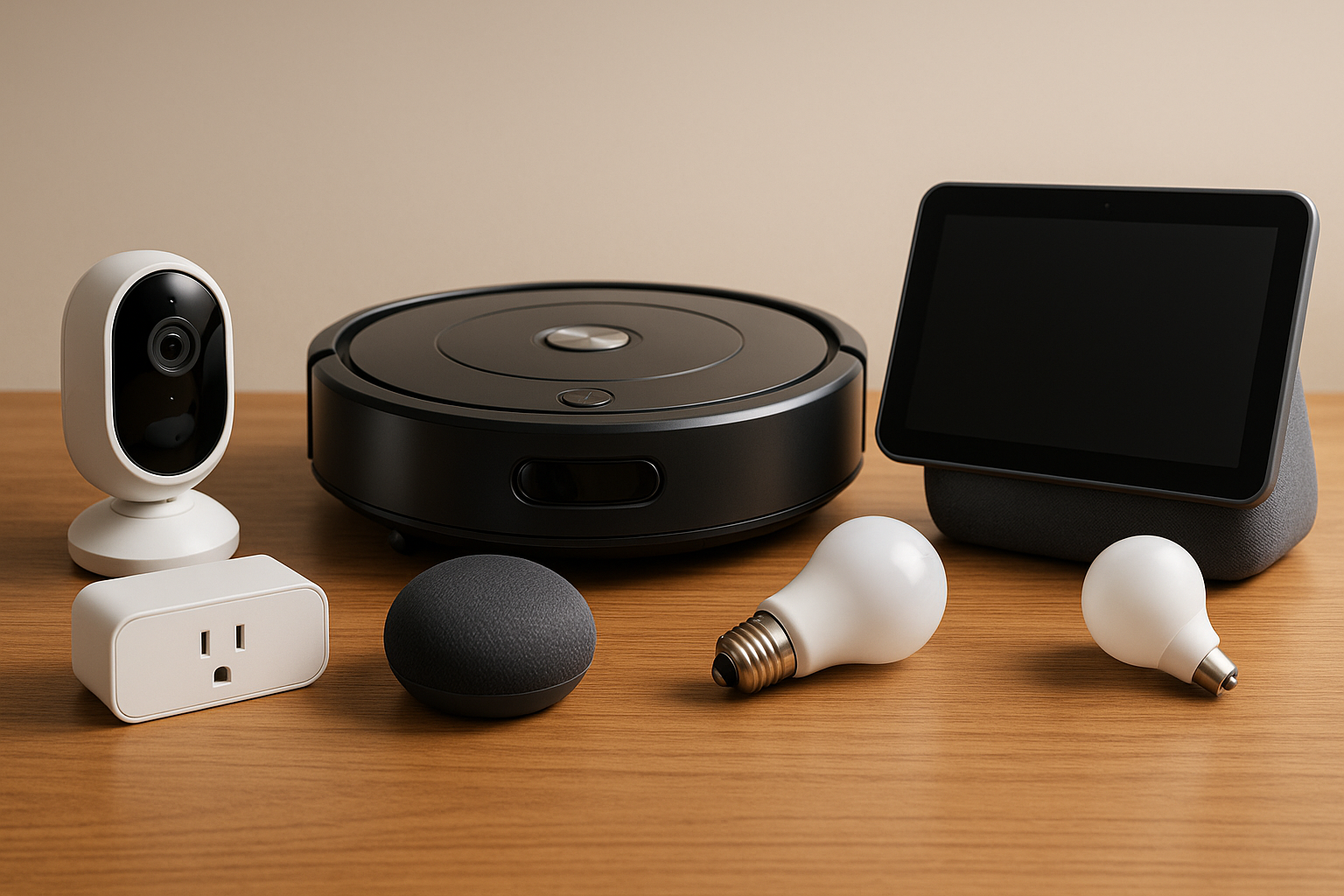
Smart speakers often connect to other smart home devices like lights, locks, and cameras. In a shared home, it’s important to control who can operate these devices through the speaker. Restricting permissions prevents unauthorized users from unlocking doors or viewing security cameras. For example, you might configure the system so only recognized voices can disarm an alarm. Reviewing connected devices and adjusting permissions regularly ensures that shared access doesn’t compromise household security.
Using Physical Privacy Controls
Many smart speakers include physical controls such as mute buttons or covers for microphones. Using these controls when privacy is needed can prevent accidental recordings or eavesdropping. For example, muting the speaker during private conversations or when guests are over adds a layer of security. Some models also have indicator lights that show when the microphone is active, helping users stay aware of when the device is listening. Incorporating these simple habits supports privacy without sacrificing functionality.
Educating All Household Members About Privacy Practices
In shared homes, everyone using the smart speaker should understand privacy habits and device limitations. Educate family members or roommates about proper use, such as avoiding commands that reveal sensitive information aloud or changing settings without permission. Discussing privacy expectations and agreeing on usage rules can prevent misunderstandings and unintentional data exposure. For example, you might agree not to ask the speaker for personal financial information when others are present.
Keeping Software Updated and Monitoring Security Settings
Manufacturers regularly release updates to improve smart speaker security and privacy features. Ensuring your devices are up to date is critical for protecting against vulnerabilities. Enable automatic updates if available, and periodically review security settings to confirm they align with your privacy goals. For example, some updates may include enhanced encryption or new options for managing voice data. Staying informed about these improvements helps maintain a safer smart home environment.
Practical Tips for Everyday Privacy
- Use voice recognition profiles for all regular users.
- Activate guest or restricted modes for visitors.
- Mute the microphone during private conversations.
- Regularly delete voice recordings and review device permissions.
- Educate all household members about privacy practices.
By adopting these smart speaker privacy habits, shared homes can enjoy the convenience of voice-controlled technology while minimizing risks. Thoughtful setup, ongoing management, and open communication create a safer environment where everyone’s information stays protected. Remember, privacy is an ongoing effort that benefits from regular attention and cooperation among all users. With these strategies, you can confidently integrate smart speakers into your shared living spaces without compromising your personal data or security.