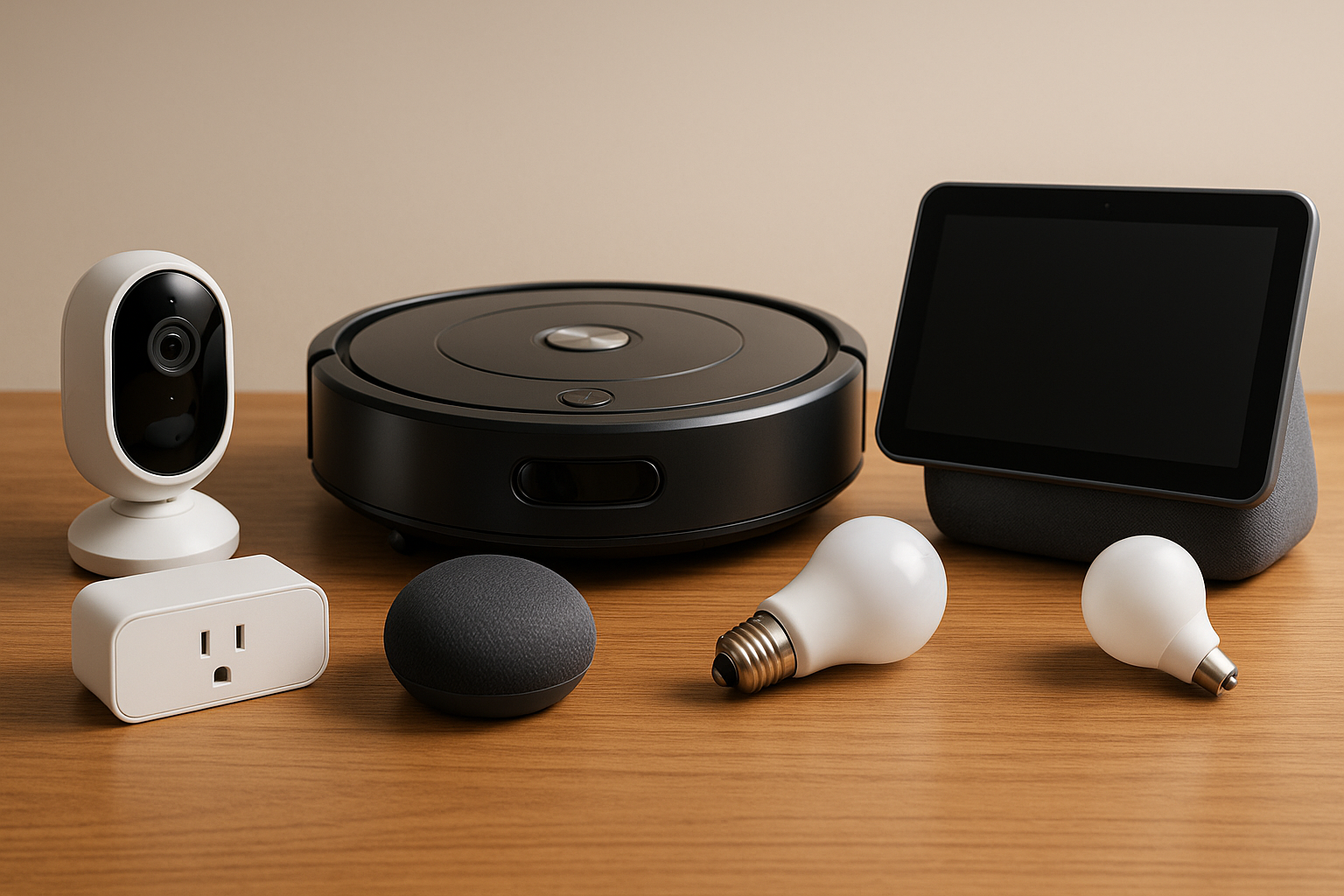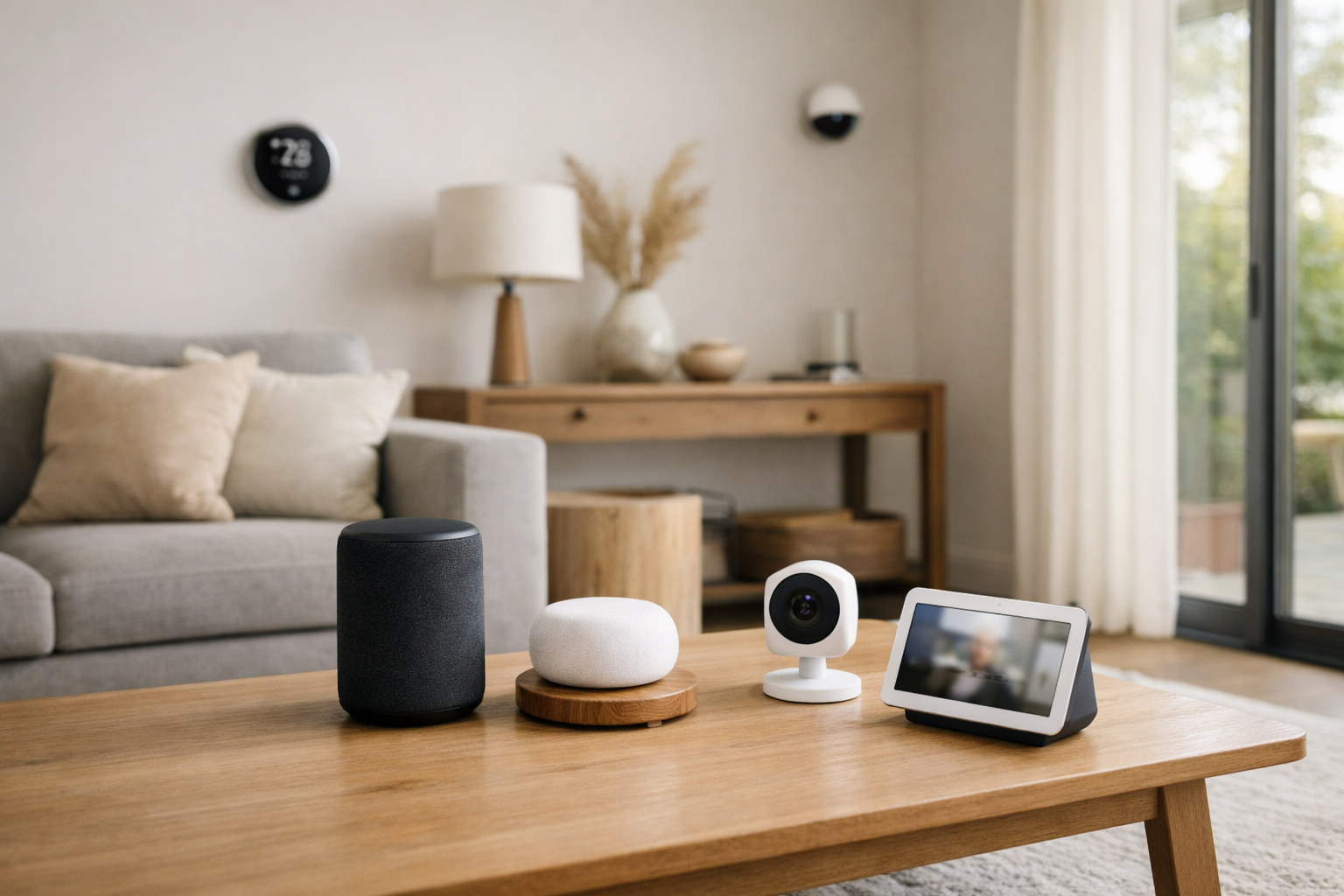
Before adding a new smart home device, review key privacy settings like data sharing, voice recognition, network security, and app permissions to protect your personal information and home environment.
Adding a new smart home device can bring convenience and efficiency, but it also introduces new privacy considerations. Before integrating another gadget into your connected space, it’s important to review and adjust privacy settings to keep your data and home environment secure. This article outlines essential privacy areas to check and practical steps you can take.
Understand Data Sharing Policies
Every smart device collects some level of data, whether to improve functionality or provide personalized experiences. However, not all data sharing is necessary or transparent. Before adding a device, read its privacy policy to understand what data it collects, how it’s used, and who it’s shared with.
For example, some smart speakers send voice recordings to cloud servers for processing. If you’re uncomfortable with this, look for devices that offer local processing or options to delete stored data regularly. You can also disable features like personalized advertising or data sharing with third parties in the device’s settings or companion app.
Manage Voice Assistant Permissions
Voice assistants are common in many smart home devices, but they often remain in a passive listening mode, waiting for a wake word. This can lead to unintended recordings or data capture. Check your device’s privacy settings to control what voice data is stored and how long it’s kept.
Many platforms allow you to review and delete voice recordings manually or set automatic deletion schedules. For instance, Amazon Alexa and Google Assistant both provide options to clear voice history and limit data retention. Disabling features like voice purchasing or restricting access to sensitive apps can also reduce risks.
Secure Your Home Network
A secure Wi-Fi network is the backbone of smart home privacy. Devices connected to an unsecured or poorly secured network are vulnerable to hacking. Before adding a new device, ensure your router uses strong encryption protocols such as WPA3 or at least WPA2.
Change default router passwords and consider setting up a separate guest network exclusively for smart devices. This isolation prevents potential attackers from accessing your primary devices like computers or smartphones if one smart device is compromised. Regularly update your router firmware to patch security vulnerabilities.
Review App Permissions and Access
Most smart home devices require a companion app for setup and control. These apps often request permissions to access your phone’s location, contacts, microphone, or storage. Evaluate whether these permissions are necessary for the device’s function.
For example, a smart thermostat likely doesn’t need access to your contacts. Deny or restrict unnecessary permissions within your phone’s settings to minimize data exposure. Also, use app-specific passwords or two-factor authentication when available to protect your account.
Control Device Sharing and Guest Access
Many smart home devices allow you to share control with family members or guests. While convenient, this can unintentionally expose your data or settings. Limit sharing to trusted individuals and regularly review who has access.
For example, smart locks often let you create temporary access codes for visitors but be sure to delete these codes when no longer needed. Some security cameras offer private modes or restricted viewing options to protect your privacy when guests are present.
Disable Unnecessary Features
Smart devices often come with features enabled by default that you might not need, such as location tracking, automatic updates, or remote access. Disabling features you don’t use reduces potential data collection and attack surfaces.
For instance, if your smart TV has voice control but you rarely use it, turning off the microphone can prevent accidental recordings. Similarly, disabling remote access on devices that don’t require it can prevent unauthorized control from outside your network.
Regularly Update Device Firmware
Manufacturers frequently release firmware updates that fix security vulnerabilities and improve privacy controls. Failing to update devices leaves them open to known exploits.
Set devices to update automatically if possible, or check for updates periodically. Some smart home hubs consolidate firmware management, making it easier to keep all connected devices current.
Practical Example: Setting Up a New Smart Camera
When adding a smart security camera, first change the default password and enable two-factor authentication on its app. Review the privacy settings to limit video storage and sharing-opt for local storage over cloud if privacy is a priority. Disable features like continuous recording if you only want motion-triggered clips. Place the camera thoughtfully to avoid capturing private areas unnecessarily. Finally, keep the camera’s firmware updated and restrict app permissions to only what’s necessary.
Final Thoughts
Smart home devices offer exciting benefits but require careful privacy management. By understanding data sharing policies, securing your network, managing app permissions, and regularly updating devices, you can enjoy a connected home without sacrificing your privacy. Before adding any new gadget, take the time to review these settings and customize them to your comfort level. This proactive approach helps safeguard your personal information and creates a safer, more trustworthy smart home environment.