This article outlines a practical, step-by-step home tech cleanup routine designed to refresh your devices, organize digital files, and optimize your home office in just one weekend.
Start with a Device Inventory and Backup
Begin your tech cleanup by listing all the devices you use regularly-computers, tablets, smartphones, routers, and external drives. Knowing what you have helps you plan the cleanup process efficiently. Before making any changes, back up important files and data. Use cloud storage services like Google Drive or OneDrive, or an external hard drive to ensure nothing is lost during cleanup. For example, back up family photos, work documents, and app data.
Clean Physical Devices Carefully
Dust and dirt can affect the performance of your devices. Use a microfiber cloth slightly dampened with water or a 70% isopropyl alcohol solution to wipe screens, keyboards, and mouse surfaces. Avoid spraying liquids directly onto devices. Don’t forget vents and ports-compressed air cans can safely remove dust from hard-to-reach places. For keyboards, a small brush or vacuum designed for electronics can dislodge debris. Cleaning your devices improves airflow and prevents overheating.
Organize Digital Files and Folders
Cluttered digital storage slows down searches and creates frustration. Start with your desktop and downloads folder by deleting or archiving files you no longer need. Create a clear folder structure based on categories like Work, Personal, Photos, and Finances. Rename files with descriptive titles and add dates where applicable (e.g., “2023_Tax_Return.pdf”). Use built-in tools like Windows File Explorer’s search filters or macOS Finder tags to locate and organize files efficiently. Consider tools like Duplicate Cleaner or Gemini 2 to find and remove duplicate files safely.
Update Software and Operating Systems
Outdated software can cause security vulnerabilities and slow performance. Check for updates on your operating systems-Windows, macOS, iOS, or Android-and install them promptly. Update applications, browsers, and antivirus programs to their latest versions. Enable automatic updates where possible to maintain security without manual effort. For example, update your web browser to prevent compatibility issues with websites and improve security.
Manage Passwords and Security Settings
Use this time to review your online accounts and password security. Consider using a password manager to generate and store strong, unique passwords for each service. Change weak or reused passwords, especially for critical accounts like email and banking. Enable two-factor authentication (2FA) wherever available to add an extra layer of protection. Regularly review app permissions and revoke access for apps or services you no longer use to minimize privacy risks.
Declutter Your Email Inbox
A cluttered inbox can overwhelm and reduce productivity. Unsubscribe from newsletters and promotional emails you no longer read using tools like Unroll.Me or manual unsubscribe links. Create folders or labels to categorize important emails such as bills, work correspondence, and personal messages. Use search filters to archive or delete old emails. Setting up rules or filters can automate future organization, reducing inbox stress.
Optimize Your Home Office Setup
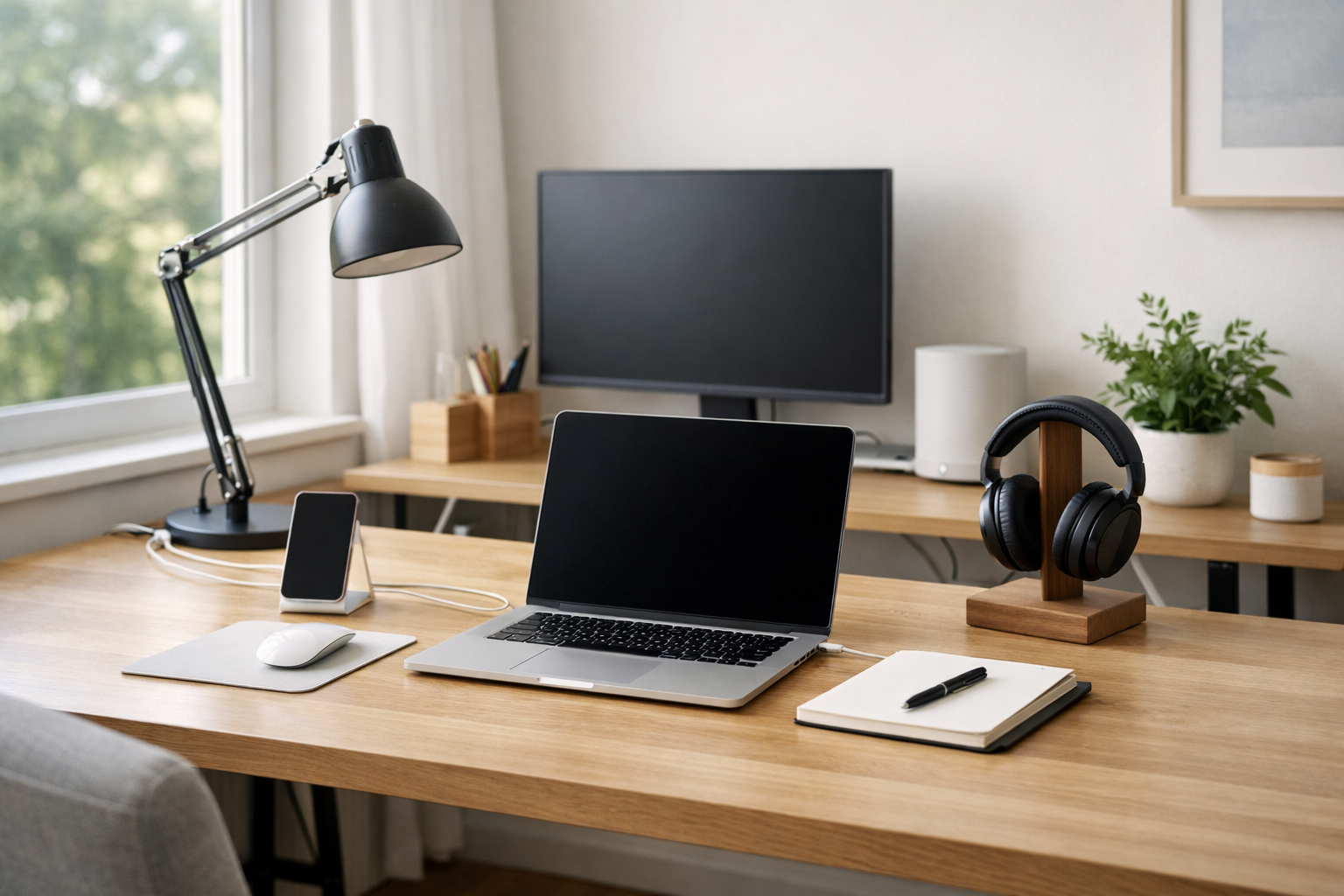
Evaluate your home office ergonomics and technology setup. Arrange your monitor, keyboard, and mouse for comfortable use to reduce strain. Ensure cables are tidy using clips or sleeves to prevent tangling and accidental unplugging. Check your internet connection speed and router placement; reposition routers centrally or upgrade firmware for better coverage. Consider adding a surge protector to safeguard devices from power fluctuations.
Recycle or Donate Old Electronics Responsibly
Identify devices or accessories you no longer use or that no longer function properly. Research local e-waste recycling programs or retailers that accept electronics for responsible disposal. Many communities offer drop-off events or designated centers for recycling. Alternatively, donate working devices to schools, libraries, or charities to extend their life. Avoid throwing electronics in the trash to prevent environmental harm.
Finalize with Routine Maintenance Plans
To keep your home tech in good shape, schedule regular maintenance. Set reminders every three to six months to repeat backups, clean devices, and review digital files. Keep software updated and monitor security settings consistently. Developing this routine prevents buildup and extends the lifespan of your technology investments.
Taking a planned, weekend-focused approach to your home tech cleanup can make a significant difference in device performance, organization, and security. By addressing both physical and digital aspects, you create a more efficient and pleasant environment for work and leisure. This routine also supports sustainability by encouraging responsible recycling and donation. With these steps, your home technology will be refreshed, organized, and ready to support your daily needs.