Publishing Videos to an Online Host with Windows Live Movie Maker
Publish to an Online Host
When you’re ready to produce your movie you have 2 choices:
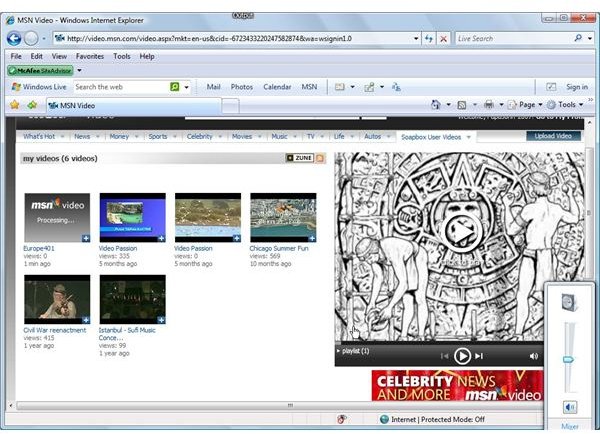
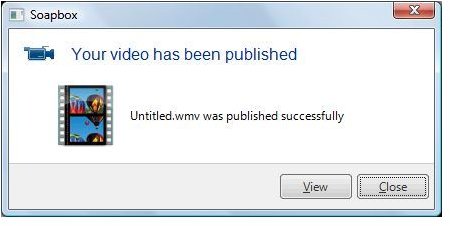
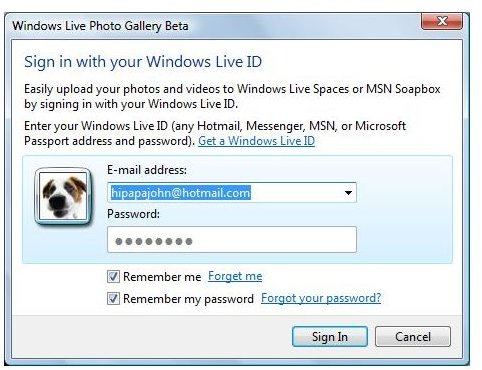
- Publish to an internet host. The beta version includes a link to publish your videos to an MSN Soapbox account, which I first used to test the app… if you’re heading to a host not yet linked to Windows Live Movie Maker or having a downloadable plug-in, use the other option to save the movie to your hard drive and use the uploading interface provided by the host.
- Output the movie to your hard drive…. a DVD quality file.
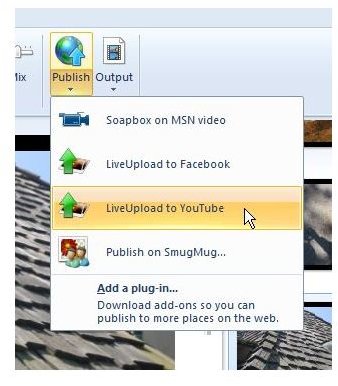
In addition to Soapbox, the ‘Add a plug-in’ option (see image) takes you to a Microsoft web page with plug-ins for others: as of this article, they are YouTube, SmugMug, Flickr, Picasa Web Publisher and Drupal Publisher. Others will be available as they are developed by Microsoft or third parties.
Under-the-hood features support adding other hosts, but you’ll need a geek to do it.
In addition to uploading your movie with the first option, Windows Live Movie Maker keeps a copy of it on your hard drive in the same folder as the project file. I checked to see what quality the file was… 430x320 pixels, 29.97 fps, 487 kbps total bitrate including an audio bitrate of 96 kbps. So far there are no options to select other quality settings. If you want a higher quality movie to upload to your host service, save it to your hard drive and take steps to upload it from there.
Testing with SmugMug
I checked the plug-in process with YouTube and SmugMug. It takes a restart of Movie Maker to see the web publish option for a newly added plug-in.
I uploaded a few previously made movies and stories to SmugMug and and YouTube. I was curious to see if they would be re-rendered or just uploaded…. they were re-rendered, adding another generation of compression quality losses… and the re-renderings took a long time. A high quality 800x600 pixel Photo Story 3 wmv file was converted to a low quality 430x320 pixel wmv movie that was over 3 times the original file size before the uploading.
The first attempt to upload to SmugMug worked, but the next two didn’t. The error message (0x80131600) in Windows Live Movie Maker didn’t explain anything. I went to an XP system and uploaded some other files directly… to learn that SmugMug doesn’t accept Photo Story 3 videos (‘unknown file type’), and movie durations are limited to 10 minutes (‘video longer than 600 seconds). The upload to YouTube worked fine.
This version of Windows Live Movie Maker is beta software but SmugMug has been around for a while… we’ll see how the interfacing issues are worked out, over time.
Images

This post is part of the series: Windows Live Movie Maker
The Windows Live version of Movie Maker is the biggest change to come to Movie Maker since it was first released in Windows Me 8 years ago. It promises to be better yet smaller. Join us in looking at the evolution of this new version.
