Insofta Cover Commander is cover maker software you can use to design 3D box images and covers for books, CDs, and boxes. Cover Commander can also create professional 3D images you can use on covers of products. Read the full review to know about its power.
Overview
Insofta Cover Commander is DTP software for designing professional-looking 3D box images. You can use these 3D images on the cover of products to covey compelling messages and get the attention of your customers. This software provides many features that help in designing cool 3D images in no time. DTP professionals who are involved in cover design work should consider checking out this software.
Screenshot 1
Installation & Setup (5 out of 5)
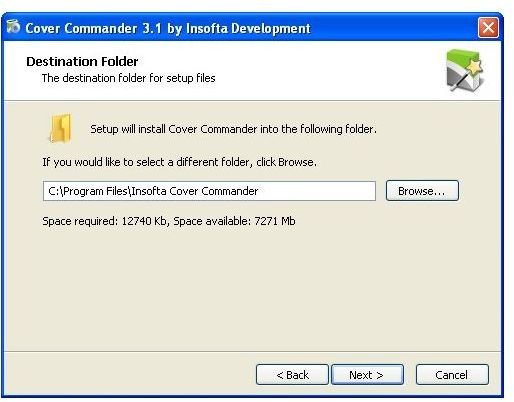
Insofta Cover Commander is available with multilingual support. Just a couple of clicks can install this software on the system. You can also choose the language preference and the shortcut option at the time of installation.
Screenshot 2
User Interface (5 out of 5)
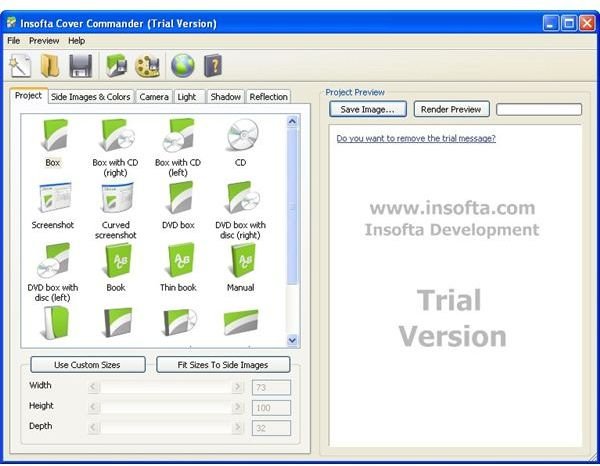
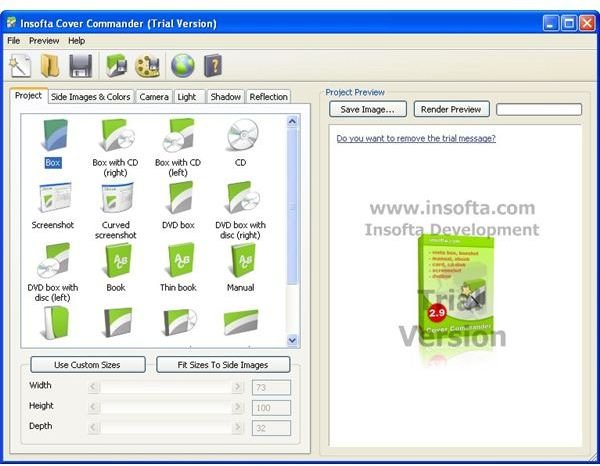
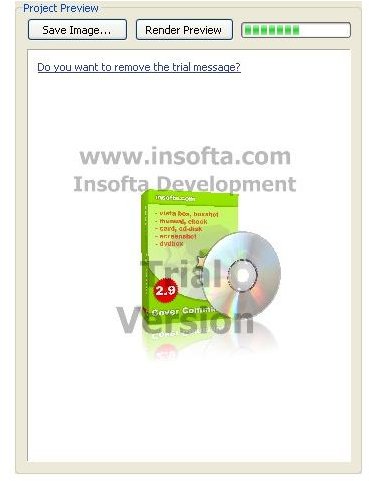
It has very attractive user interface. All option and editing tools are arranged in proper manner and given with full detail. You can view the real image in the integrated real time preview window.
Screenshot 3
Features (4 out of 5)
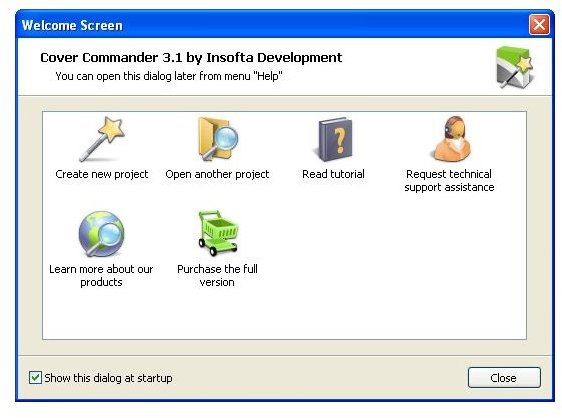
Insofta Cover Commander provides a number of features which helps you in creating professional looking 3D box images for the product cover. It has very simple user interface which makes it very easy to operate. On the welcome screen it provides many options. You can create a new project and open an existing one or you can directly access the tutorial guide for help directly from the welcome screen.
Insofta Cover Commander is available with multilingual support. So no matter what language you speak, you can still create professional 3D box images with this software. At the time of installation you can choose the preferred language and can also change it while the software is in running mode.
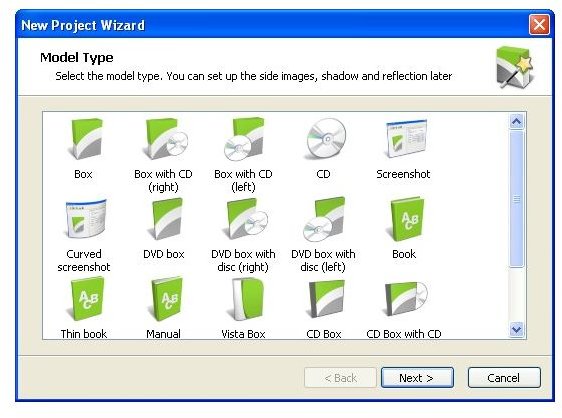
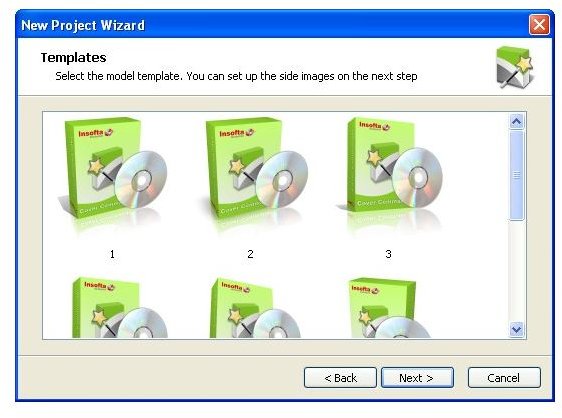
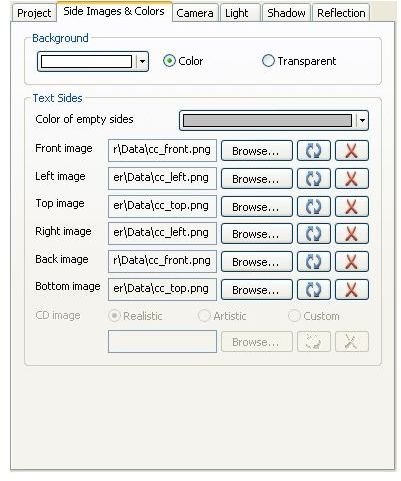
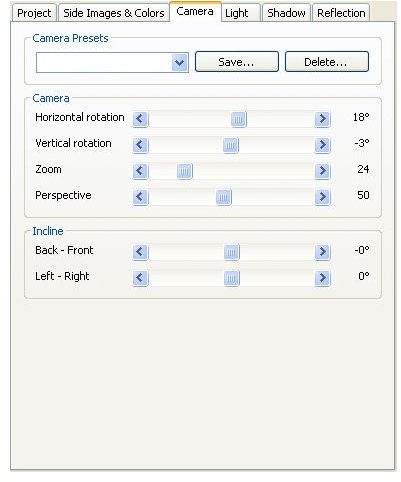
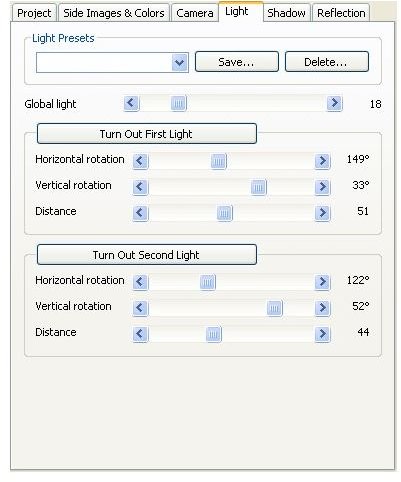
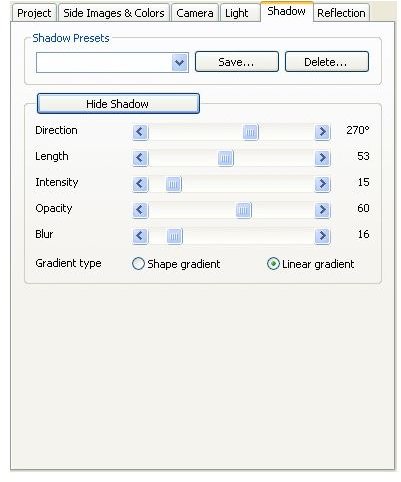
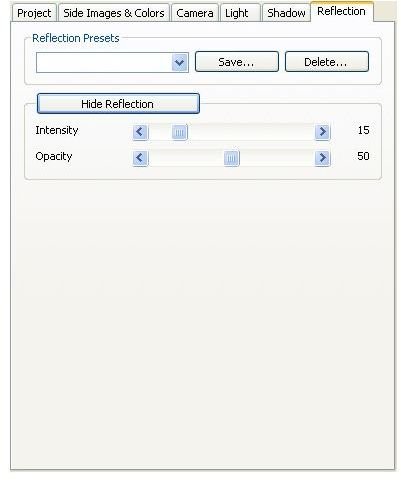
There are many model types are available and for each model type many templates are given with this software. You can choose from given model types like box, box with CD, CD, book, manual, card, monitor, TV etc. After choosing the desired model type and template you can insert your own images to the project. You can change the background color, front image, left image, top image, bottom image, back image etc. with just couples of clicks. For better camera view you can change the camera rotation and incline option. You can also adjust the light and brightness of the images. With the shadow option you can adjust direction, length, opacity, blur and intensity of the shadow. All these changes are directly reflected onto real time preview window.
Screenshot 4
Screenshot 5
Screenshot 6
Screenshot 7
Screenshot 8
Screenshot 9
Screenshot 10
Screenshot 11
Screenshot 12
Price to Value (4 out of 5)
Insofta Cover Commander is available at $48.3 with 1 year free updates. You can also buy unlimited updates with just $76.3. This software will definitely increase the sale of your product so these prices are negligible as compared to the features it provides.
Performance (5 out of 5)
This software support all common image file formats like png, jpg, gif, and bmp files. You can insert these types of images into your projects or you can save the designed 3D images into these file types. You can also save animation in SWF, AVI and GIF formats.
Final Tag
Insofta Cover Commander is very useful DTP software for designing cover images for your product. It can increase the sale of the product and makes the product box more attractive. You can also use this to create book cover or tutorial cover pages. So it should be a recommendation for all DTP professionals.
Screenshots