This simple desktop publishing software is powerful enough to satisfy all of your daily designing activities. You can also use CeledyDraw to create not only attractive graphic designs but also complex engineering drawings and flowcharts.
Overview
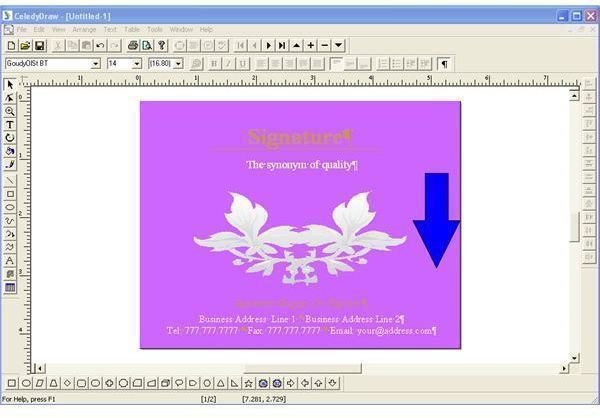
CeledyDraw is a powerful DTP program that can be used to handle graphic design projects. It is ideal software for doing daily graphics design activities at schools, homes, and offices. The learning curve for this software is an easy one and CeledyDraw’s price is also comparatively low. CeledyDraw also helps with creation of graphic designs for brochures, postcards, greeting cards, flyers, letters, and so on.
Screenshot-1
Installation and Setup (4 out of 5)
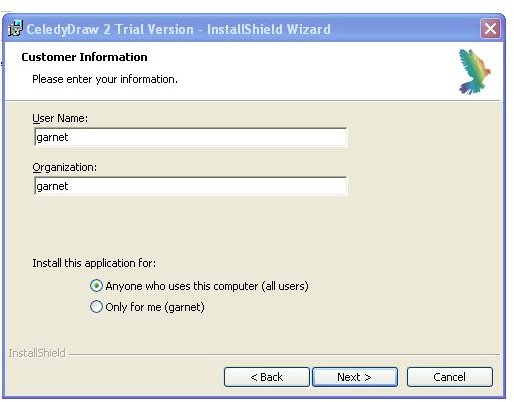
The installation file of CeledyDraw is 60.6 MB and can be easily downloaded from the internet with a high speed connection, but it is typical to download with dial-up connection. The installation wizard can complete the job in few minutes. There are no complex settings to be done during the installation. You only have to click the Next button and ensure that the settings are alright. The username and organization can be changed if necessary. There is no real difficulty in installation and is completed very quickly.
Screenshot-2
User Interface (4 out of 5)
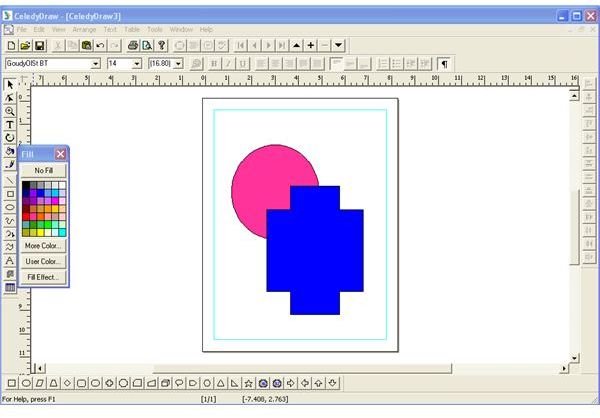
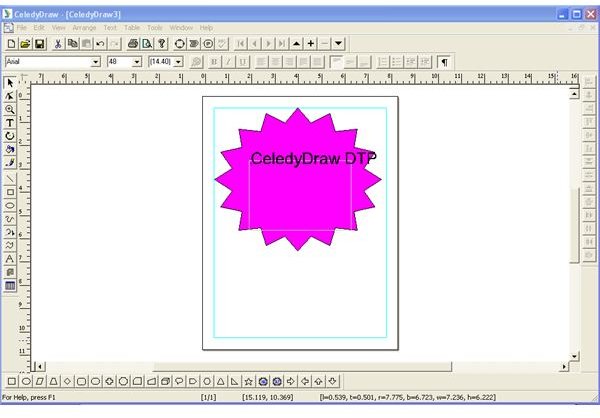
The user interface of CeledyDraw primarily includes the canvas and tools for drawing the graphics. The Main Menu bar contains all the commands for creating a new document, placing objects, editing objects and arranging objects. There are toolbars for text formatting, drawing objects, standard file operations, standard editing operations, alignment of objects and autoshape. The user interface appears to be very simple.
Screenshot-3
Features (4 out of 5)
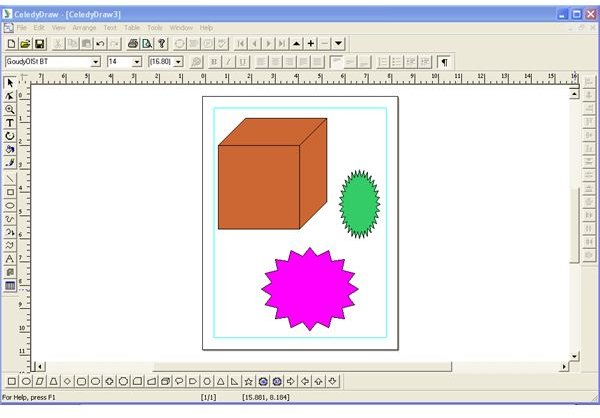
CeledyDraw provides several tools for drawing and designing. The drawing tools in the left of the main window give all options for drawing graphics. The autoshapes toolbar found in the bottom of the main window helps to add predefined images. The context menu obtained by right clicking on an object gives many options for changing the properties of that object. You can change color, change outline, rotate objects, arrange objects and change the size of the object using this menu.
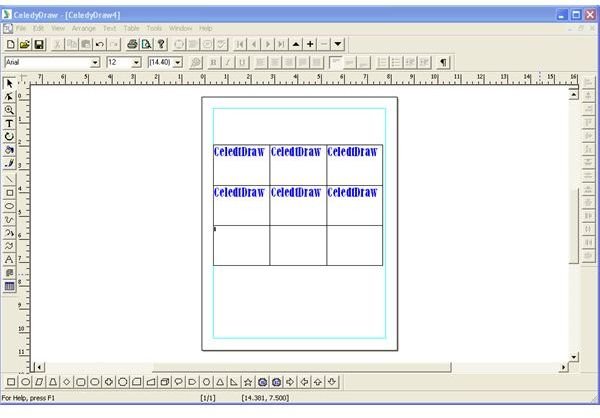
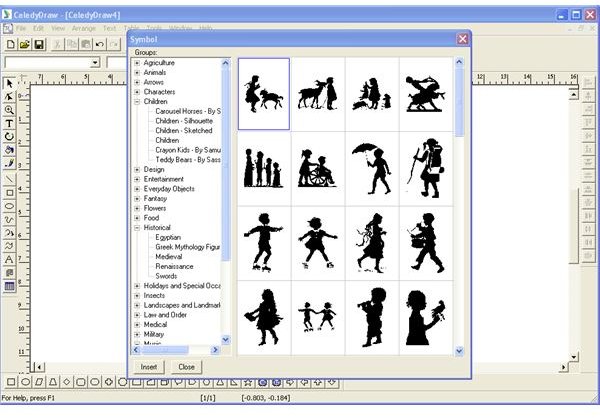
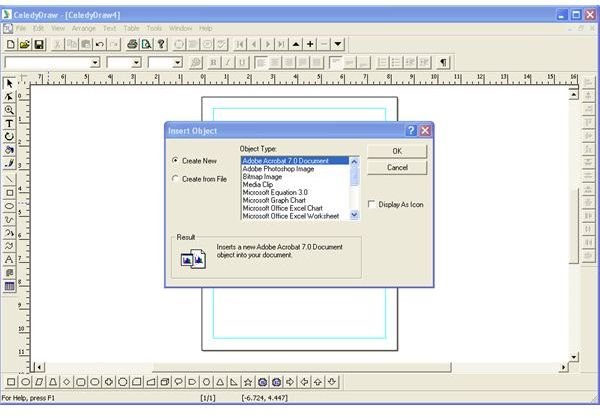
The drawing toolbar also provides facilities for inserting text frames and tables. You just have to enter the required number of rows and columns for creating a table. The Table option in the Main Menu is used for making any changes in the table. Predefined images are inserted into the document using the Insert Graphic Symbol option from Edit menu. New object from other compatible software can be inserted easily into the document using the option Insert New Object from Edit menu. The Import and Export options in the Main Menu give more flexibility to the software. Documents created using CeledyDraw can be transferred to other types using this facility.
Screenshot-4
Screenshot-5
Screenshot-6
Screenshot-7
Screenshot-8
Screenshot-9
Price to Value (4 out of 5)
The full version of CeledyDraw costs $64.99. Considering the features that the software offers it is not a big deal. You may be able to purchase better software for graphics designing but the cost may go to the higher side. The greatest advantage of this software is its simplicity. You don’t have to learn many things for using this software.
Performance (5 out of 5)
CeledyDraw may look like a simple software. But it provides all the functionalities of professional desktop publishing software. After using CeledyDraw for sometime you will surely convince with it.
Final Tag
CeledyDraw can be used to create graphic design and documents quickly. You don’t have to learn a lot of graphic designing for using CeledyDraw. The design in your mind can be easily composed using CeledyDraw.
Screenshots