Practical Scriptwriting can be used to develop professional scripts in various preconfigured formats. It provides a collection of wizards to easily plan out a complete script and cast. You can also use its report-generating tools to generate comprehensive reports from the script.
Practical Scriptwriter Overview
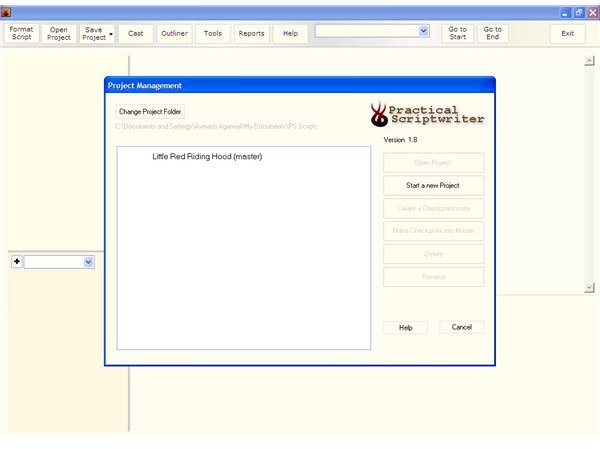
Practical Scriptwriter is a collection of tools that allows you to present your scripts in a professional and streamlined manner. All popular script formats are preconfigured, so you don’t have to worry about how to present your script. There is also a cast management tool that allows you to develop your script’s characters and set plots.
Screenshot 1
Installation & Setup (5 out of 5)
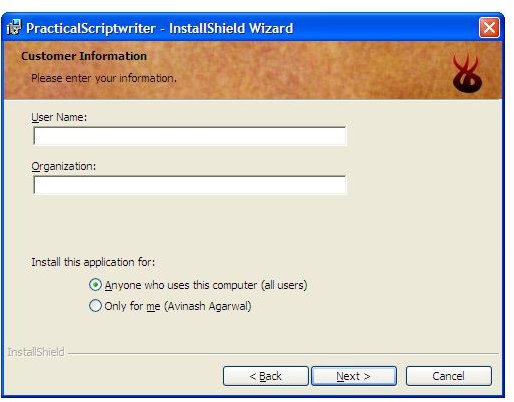
Installing Practical Scriptwriter is very easy and quick. You can select the setup type from three options namely typical, minimal and the custom settings for advanced users.
Screenshot 2
Practical Scriptwriter User Interface (5 out of 5)
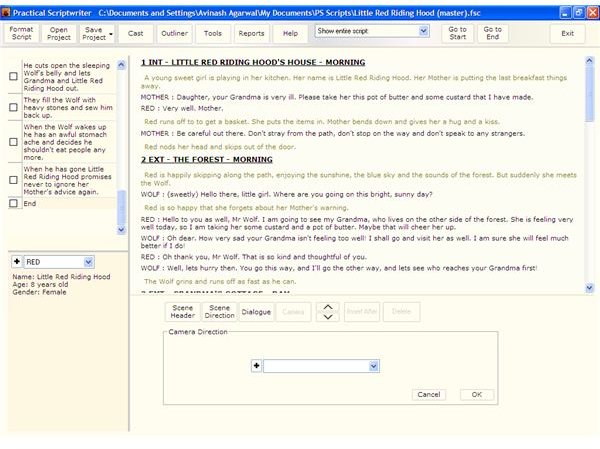
The user interface is designed for one click use. You can find all the tools that you need near the work area. All the menus are shaped like boxes with multiple related options on them as drop down lists. You can easily change the script format using the various preset formats available. Script navigation tools, character editing, script outlining are all present on the main interface for quick and easy access.
Screenshot 3
Practical Scriptwriter Features (5 out of 5)
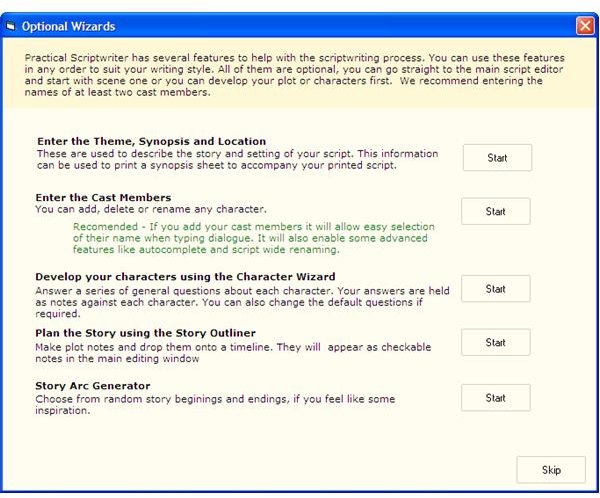
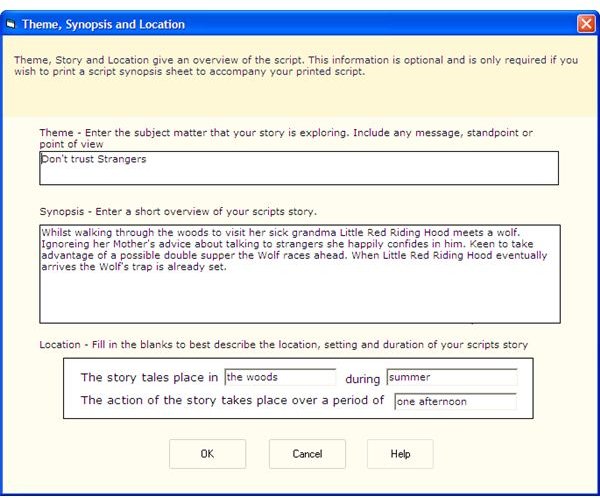
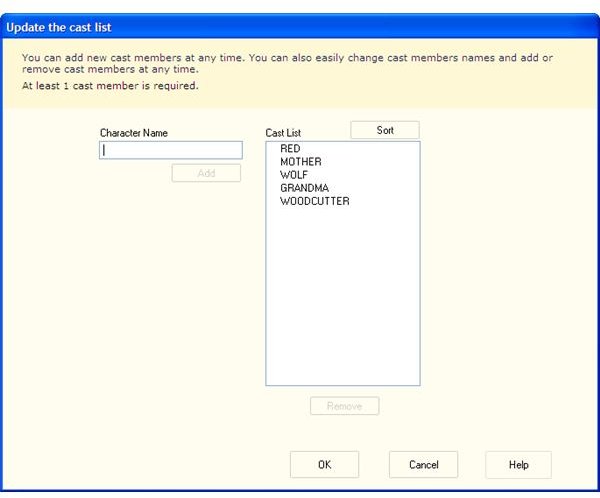
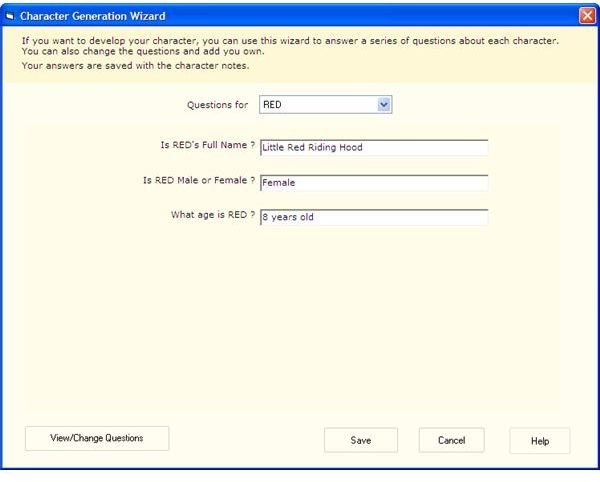
Practical Scriptwriter provides many wizards to help you in your work. As you start on a new project it helps you in planning out the entire script. You can use the various wizards available to determine everything from the theme and synopsis to location of the story. Then you can enter the names of the various cast members and use the character wizard to build the character by answering some questions about them.
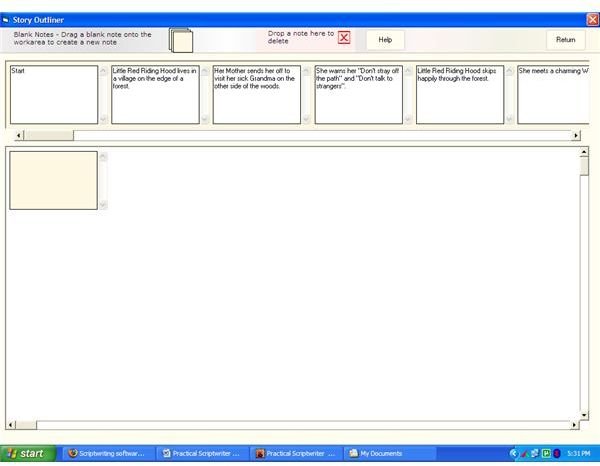
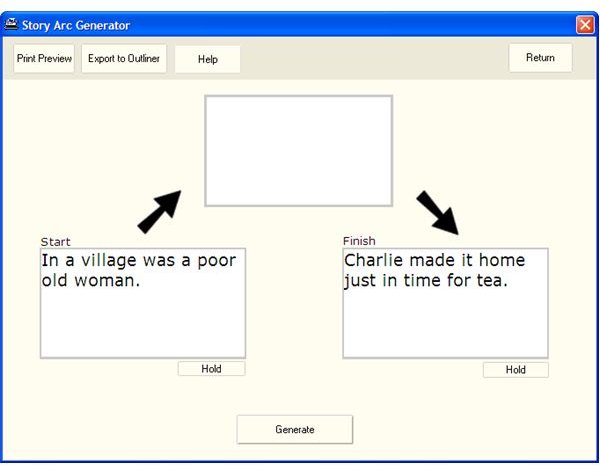
You can then plan out the story using the story outliner on a timeline. You can write plot notes and put them on a timeline which will then be visible as checkable notes in the main editing window. There is also a Story Arc Generator that allows you to choose random starting and ending sequences in the script.
There are several preconfigured TV, film, stage and radio script formats to choose from, so no need to worry about any particular format when you write the script. You can also easily add cast members and also import and export them with their characteristics if desired. The outliner allows you to frame an outline for the story and breaking them into scenes and then dropping summarized notes for each scene.
It provides an option that allows you to select the script view. You can either view the entire script or a particular character’s script allowing easier editing. You can also set the scene headers, scene direction, the dialogue and also the camera direction. It also has some navigation tools to quickly reach the start and end of the script. All text editing tools are also present to ensure scripts with no grammatical and typographical errors.
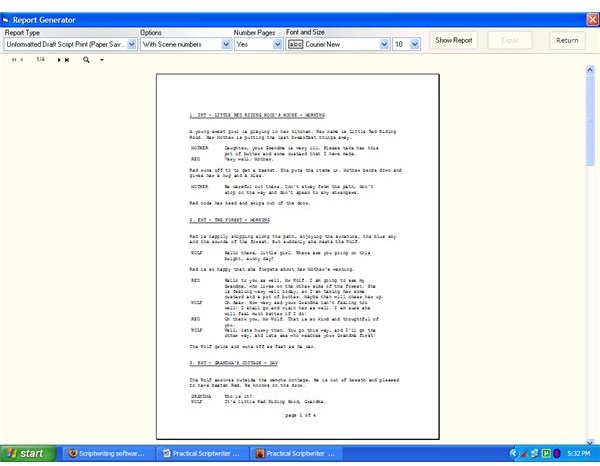
There is a comprehensive report generating tool that allows you to generate reports on various topics in a click that is totally derived from the script. You can generate an unformatted draft script or a full character summary etc. with the entire format settings like the font and size settings using the report generator.
Screenshot 4
Screenshot 5
Screenshot 6
Screenshot 7
Screenshot 8
Screenshot 9
Screenshot 10
Price to Value (4 out of 5)
At a price of $61 for a two machine license Practical Scriptwriter is totally worth its weight. Buying a license unlocks the printing and exporting capabilities of the software.
Performance (5 out of 5)
Practical Scriptwriter performs extremely well in providing everything you need easily and quickly. Its wizard tools help you in building the base of the script easily in a series of steps.
Final Tag
Using Practical Scriptwriter you can write and present scripts in a professional outlook in a few quick and easy steps. The multitude of tools available allows you to easily complete all the work in a shorter time span with ease. So of course it is a final recommendation for everyone.
Screenshots