Animations and images are useful for making a web page attractive. 3D Text Commander is helpful for web page design. Attractive 3D text images can help DTP professionals increase their income. Read the complete article to know how this 3D image creation software can boost your income.
Overview
Insofta 3D Text Commander is useful for converting plain text into 3D text images and animations. Images and animations based on plain text are essential for creating a web page. Plain text based images are used as logos, messages or banners in a web page. This not only gives a web page professional look but catches the attention of viewers too. 3D Text Commander creates images and animations from the text in a few mouse clicks. That is what 3D image creation software is all about.
Screenshot-1
Installation & Setup (4 out of 5)
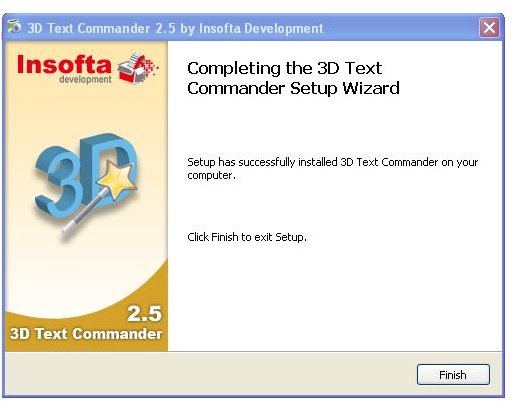
The trial version of the 3D Text Commander can be easily downloaded from internet. The installation process is very simple usiing the installation wizard. The download and installation takes only a few minutes. Only the serial number needs to be entered for getting the license. Time is saved since no reinstallation is needed after getting the license.
Screenshot-2
User Interface (4 out of 5)
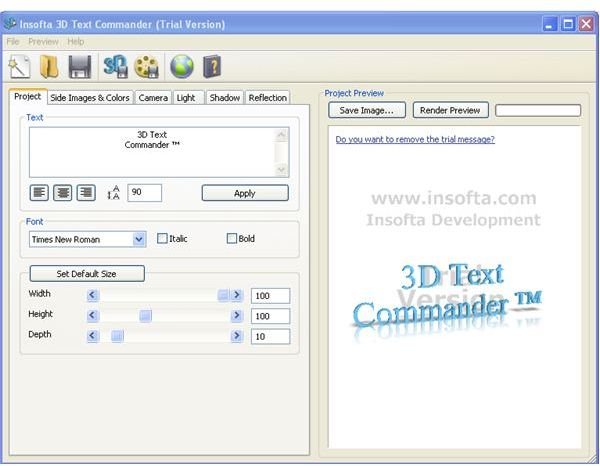
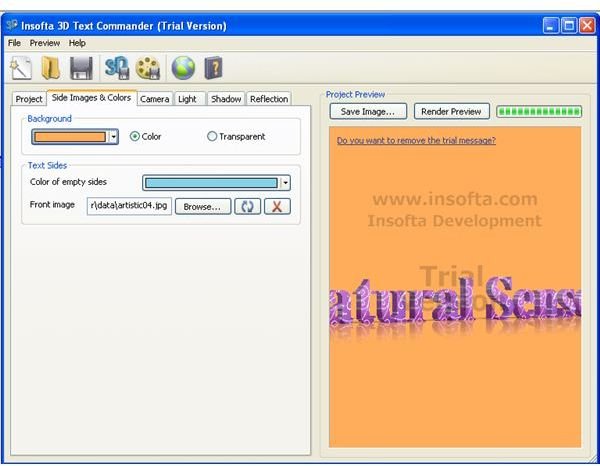
3D Text Commander uses a single window user interface. The menu bar, tool bar and keyboard shortcuts can make your job easier. Everything is integrated in the main window itself. All commands in the menu and tool bars are self explanatory. The shortcuts are also simple to grasp since they are common in all software.
Screenshot-3
Features (4 out of 5)
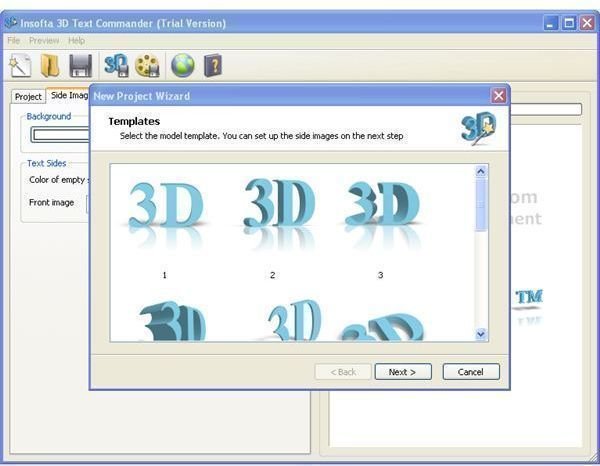
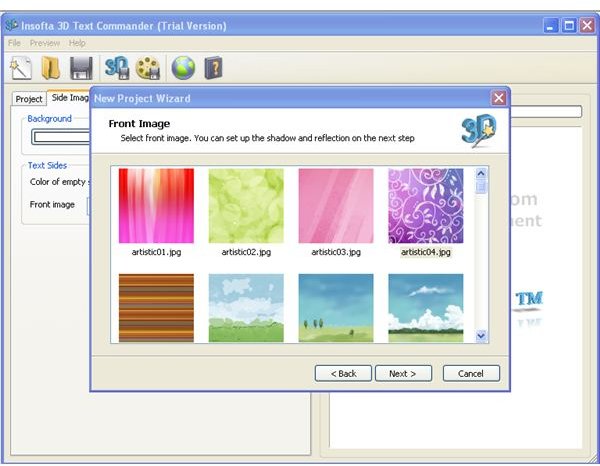
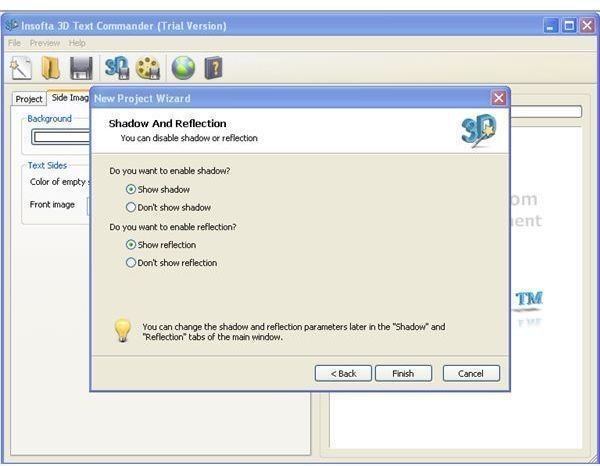
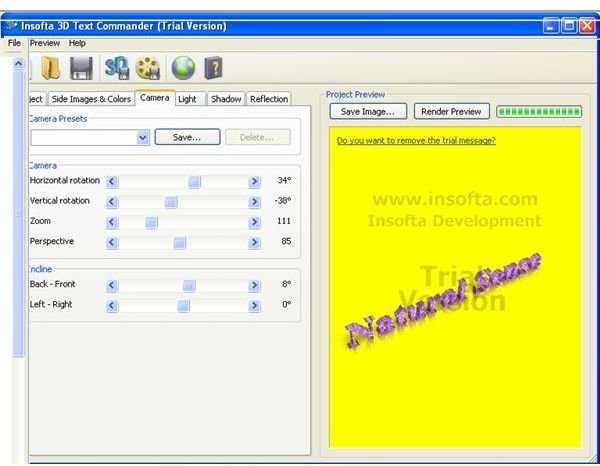
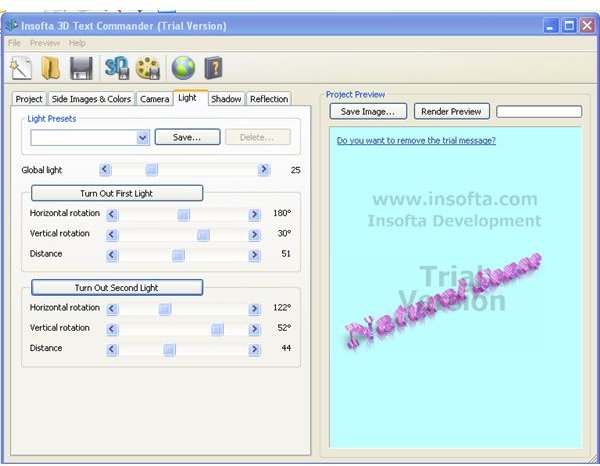
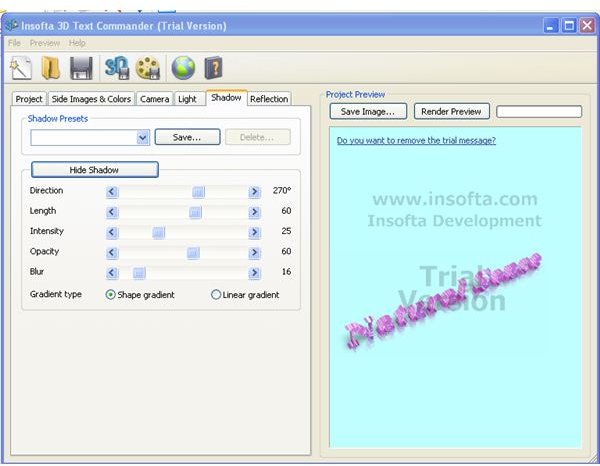
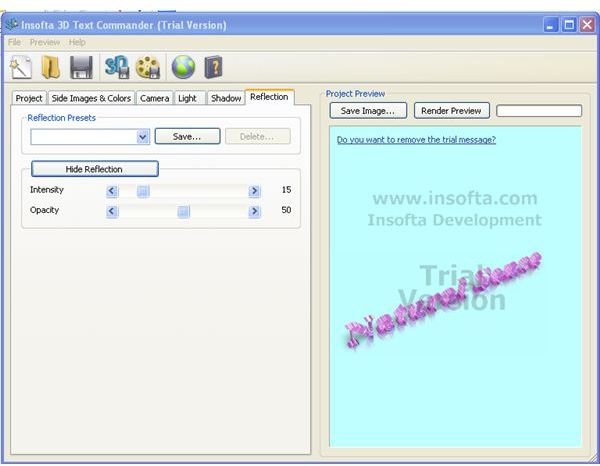
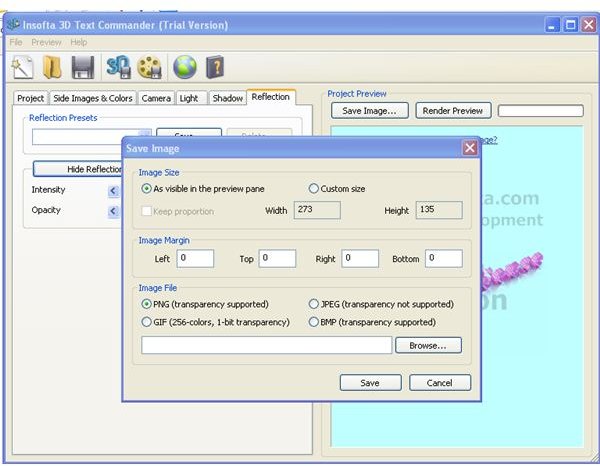
3D Text Commander converts plain text to images and animations in a few simple steps. Input is accepted using a textbox and with a few mouse clicks the job is finished. Selecting a predefined model and texture is all that is needed for creating an image. Shadows, reflections, and orientation of the text in the images can also be controlled in the main window. 3D Text Commander provides flexibility for selection of image format also. All common image formats are supported.
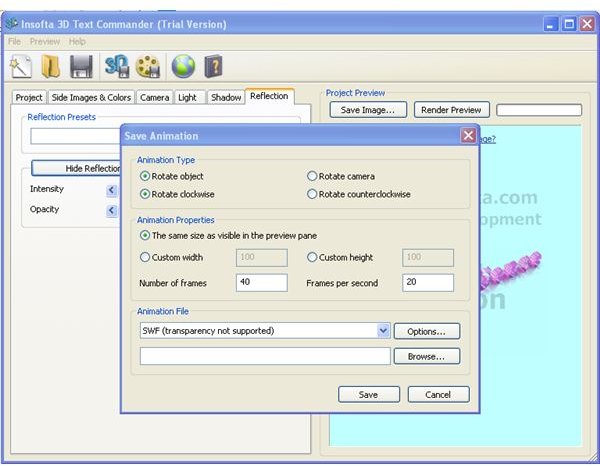
There is nothing more to worry for creating animations also. Parameters like orientations, and the number of frames are the additional information needed. Well defined dialog boxes are present for completing the process. 3D Text Commander supports gif, .avi, and .swf formats for animations.
Screenshots-4
Screenshots-6
Screenshots-7
Screenshots-8
Screenshots-9
Screenshots-10
Screenshots-11
Screenshots-12
Price to Value (3 out of 5)
The performance of the software is on the slower side. But the software is easy to handle. This is surely a unique product. But the price is a bit higher when compared to the performance.
Performance (3 out of 5)
The quality of the images and animations produced using 3D Text Commander are only average. The time it takes to load 3D Text Commander is rather long. The processing time for converting text to images and animations is also long. But there aren’t many steps required for this conversion.
Final Tag
3D Text Commander can save a lot of time during web page creation. The extra time spent for creating banners, logos and messages are saved using 3D Text Commander. The plain text input in a text box can be converted to images and animations automatically.
Screenshots