Magic Mirror can be used to distort and face wrap the photos of friends and family to make them funny. To know more about its powerful features just continue your reading.
Magic Mirror Overview
Magic Mirror is a great laughter generating tool to have fun with. You can use it to distort any image to make them seem funny. Now you can have fun with your friends and family using Magic Mirror to distort and modify their photos. You can use these distorted photos to create covers of photo albums, scrapbook pages and cards. The only limit to using Magic Mirror is your own imagination.
Screenshot 1
Installation & Setup (5 out of 5)
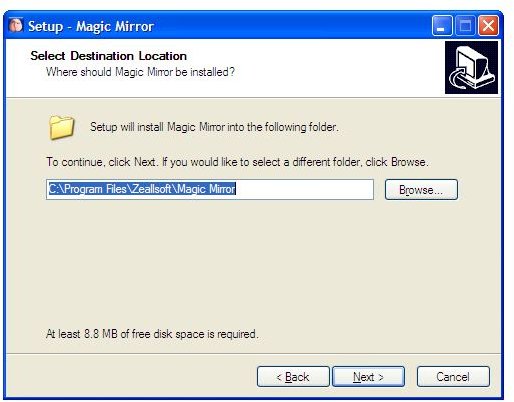
Installation for Magic Mirror is easy and quick. The software file size is small and everything is customized automatically during installation. You can choose the location for the software when prompted to due so by the installation dialouge box.
Screenshot 2
Magic Mirror User Interface (5 out of 5)
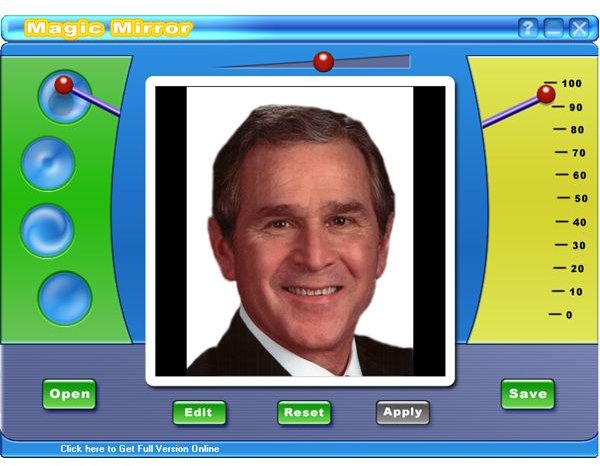
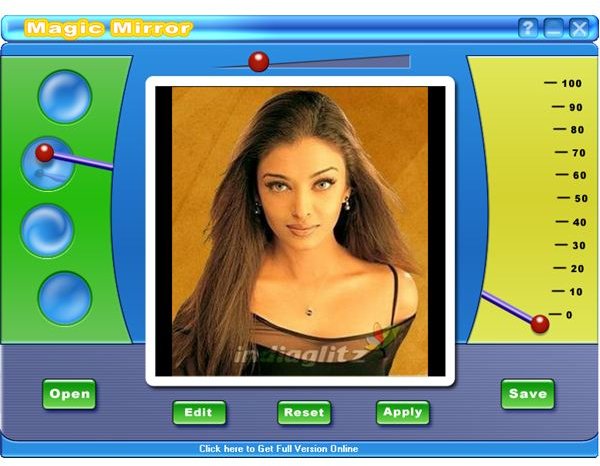
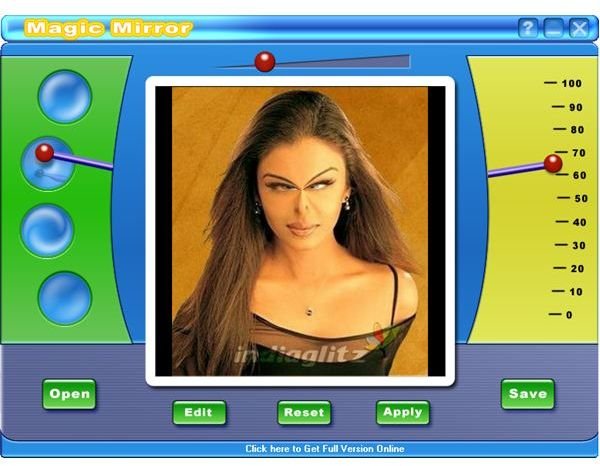
The user interface of magic mirror is simple, attractive and fast loading. It comes with various features and controls in a Web 2.0 like interface. All the options from open, edit, reset, apply and save are present as colorful buttons for easy one click access.
Screenshot 3
Magic Mirror Features (4 out of 5)
Using the various warping tools that Magic Mirror has to offer, you can easily create funny distorted versions of photos.
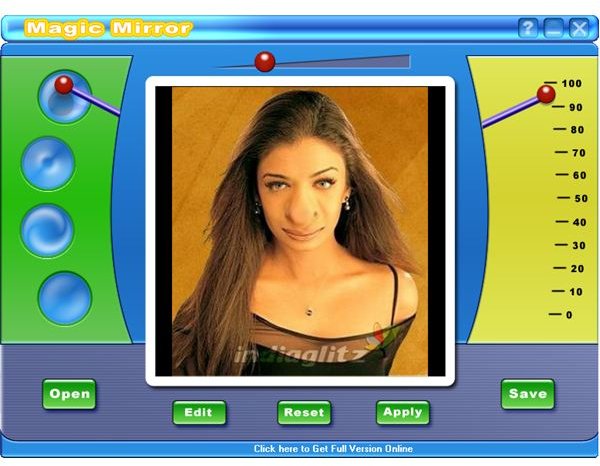
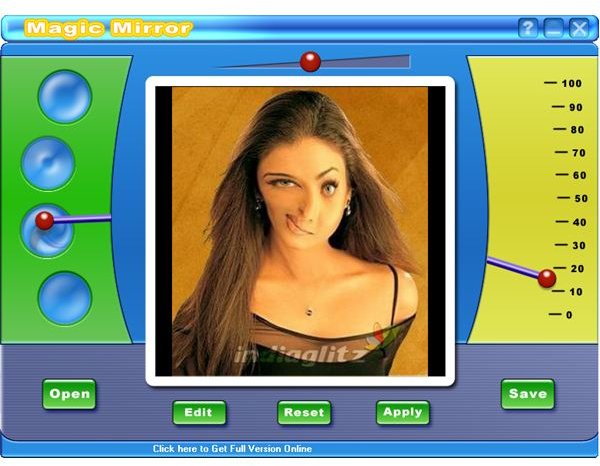
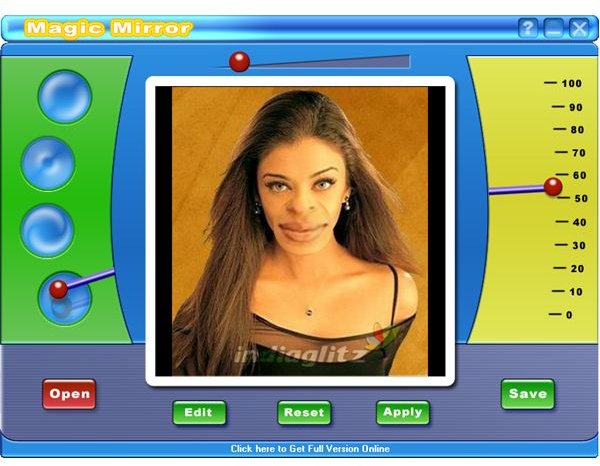
Here you can find a slider that allows you to control the region of distortion. So you can opt to wrap only a small portion of the image or if so desire, a larger part of the image can be distorted to make it look funny. There are four types of wrapping (pinch, punch, eddy and lens) allowed and you can easily select the style by dragging the bar to the different circles or by clicking on the particular circle.
There is also a slider that allows you to control the angle of the distortion, like the nose is tilted to the right or left direction. It can also control the amount of distortion in each direction in a scale from 0 to 100.
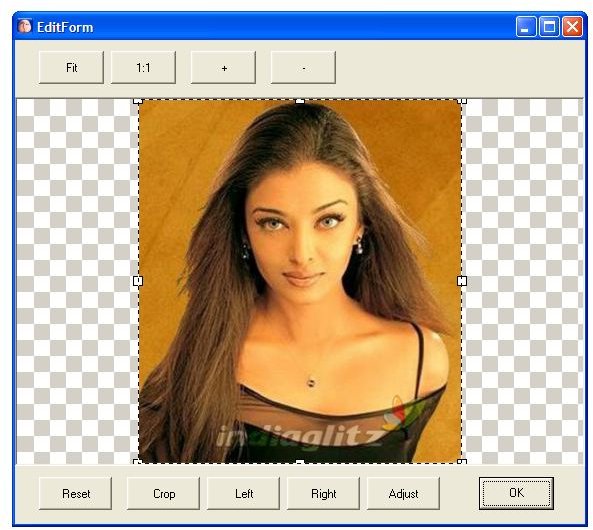
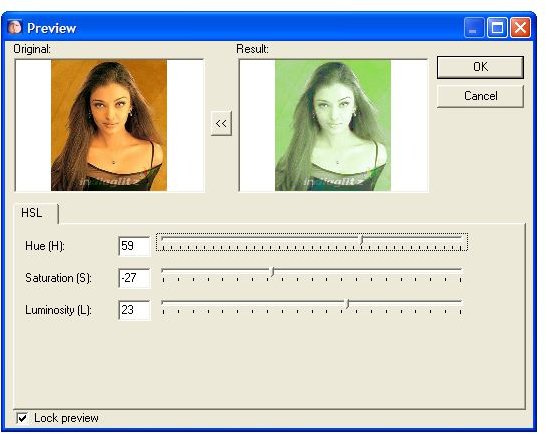
The edit feature allows you to perform various operations on the image. You can change the angle of orientation of the image in all four directions using the left and right buttons. It also allows you to crop certain portion of the image using the crop tool. The adjust button opens a preview box that allows you to set Hue, Saturation and Luminosity levels in the image while viewing the end result in real time. Then you can select the size of the image from a 1:1 ratio or a fit to screen size. There is also an option to zoom in and out of the image. Here you can also find a reset button that allows you to revert back to the original image if so desired.
Screenshot 4
Screenshot 5
Screenshot 6
Screenshot 7
Screenshot 8
Screenshot 9
Price to Value (3 out of 5)
Magic Mirror is set at a price of $29.95 for the standard version and $49.95 for the professional version. You also have an option of acquiring a site license at $199. It is a great addition in desktop publishing and entertainment software collection.
Performance (5 out of 5)
Magic Mirror is very simple and easy to use and performs with full satisfaction to make every photo seems funny.
Final Tag
Magic Mirror can be used to make any photo or image funny. And anybody can use it easily without any training. So ultimately it is recommended with 5 star rating.
Screenshots