Ultimate Paint, a graphic editing program, optimizes the photo quality of your images and provides some spectacular effects. With Ultimate Paint we can really feel the ultimate experience of photo editing. To know more about it just read on.
Ultimate Overview
Ultimate Paint is graphic editing software. With this software you can draw and edit graphics, scan photographs, enhance them, and add some spectacular effects. This program is shareware and you can use it for non-commercial purpose without spending a buck. It provides all the features for photo editing that you’d expect from any image editing tool.
Screenshot 1
Installation & Setup (5 out of 5)
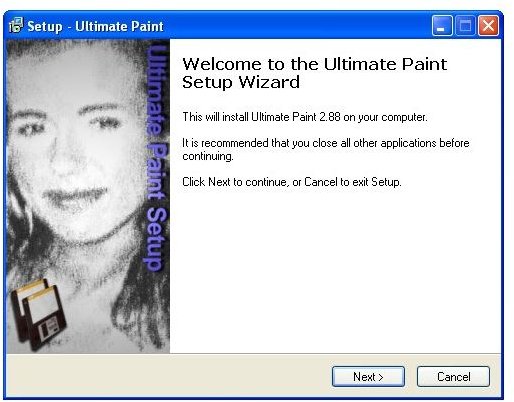
Ultimate Paint is so easy to install. Just two to three simple steps and you’re ready to go. No advanced settings are required, regardless of your system’s configuration.
Screenshot 2
Ultimate User Interface (5 out of 5)
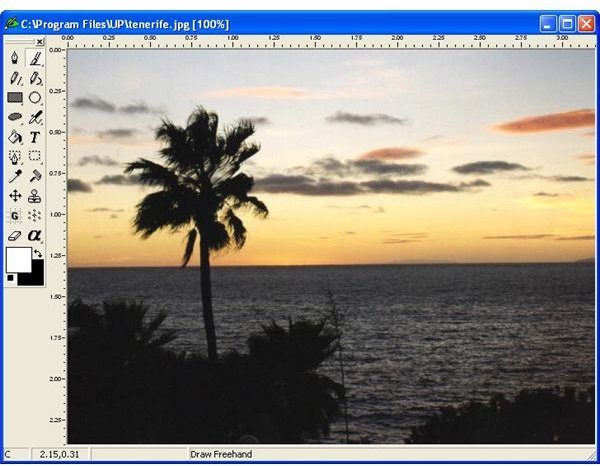
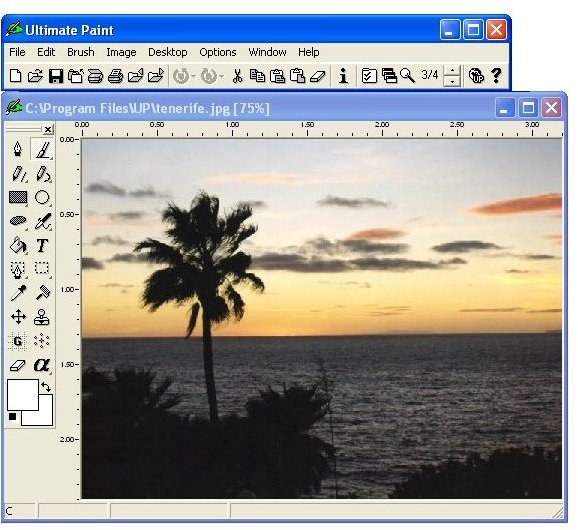
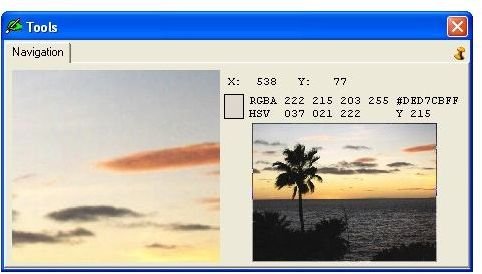
Ultimate Paint has a very simple and user-friendly interface that looks similar to Microsoft Paint. A separate editor window displays common editing tools. You’ll also find many enhanced editing tools via the tool window.
Screenshot 3
Ultimate Features (4 out of 5)
In a separate editing window you’ll find the most important drawing function. It provides the flexibility to edit more than one photo at a time. The main menu of the program is separated from the editing window and contains the most frequently used functions as well as the undo/redo and zoom controls. We can zoom in between 1 to 32, or zoom out between 3/4 and 1/10. The drawing tool displays the name of the icon when you move the mouse over a certain icon. You can also change the tool bar position by dragging it.
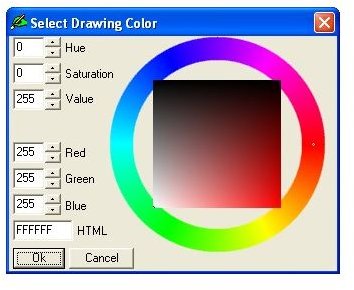
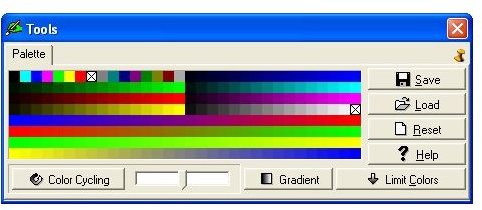
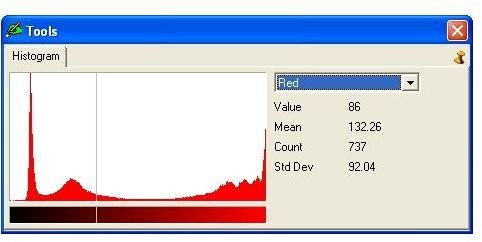
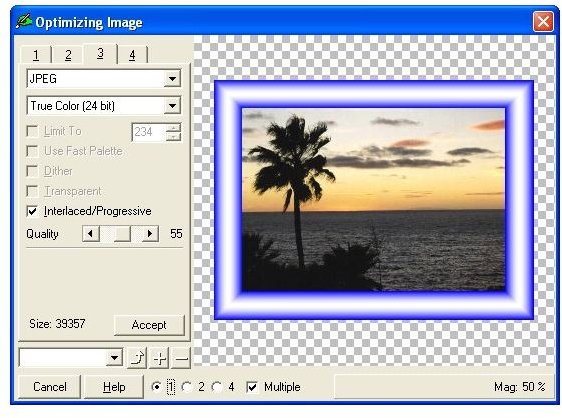
The drawing color window allows you to select color for background, shadows, or a color parameter in a photo. Via the dialog box you can change the hue, saturation, intensity, and red, green, blue (RGB) component of the color. It also provides hexadecimal code for the selected color which you can use in the HTML field. For enhanced color editing you get a separate fast palette toolbar. Here you can see different colors in adjacent boxes. These boxes help you store and restore the most often used colors and perform different operations on these colors. On the histogram panel you can see the statistics of the current image. It provides information about the number of color shades and their distribution. You can also enhance the photo quality with the optimizing image dialog. It helps you to optimize your images and to find the image format and parameters that best fit your particular needs.
Screenshot 4
Screenshot 5
Screenshot 6
Screenshot 7
Screenshot 8
Screenshot 9
Screenshot 10
Price to Value (4 out of 5)
Ultimate Paint is shareware but it is available free of cost for non-commercial use. But some of its great features are not available in the free version. You can unlock these features for just $34.95 and enjoy its high-performance editing capabilities.
Performance (4 out of 5)
Ultimate Paint supports all common image formats for editing.
Conclusion
Ultimate Paint is a cool image editing program available at very low price. It has many integrated tools, a simple interface, and enhanced features that make photo editing tasks a snap. Bear in mind, you’ll get better performance and optimum results with the paid version.
Screenshots