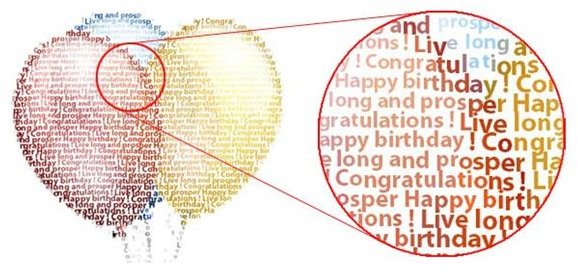
Textaizer is one of the most versatile text mosaic creation programs–and its freeware. This application turns your picture into a piece of text art by repainting the bitmap from text. Similar techniques exist such as ASCII art, by painting a bitmap from ASCII characters with no particular sequence.
Introduction
Textaizer Pro is a freeware application to create fantastic effects with text and picture. With this software you can make great fun effects from pictures by re-painting the picture by text. You can turn any picture into little piece of art by re-painting its bitmap from a text. This is also called ASCII art, but more versatile because you can use your own text. Simply choose a text file from your local disk and the target picture and press the button–that’s it.
Installation and Setup (5 out of 5)
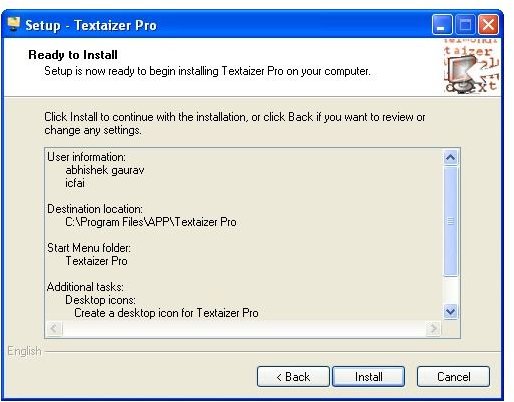
You need power user or administrator rights to install this software under XP or Vista. When installed on the windows partition it may generate an error message when installed with a ‘limited account’ using this software. It uses very little disk space and does not use the Windows registry. Simply double-click on the executable file, and follow the direction on screen.
User Interface (5 out of 5)
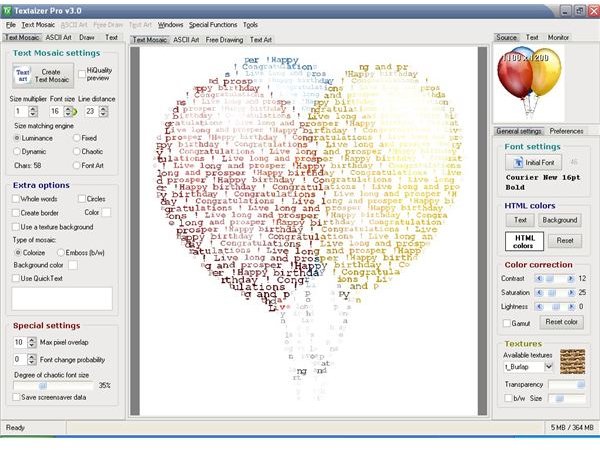
Textaizer has very attractive and well managed user interface. It has two viewing window, thumbnail window and preview window. The original picture is shown in the thumbnail and the result in the preview window. The preview window is clickable, and activates the built-in full screen viewer. Textaizer Pro also supports skins. The skin of the application is the graphical layout of the interface. Similar to window you can change the look and feel of the Textaizer Pro application.
Features (5 out of 5)
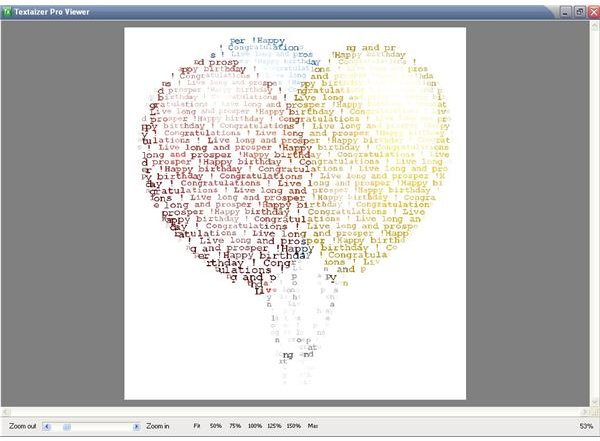
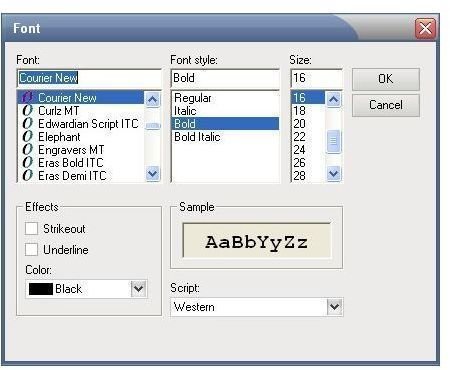
Textaizer Pro has several options to refine the creation of text mosaic, and a few basic bitmap filters to tune the source picture to improve the result. A source picture is used to derive the colors of each individual character. Any picture can be chosen and any text can be used. If a text is too short to cover the picture, it will be repeated. It has an in-built full screen viewer to preview graphics you have created. This viewer has few options which includes zoom in/out slider. With this slider you can zoom in or out the resulting picture in a very smooth way. There are few preset to quickly reset to the desired viewing size. You can select high quality result preview to create a high quality preview result, but only when the picture is smaller than the preview window. You can also change the font of the text you are using to create the picture with the font setting option. When pressing the initial font button you can define font, font size, font style, effects and font color. With the circle text mosaic feature text can be rotated and printed on the canvas as a spiral. This feature only works for text mosaic creation. With Textaizer Pro you can also create basic ASCII art, and the effect can be great if you use its basic filter to tune the source picture. With this feature you can create your own ASCII art picture by drawing lines, characters or directly typing the code. For convenience, a background picture can be used and act as a guide to draw your own art.
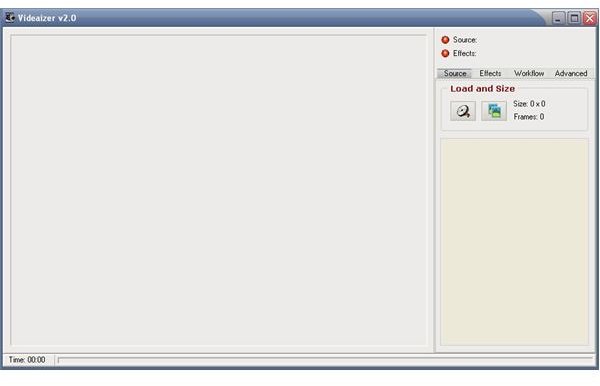
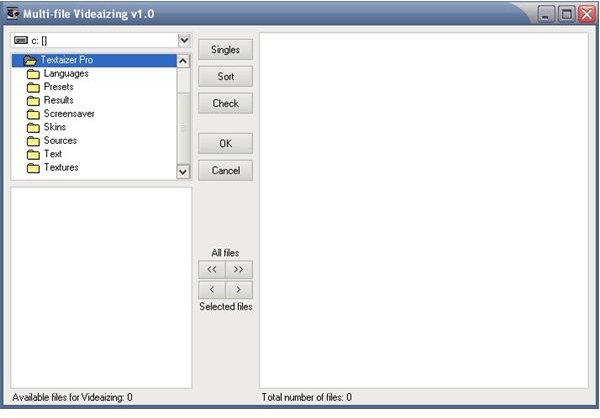
With Textaizer Pro you can make text video clips from video clips. With Videaizer you can animate Textaized bitmaps in sequence. You will need a source video clip or a selection of equal sized bitmaps. The Videaizer decomposes the source video clip into separate bitmaps; Textaizer Pro then takes each individual bitmap and creates a textaized picture from it. As an alternative input a sequence of bitmap can be used. Multi-file Videaizing tool can be used to import these bitmaps into your project.
Price to Value (5 out of 5)
Textaizer Pro is a freeware program with so many tools integrated with it. If you are interested in art work this software is exactly what you are looking for. This can be used for professional purpose or just to create funny pictures.
Performance (4 out of 5)
Textaizer pro applies extremely fast algorithms, and surpasses comparable programs at the great distance with respect to speed, accuracy, versatility/settings and ease to use. It supports all common bitmap file formats which include bmp, jpg, ico, gif, emf, wmf, and png file formats. It is a text mosaic creator with extensive possibility to also create genuine ASCII art.
Conclusion
For everyone who likes to create a surprising effect, this application is help for them. It can be used for poster of your favorite picture, painted from the content of your favorite book. It can be used for welcoming messages, for advertising or just for fun. You can use Textaizer Pro to paint your favorite artist with texts of your favorite song.


