ClickBook, a printing utility for Windows, lets you print customized day planner pages, church bulletins, wallet booklets, brochures, greeting cards, posters, business cards, CD covers, banners, and more, from the Internet, Windows, or CD-ROM. ClickBook also works with 64-bit operating systems.
Overview
ClickBook is powerful and easy-to-use software that lets you print information from different sources to create customized, printed portable publications. It can prints files, documents, graphics, spreadsheets, or web pages from any windows application. ClickBook doesn’t change any formatting done by the application program. Each page is preserved exactly as the application sent it to ClickBook including margins, page numbering, headers/footers and the entire paragraph formatting. It formats your document in several ways, depending on the print layout you select and you may make any modifications to it.
Screenshot -1
Installation & Setup (5 out of 5)
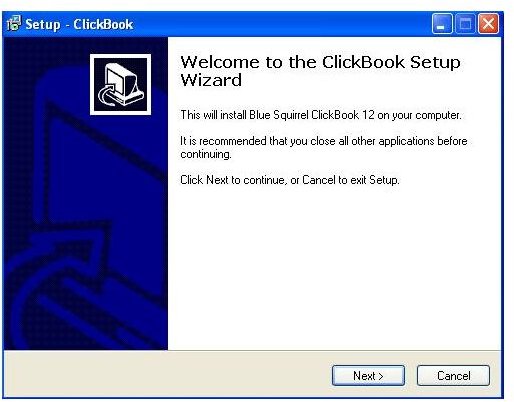
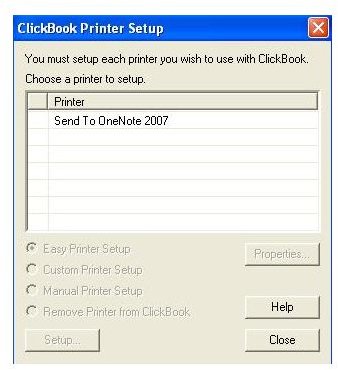
ClickBook’s installation process is very easy. You don’t have to change any settings for default installation. Only two or three easy steps will install this software to your machine. After installation of this printing software it will ask you to set up a printer for printing work. You just have to select the available printer from the list and the software will take care of the rest.
Screenshot-2
Screenshot-3
User Interface (4 out of 5)
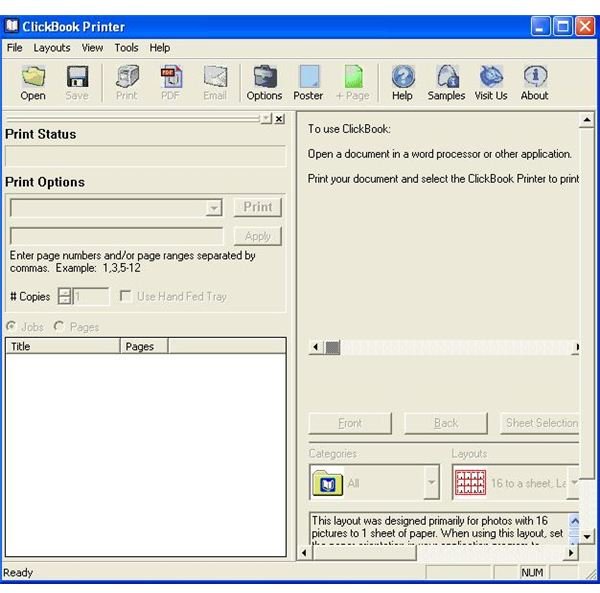
ClickBook has a user-friendly interface that makes printing very easy. The printing process typically begins in the application program where you choose to print your document. You just need to prepare your document as you usually would, and then give the print command to start the printing process. Set options as you wish in the print dialog box, choose the ClickBook printer, and click OK. This launches ClickBook. You will then select a layout, optionally change other settings, and hit the ClickBook print button to send the print job to the printer. ClickBook gives you instructions at each step of the way, including how to re-insert the paper to print the second side. Following the instruction ensure that the backside is printed correctly relative to the front side and that after you cut and assemble the booklet, the pages are in right order.
Screenshot-4
Features (4 out of 5)
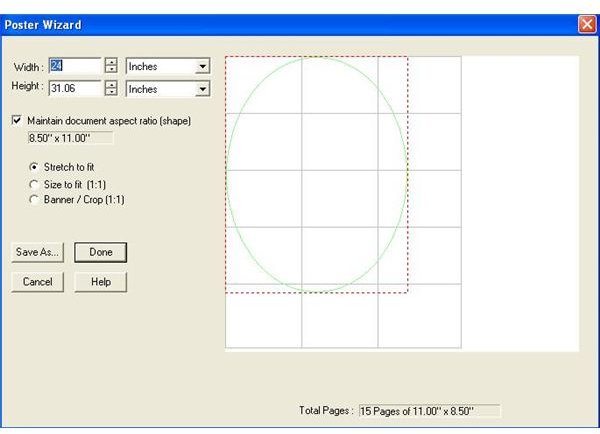
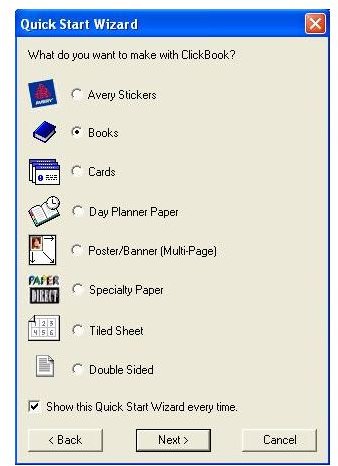
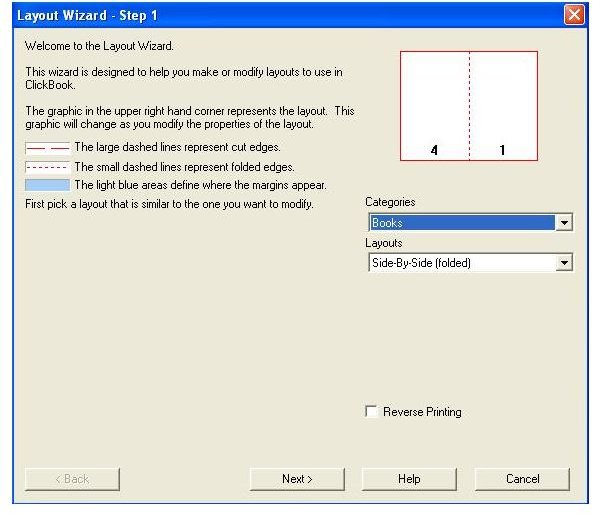
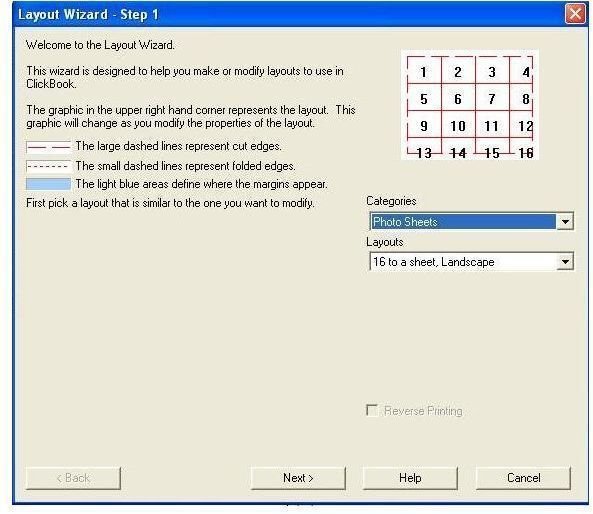
ClickBook has many new features loaded to serve your needs more precisely. Its quick start wizard will give you a choice for what type of document you’d like to print. (If you don’t want to see the wizard every time you can uncheck the option “show this wizard on startup.”) This wizard will take you to the most popular payout category. If you don’t like the layout selected then you can choose a different layout from the category. ClickBook comes with some sample documents for each layout. Most of the documents are Microsoft Word documents that can be used as a starting point when creating booklets, tri-folds, French folds, labels, and so on. The sample document will be uploaded in Word or other word processor and you can modify the contents to meet your needs. There is an in-built poster wizard to make a poster banner. You need to choose the size as per your requirements for your poster or banner, and ClickBook will automatically determine the pages needed to create it. All these features help you to print and customize your digital photos, documents, emails, online content, and other critical information into 170-plus mobile and convenient layouts.
Screenshot-5
Screenshot-6
Screenshot-7
Screenshot-8
Screenshot-9
Price to Value (4 out of 5)
This software is available for download at just $49.95, which is a very economic price when you consider its feature set. You can also try before you buy with ClickBook. You can save up to 70 percent on paper costs with your custom layout using this software. ClickBook also removes some unwanted content from your printing material, which saves on cartridge replacement costs as well.
Performance (5 out of 5)
ClickBook is designed to provide optimum performance and speed. You can get your material printed in no time with customized layouts. It is compatible with all common Windows applications like MS Office. It can also save your document in PDF format, which helps you to get PDF layout and PDF printing quality.
Conclusion
ClickBook printing software is for Windows users. Advanced users get all the options they need to customize pages and get their desired output printing. To help novice users ClickBook provides a quick start wizard and offers guidance at each step so they can easily and quickly get their materials printed. It also saves on paper costs, which means the $50 you invest in the ClickBook software will be paid back in no time.
Screenshots