Color Filters & Photography - How Color Filters Can Change The Mood of Your Photos
The overall color of a photo can do a lot to change the moods and feelings associated with it. Think of the difference between a sickly yellow overcast and a cool ice blue tone. Learning to manipulate the overall color cast of a photo through photo filters, thus, can be a powerful tool for photography. Here’s a guide.
What Is A Color Filter?
A color filter is, simply put, anything that alters the overall color of an image – just a method of filtering color. For photography, this can be done either physically through the use of a photographic filter that is placed over the lens, or added digitally during post-processing work. Each way to use a color filter has its own advantages and disadvantages, unique to the method.
Color filters are used to a variety of ends. The idea behind a color filter, after all, is just to increase the amount of control that a photographer has over a photo. Some physical color filters work to decrease excessive contrast in a photo, such as through use of a graduated filter. Some are used merely for color correction: think of the different color filters available on your digital camera software for the different lighting conditions, from outdoor sunny days to indoor tungsten lighting. Others work to enhance the existing colors, either by adding in or subtracting existing color. The number of photographic filters available, and the effects they can create, are innumerable, allowing a photographer to create exactly the effect they desire.
The emphasis of this article, however, is not on the different types of filters, but merely the different color effects they can create. Read on for some ideas on how to use color filters to work with the color and mood of your photograph.
Color Temperature
Colors are often referred to as according to their temperature. This might seem a little odd at first, but with a little thought it’s actually quite apt. Don’t blues just feel cooler, even when they’re not used in direct association with ice or the night? And warm reds are always attached to hot objects in common connotations, from chili peppers to an open flame. Adjusting the relative “warmth” or “cold” of an image can bring some of those connotations to the image accordingly.
Cool Blues
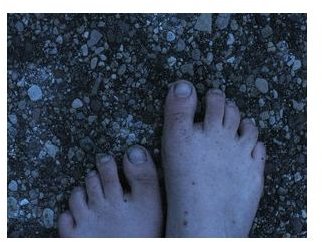
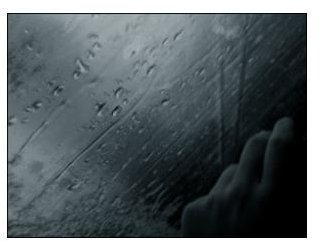
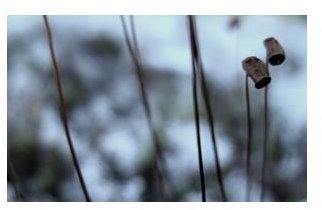
Think of those ice blue tones. Don’t they just bring chills up the spine? When cooler tones are used in a photo, giving the image an overall blue cast, it can add a variety of connotations to the image. A model might appear more sad, more distanced from the viewer—think of feeling blue. Sadness, loneliness, melancholy, despair, all are hinted at when you add just a touch of blue to an image.
A blue cast can be added either with the appropriate color filter lens, during photo processing work, or (roughly) by using an indoor lighting setting on your camera software.
Examples: Blues
Vintage Yellows & Greens
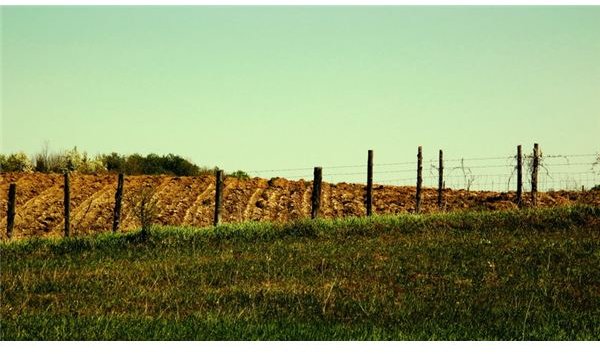
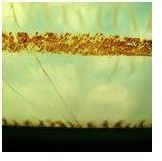
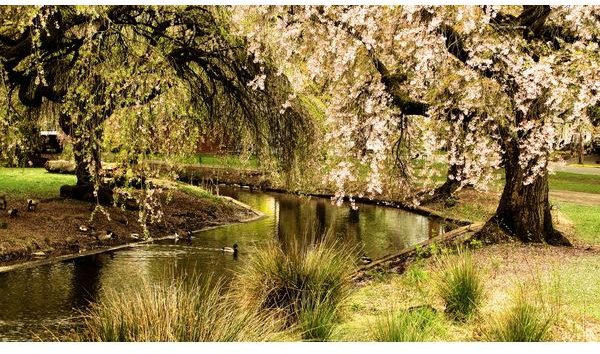
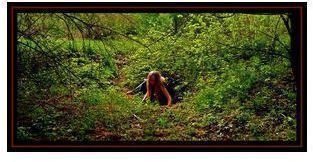
Adding a yellow-green cast to an image can do a number of things, depending on the precise mixture. Yellow and green serve to warm the image, with vegetation often making it feel more vibrant and alive. When added to scenes of everyday objects and people, it can bring a slightly vintage effect to the photo, which can emphasize nostalgic feelings - think laundry out on the line, farm fences, or picnics.
Yellows & greens are most easily added either through a physical lens filter or with image editing software.
Examples: Yellow-Green
Warm Reds
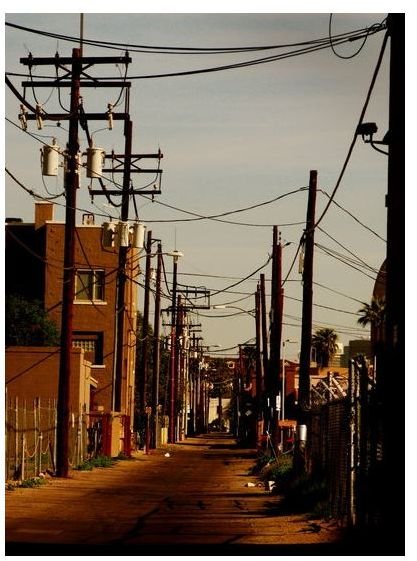
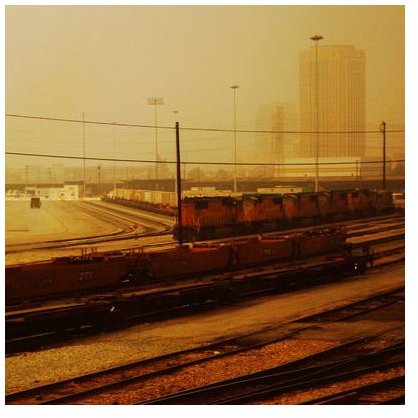
Warmer yet are reds. These should be added with care, as it might only create an undesired bloodwashed or sunburnt effect when done in excess. However, when done with subtly, red can really make a photo pop, making vegetation jump out of the screen, or a give a sky a more vivid feel.
Red and general warmth can be added to a photo with a lens filter, with photo editing software, or by using the cloudy day filter on your camera.
Examples: Reds
Sepia
Like monotone, but black & white not your thing? Using a sepia color filter might just be what you want. Sepia provides a warmer, softer alternative to black and white, one that many photographers love to experiment with for its gentle treatment of people in portraits, still allowing the photographer to focus on the shapes and lines of a human figure, and not on any distracting colors. Sepia can also be used to make the photo appear old without the harsh effects of the other “old” seeming color treatment, black and white.
Typically, this can be added either with on-camera software, with a lens filter, or during post processing work.
