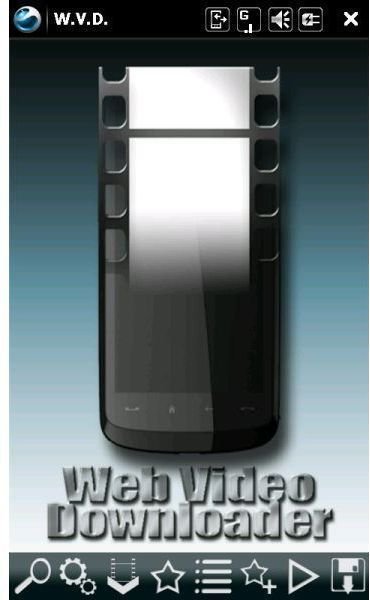
W.V.D. is the acronym for Web Video Download, a Windows Mobile tool that facilitates the downloading of video clips from online video services such as YouTube.
Save Streamed Video
W.V.D. Web Video Downloader is a very handy application that allows Windows Mobile users to download content from a host of online videostreaming sites such as Youtube, Liveleak, Dailymotion, Google and plays them back through a third party video player such as Coreplayer or TCPMP.
The benefits of this type of software are obvious - once downloaded to your phone the videos become mobile and can be watched again and again.
While Coreplayer and TCPMP already permit users to watch streamed content they don’t allow the content to be saved - which is where W.V.D. Web Video Downloader comes in.
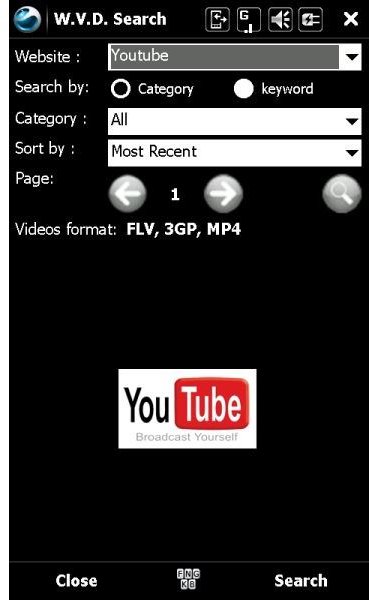
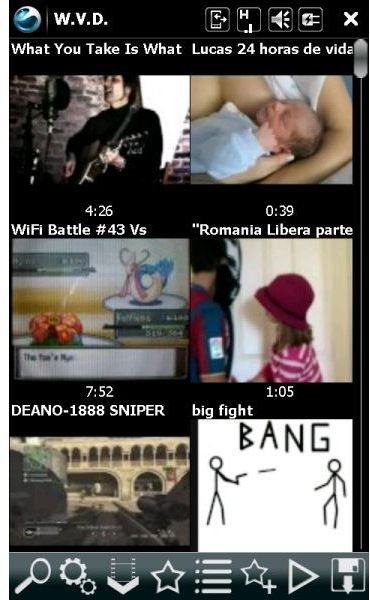
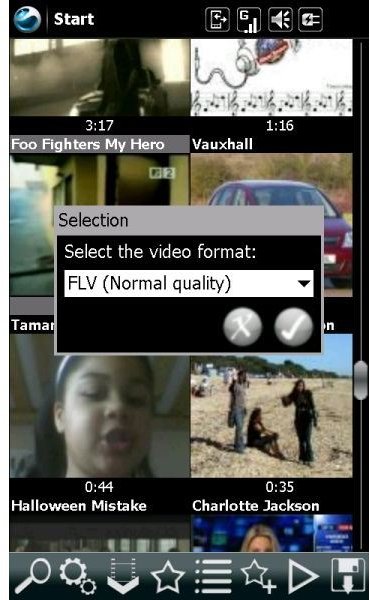
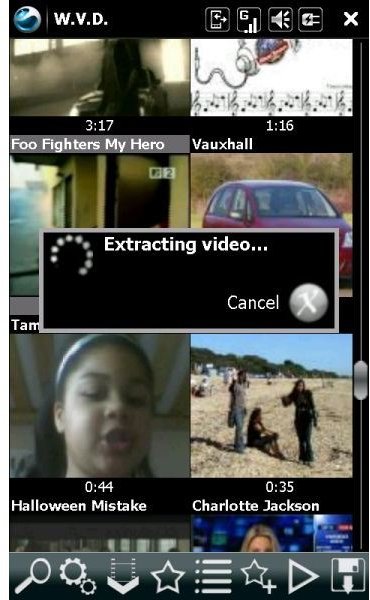
Using this application is simple - boot it up, click on the magnifying glass icon and run a search on your video service of choice. The results are displayed, allowing you to make your choice and select the video to view.
Web Video Downloader Screenshots
System Requirements
Users with Windows Mobile 5 and above can take advantage of Web Video Downloader, although non-touchscreen (Windows Smartphone) users should avoid this app as there is no way to access the on screen menu.
You can grab a copy of W.V.D. Web Video Downloader from FreewarePocketPC.net - the file is 1.3 MB and should be downloaded directly to your Windows Phone or first to your PC and then copied to your mobile device. The app should be installed to your Windows Mobile device memory rather than any expansion card - the storage card is used as the default location for downloading the videos to, so it makes sense to have the main program and the downloaded content on separate drives.
Note also the requirement for the Coreplayer media player or it’s freeware ancestor, TCPMP. These or similar products are required to view the FLV, MP4 or other file format used in streaming the content that Windows Media Player Mobile isn’t equipped to decode.
Finally, be aware that use of W.V.D. Web Video Downloader will eat into your data plan, so aim to use it either with a generous data usage plan or with a WiFi connection.
W.V.D. and Copyright (3 out of 5)
W.V.D. Web Video Downloader is functional, certainly useful and reasonably well designed; some of the buttons are far too close together for general finger use however and unless you’ve got very small hands a stylus is definitely required.
One thing that W.V.D. Web Video Downloader doesn’t do however is tell the user what they can and cannot download - there is no filtering or distinction between videos that come from approved channels and those that have come from non approved channels.
As such it’s easy to end up downloading copyrighted material to your Windows Mobile device, a scenario that isn’t ideal; in the end, however, this issue is down to the end user, and how they wish to use this app.


