SPB Mobile Shell 3 Widgets: How to Setup Backgrounds, Themes, and Widgets On Spb Mobile Shell 3 For Windows Mobile
How to Customise Your Spb Mobile Shell
If you haven’t already, check out the review of the Spb Mobile Shell to learn more about its features. Once you’ve installed Spb Mobile Shell 3 for Windows Mobile (why not follow this guide if you haven’t already?) one of the first things you should do is set up your Today Screen – enhanced now into a desktop. There may be default options applied already, but these can be amended and enhanced to allow you to choose exactly the content you want on your desktop.
Spb Mobile Shell 3 for Windows Mobile uses widgets to display vital calendar-based information as well as allowing the user to place icons to launch their favorite apps anywhere on the scrolling desktop. This is spread over two screens, giving the interface and by extension your Windows Mobile handset the illusion of a larger device.
Setup Your Background
First of all, let’s have a look at choosing a background.
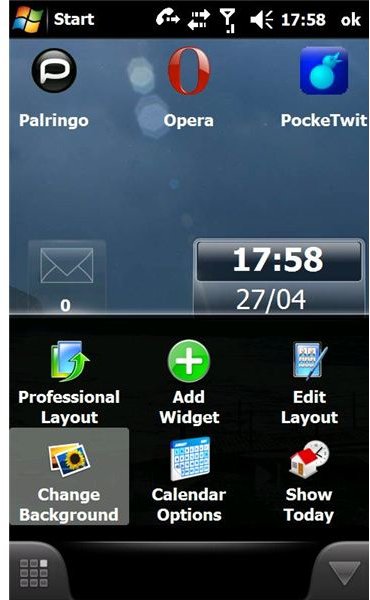
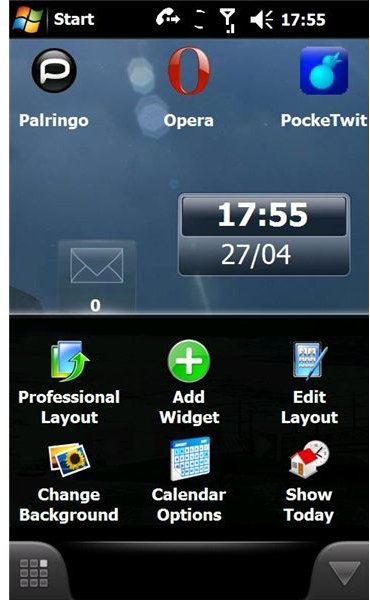
Spb Mobile Shell 3 for Windows Mobile comes with six built in background choices, although any JPEG or Bitmap image can be used. To access the scrolling desktop settings, click on the properties button on the bottom right or top-right of your handset, depending on the orientation.
Here, you will find the Change Background button, and when selected this will take you into a typical Windows Mobile Explorer screen, where you can browse and select the image required. Once selected, you’ll be returned to the Spb Mobile Shell Today Screen. A slide of your finger from right to left across the screen should demonstrate the size of the desktop, not to mention illustrate that any widgets present by default scroll at a quicker rate than the background, giving a superb impression of depth.
Spb Mobile Shell 3 Screenshots
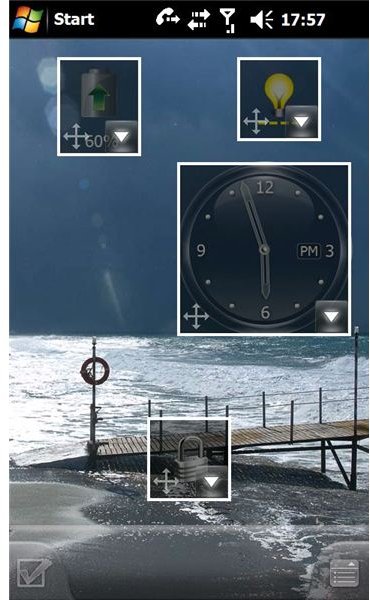
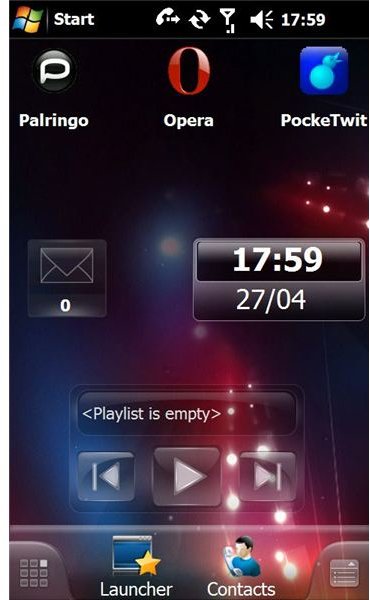
Setup Your Widgets
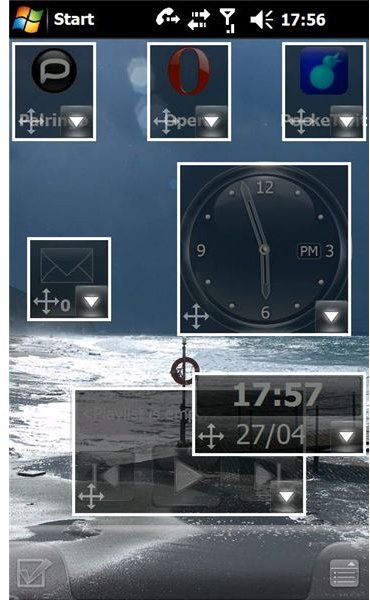
A range of widgets are available by default with Spb Mobile Shell 3 for Windows Mobile – such as Windows Media Player Mobile, digital and analog style clocks, contacts and more. If it doesn’t have a widget meanwhile, simply choose an application you want to launch from the Spb Today Screen and it’s ready for you.
To customise your widgets, click on the properties button found on the bottom right or top-right of your handset, again depending on the orientation.
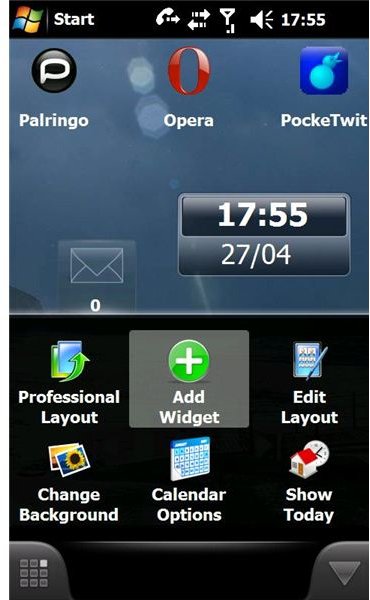
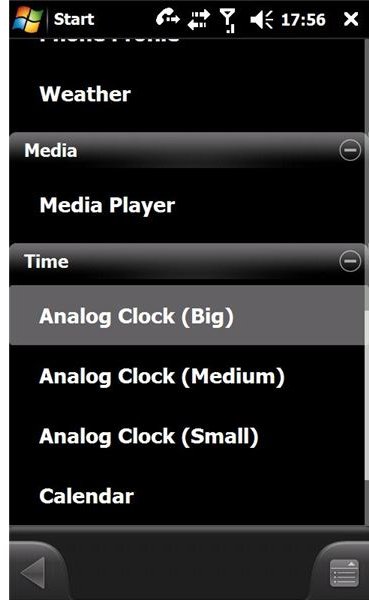
If you want to add a large analog clock, select the Add Widget button, and from the Widgets list select Analog Clock (Big). Once selected, the widget’s outline is displayed on the Today Screen scrolling desktop, allowing you to choose its position on either in view on the left screen or hidden on the right thanks to the Right Page button; alternatively remove this or any other widget you choose.
Revolutionary Enhancements
There are so many ways to enhance and customise your phone’s new user interface with Spb Mobile Shell 3 for Windows Mobile, and you can even choose from a selection of overall color themes thanks to the Theme tool.
With more display and layout enhancements to come, Spb Mobile Shell 3 has revolutionised Windows Mobile and raised the bar for user interface customisation.
