If you’ve read our review of Camera Bag and liked the app’s features, you might also want to try Lomo Camera. While Camera Bag gives you several photo effects that you can apply to your iPhone photos, it does not offer Lomo effects. So, you might what to check out this app, as well.
Lomo Camera iPhone App - What it Does? (4 out of 5)
I’m beginning to enjoy all these camera-related apps so much that I don’t use the default iPhone camera app anymore. Whenever something catches my fancy and I feel like taking a photo of it, I fire up Camera Bag , Camera Genius or my iPhone’s latest app, Lomo Camera. _Lomo Camer_a is similar to Camera Bag for the simple reason that it gives you several options to edit the photos you’ve taken. Whereas Camera Bag simulates different camera types that became famous through the years, Lomo Camera takes only one of those famous old cameras for a spin — the Lomo LC-A.
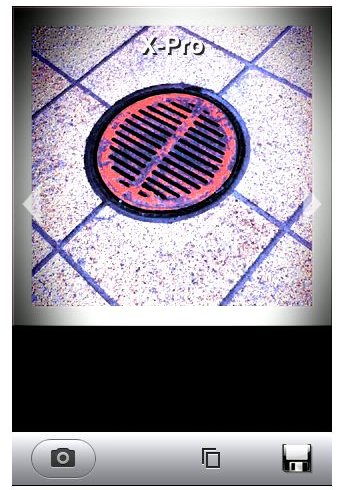
The Lomo Camera app is a simple app that gives you only three options. The first is, of course, the camera icon, which if you tap, will give you the familiar iPhone camera interface. Tap on it again to take your shot and then you will be given the option to retake, or if you like the photo you’ve taken you can use it to apply the different Lomo effects of the app.
These Lomo Effects include - LC-A Normal, RedScale, Black&White, X-Pro, Redscale 2, Fish Eyes, Splitzer and the original shot you took. Simply tap on which effects you like best and then tap on the disc icon to save your photo. Alternatively, you can use existing photos stored in your iPhone’s camera roll and apply the different Lomo effects to them.
And that pretty much sums up what the Lomo Camera app can do.
Our Verdict (4 out of 5)
First thing to consider if you’re planning to get this app — it costs $2.99. If you’ve never purchased an iPhone app which costs more than $0.99 before you might have seconds thoughts on getting this app. But hey, $2.99 is nothing compared to the price of an actual Lomo Camera. And you don’t even have to bother carrying any gadget around aside from your iPhone.
If you’re a serious iPhone camera user or a photography enthusiasts or hobbyists willing to experiment on the measly 3MP camera capability of the iPhone, Lomo Camera adds another dimension to the photos it is capable of producing.
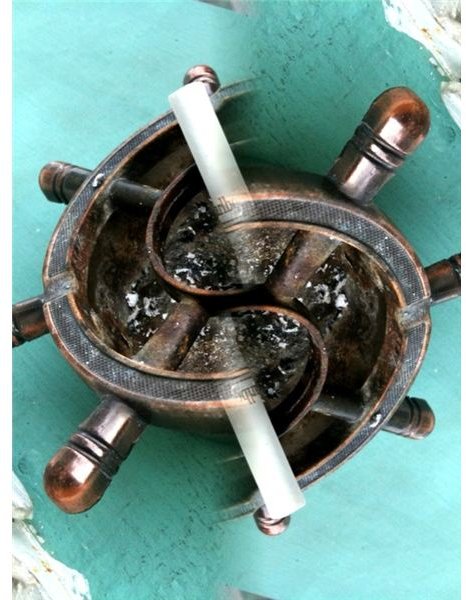
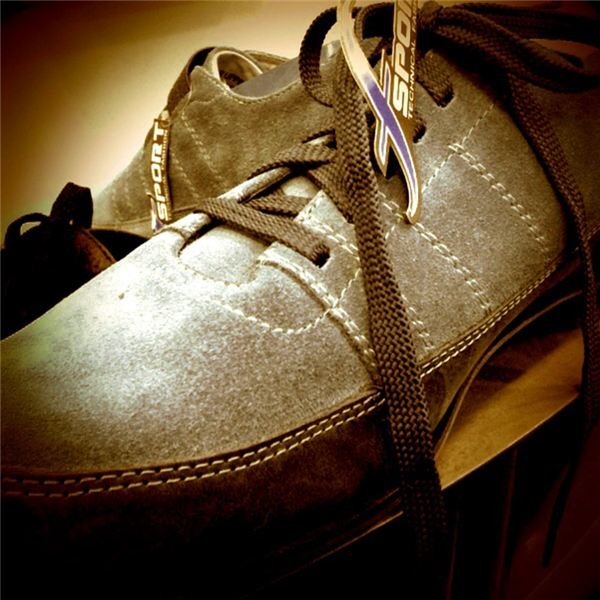
With regards to the quality of the photo output all I can say is that I was pretty amazed when I view the photos on my Mac. You wouldn’t think that it was taken by the iPhone camera. See more photos below.
Alright, disregarding the price this app is definitely cool and will make you love your iPhone camera more.
Image credit:
Screenshot of Lomo Camera by Westarting Studio.
Sample photos taken using Lomo Camera App