Stop hiding your iPhone from your friends, family and spouse. Learn how to hide pictures on your iPhone and embrace true liberty. Stop worrying when someone asks to use your iPhone, stop deleting your favorite photos, learn to hide them quickly and easily.
Hide The Evidence
The iPhone tends to draw attention, which is why it comes as no surprise that everyone feels the need to dig through your pictures. Not just your pictures, but contacts, web history and everything else.
However, one of the most sensitive areas of your iPhone is the camera app. Learning how to hide pictures on an iPhone can bring you peace of mind and make it a lot less of a hassle to show your iPhone to friends and family. Regardless of who you are, chances are there is something which you wouldn’t want friends to see on your iPhone.
This guide will give you a few tips on how you can hide pictures on an iPhone. The iPhone does not come with any solution for hiding pictures by default, however, there are several options available for both jailbroken and non-jailbroken iPhone’s alike.
The Options
There are several different options to meet the needs of most people wishing to learn how to hide pictures on an iPhone. Regardless of your particular reason for wanting to hide pictures, you should have no problem doing so.
**
Picture Safe (HiDef)
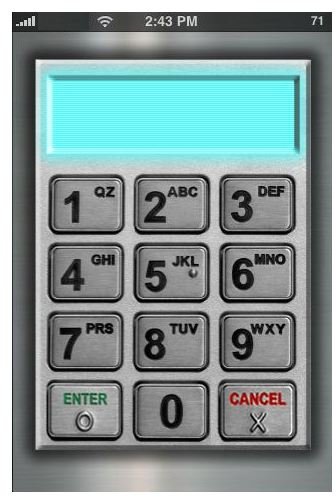
Picture Safe is a handy application, which has offered many improvements in later versions. You can import photos which are already on your iPhone into the picture safe, or import photos directly from your PC or Mac via Wi-Fi. The application functions very well and is protected by a pass code which can be several digits long. It is very simple to use, allows organization of hidden photos in folders and will make keeping those private memories easier than ever. There is no price for privacy, which is why this app is a steal at $1.99 on the iTunes App Store (Download here ).
Video Safe
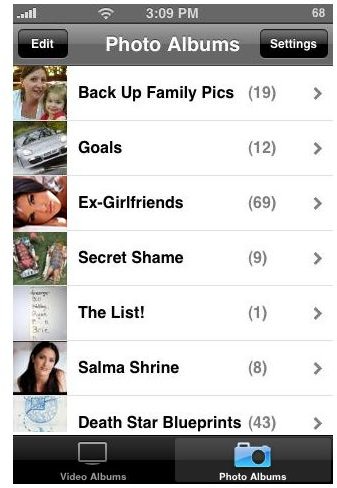
Don’t let the name fool you, Video Safe stores more than just videos. With Video Safe, you have an all in one solution for how to hide pictures on an iPhone. You can hide both regular videos and any photo on your iPhone, with just a few taps of your finger. This app will enable you to hide those precious pictures that you don’t want your spouse, friends or family to stumble on to. The entire process is incredibly simple. Video Safe can be downloaded from the iTunes App Store at a very reasonable $3.99, (Download Here ).
Hide n’ Seek
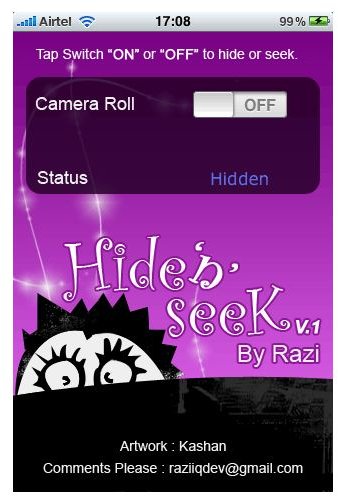
This is one of the apps for the iPhone which will enable you to hide your camera reel. Hide n’ Seek is available for free on Cydia for users with jailbroken iPhones. The app is quite simple, with just a single button to hide (or un-hide) the camera reel. Pictures are not only hidden on the iPhone, but inside iTunes as well. This app is available on Cydia from the Big Boss Repository.
Learn about the Best Cydia Sources and find out How To Use Cydia .


