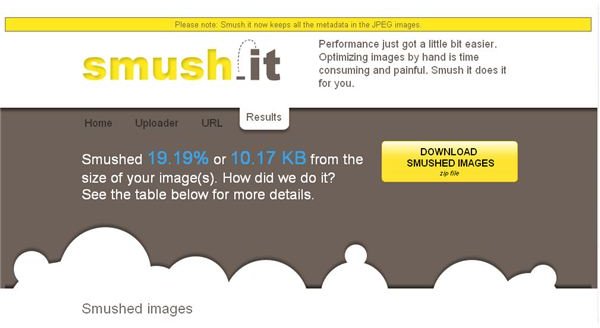
Yahoo-created Smushit.com has simplified the image optimization process. SmushIt has three ways that you can smush images, none of which require registering for an account. SmushIt is a completely free digital image optimizer.
Smush Images
Smushit.com helps you optimize images without compromising quality, making the web a faster community for all of us. SmushIt is totally cloud-based. It removes all non-visual data from images including the extras like image editor information. The website has three tabs: Home, Uploader, and URL. From the Uploader tab, you can select files from your computer to upload and smush. Once you smush an image or images, you will be directed to a page that shows you what percent and how many KB each image was compressed. The URL tab will let you upload and smush images from URLs. From the Home page, you can download and install the SmushIt extension for Firefox.
Smush It Previews
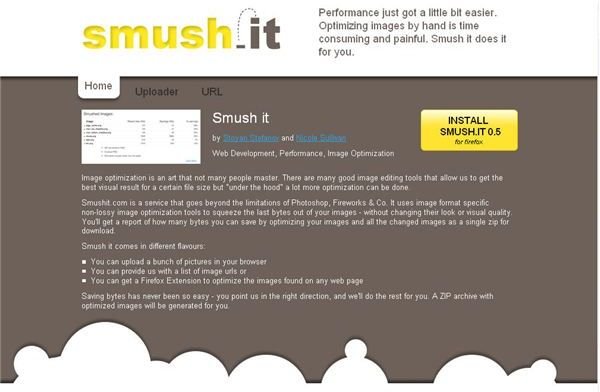
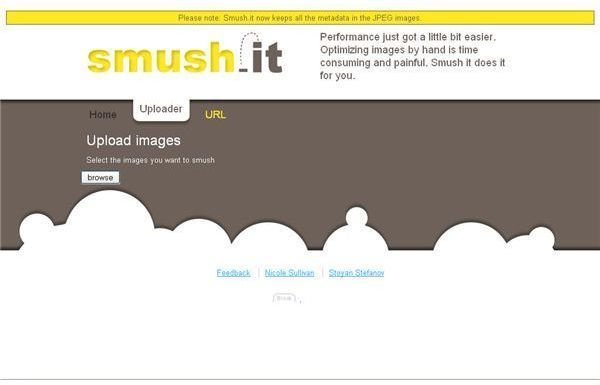
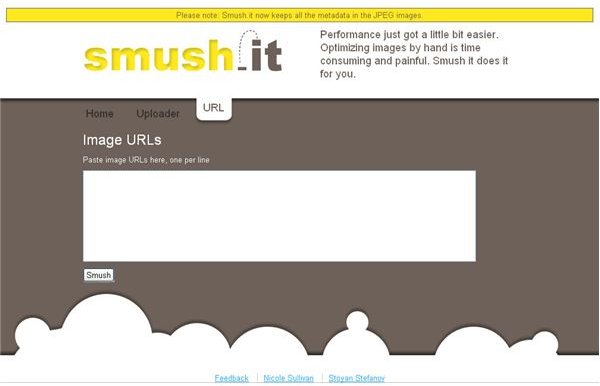
Firefox Add-on
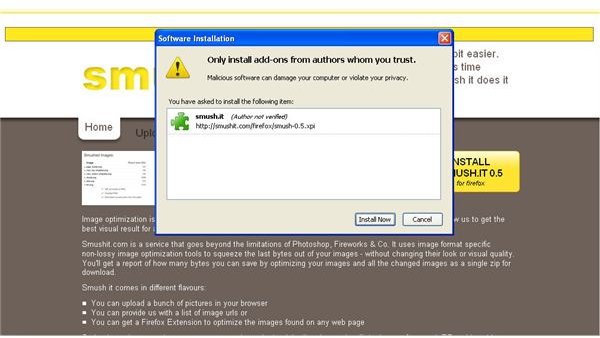
The SmushIt Add-on for Firefox adds an icon to the right corner of the status bar in your browser. Point your browser to website with images you want to smush, then click the SmushIt icon. It will then direct you to SmushIt.com, process the images, and show you the same information and download button that appear when you use one of the other smushing options.
Details
SmushIt removes all extraneous data from image files without reducing image quality. Non-lossy image optimization tools that are image format specific are used to minimize image file size and maximize image quality. It works with JPGs, PNGs, GIFs, and animated GIF files. When the image or images are done processing, which is super fast, they are presented for downloaded in a zip archive.
Read, Write, Web tested SmushIt on some websites and found that it reduced image size 10 to 45%. SmushIt is a simple, fast tool for image optimization that will come in handy for bloggers, developers, and publishers alike.
Stoyan Stefanov, one of the two SmushIt developers, posted on his blog about exactly how SmushIt works . Nicole Sullivan also explains more about SmushIt .