Mac HTML Editor Programs: Three Free Options Plus Free Trials Available for Text & HTML Editing
Three Free Options
Editor’s Note: This article was originally written in October, 2010 and reflects the author’s opinions at that time.
KompoZer
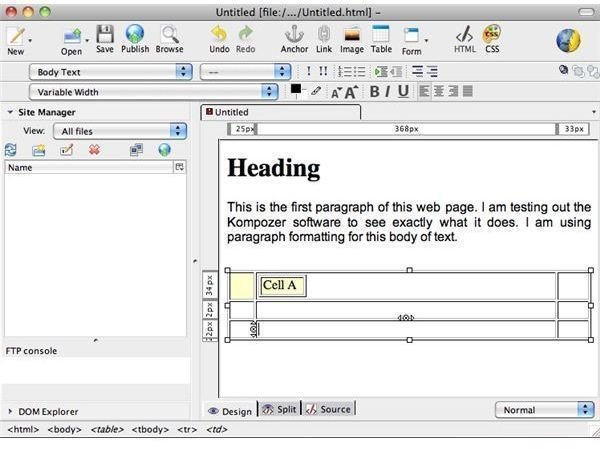
KompoZer (latest development version released Feb 28, 2010) has a simple interface, making it easy to create a heading and a paragraph, format tables, and forms. You may also jump between WSIWYG editing and HTML to check your coding as you design your page.
KompoZer is a free HTML editor for the Mac and is available in a multitude of languages. It is also compatible with PC and Linux.
Source: KompoZer
Arachnophilia
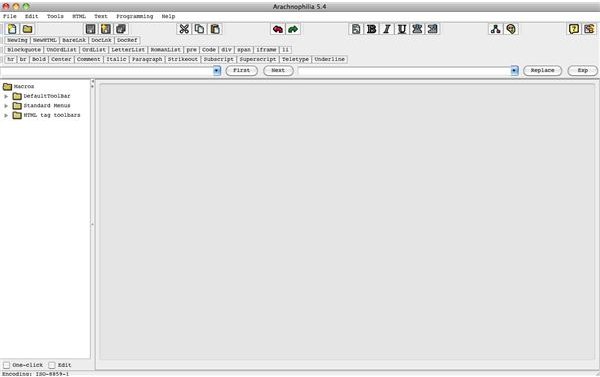
Arachnophilia is a free HTML editor with HTML buttons that speed up the process of coding your web pages. Type your page in a text file, import it into Arachnophilia and press the corresponding button to bold your text, make paragraphs, add links, and more.
Source: Arachnophilia
TextWrangler
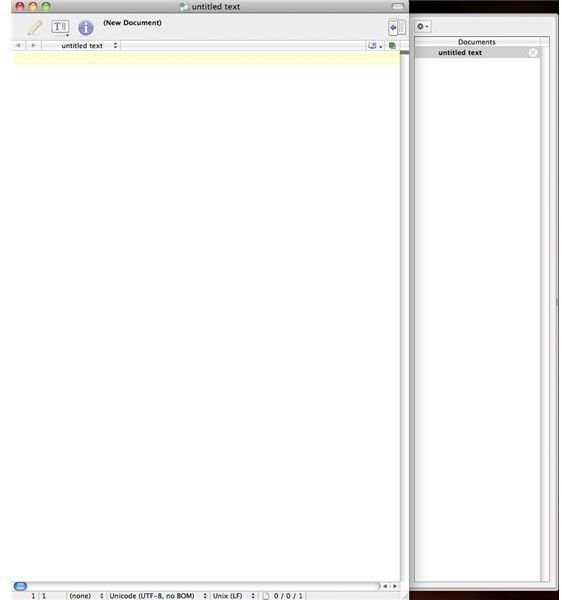
TextWrangler is a free mac HTML editor that you can use to design web pages, recover corrupted Word documents, etc. It also has support for many of BBEdit (the paid version of Wrangler) plug-ins.
Source: TextWrangler
Free Trials Available
Coda
Coda is
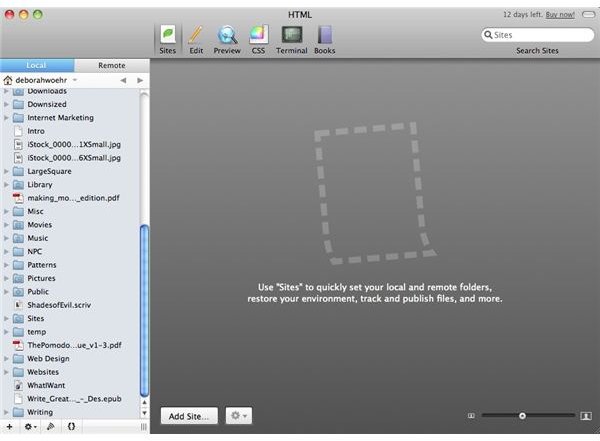
not a free Mac HTML editor, but you can play with the trial version to see if it suits your needs. When you first start the program, it will load the contents of your hard drive in the left sidebar.
The interface is very easy to navigate, allowing you to create a wide variety of files besides HTML. The toolbar contains six submenus: Sites, Edit, Preview, CSS, Terminal, and Books. If you get stuck, Coda provides a detailed user manual and a Developer section on its website.
Source: Coda
Taco HTML Edit
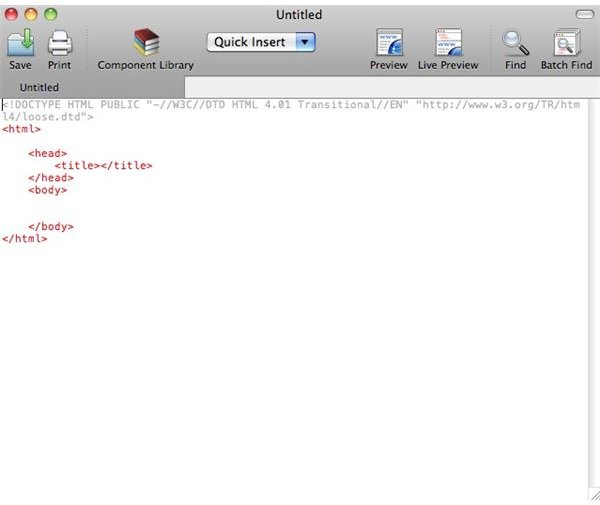
Taco is not free, but you can download the 30-day trial. It was designed to help you create websites that are compatible with the various browsers that are available. You may also implement PHP scripts into your website with the Taco HTML editor.
Source: Taco
SubEthaEdit
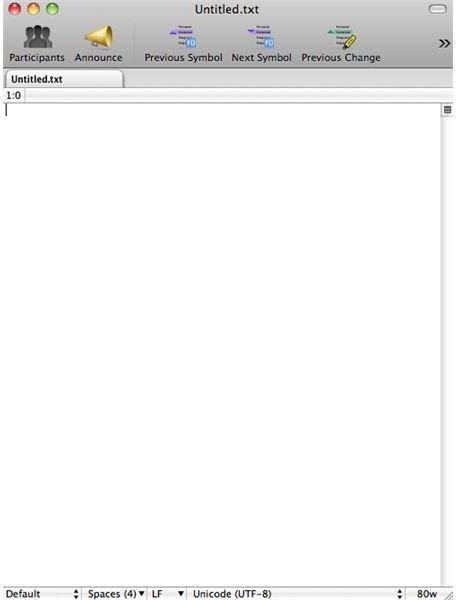
SubEthaEdit is very popular among web designers and developers because of its sleek design. What sets SubEthaEdit apart from other text editors is that it is not just for coding web pages. You can use it to write essays, blog posts, or collaborate on a writing project with your team. Download the free trial and give it a spin.
Source: SubEthaEdit
Tumult HyperEdit
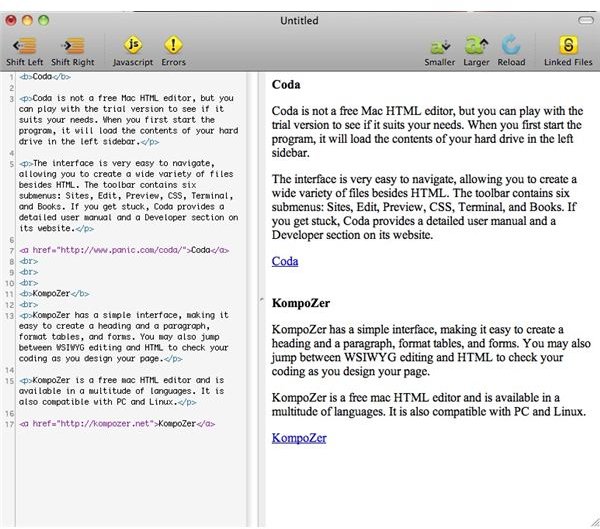
HyperEdit lets you see the result of your coding as you type. It also alerts you to errors and helps you validate your pages so that they will get picked up by the search engines. HyperEdit is not a free HTML editor. Test out the trial version.
Source: Tumult HyperEdit
SEEdit
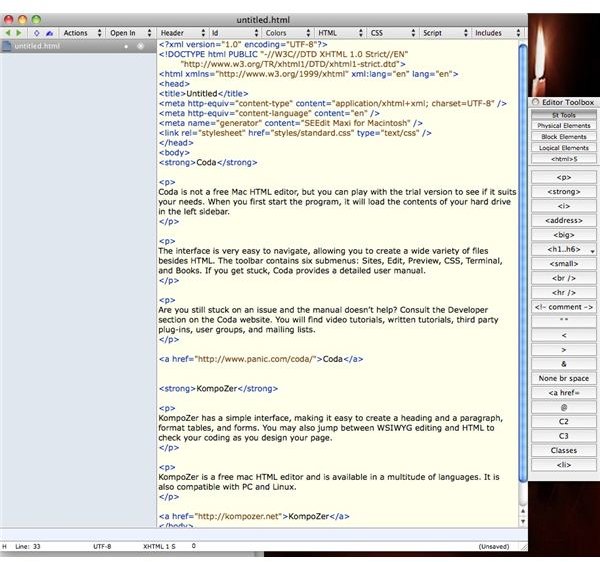
SEEdit is the professional version of Arachnophilia. It took me about a minute to format the text snippet that you see in the accompanying screenshot. While the interface is user-friendly, you will have to deal with a learning curve because of all the things that it can do. Download a free trial.
Source: SEEdit
PageSpinner
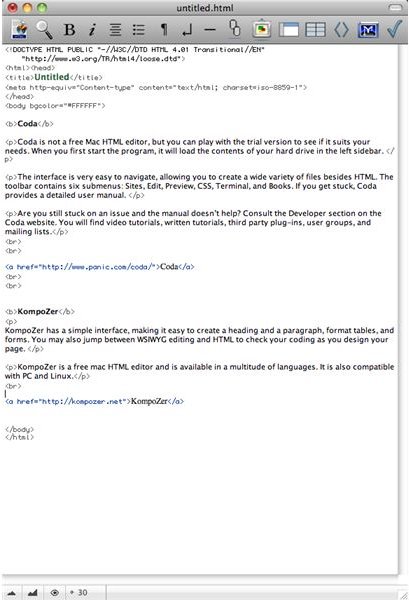
PageSpinner is a user-friendly HTML editor for the mac that goes well beyond the bare text editor. It supports HTML, XHTML, PHP, SSI, and CSS. It has plenty of built-in features, such as FTP to upload your pages onto your website and integration with Apache. A free trial is available.
Source: PageSpinner
GoodPage
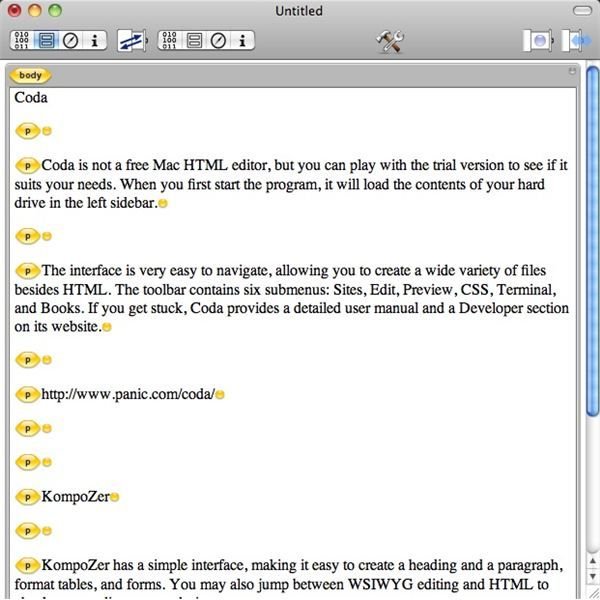
GoodPage is the easiest Mac HTML editor that I have found so far. Simply click on the buttons in the toolbar to view your page in different formats (code and structured text), multiple formats at the same time, and more. You can test out the trial version to get a feel for GoodPage.
Source: GoodPage
Adobe Dreamweaver

Try a 30 day trial of Adobe Dreamweaver CS6. This is a professional web design program that can be used on Mac computers as well as Windows. It is a WYSIWYG editor with tons of features. The full price is $399.00, so we definitely recommend downloading the trial before committing to the purchase.
Source: AdobeDreamweaver
This article has been placed in our archives.
