Despite the fact that hard drive performance has improved over the last 20 years, the way that files are stored on hard drives is a throwback to prehistoric times. First spot open - then place it there! Even if it means that the file will be scattered in different tracks or sectors. Is there a fix?
What is a Defragger?
Because of the circular nature of a hard drive, most operating systems will store files in the first available spot that they come to. Frequently the files may be too big for the hard drive space that they select to place the file, so they have to go elsewhere on the disk and place the remaining part of the file there. This can occur several times until the entire file is stored on the hard drive, meaning that it could take five or ten scattered spots on the drive to place the. That is fragmentation. Reorganizing them in a contiguous fashion is defragmentation. Another way to put this if you prefer a library analogy, think of a shelf full of books, but instead of the books being the shelf, they are scattered in different parts of the room. This scattering is fragmentation; placing the books on the shelf is defragmentation.
Here are six free disk defragmentation programs that run in Vista.
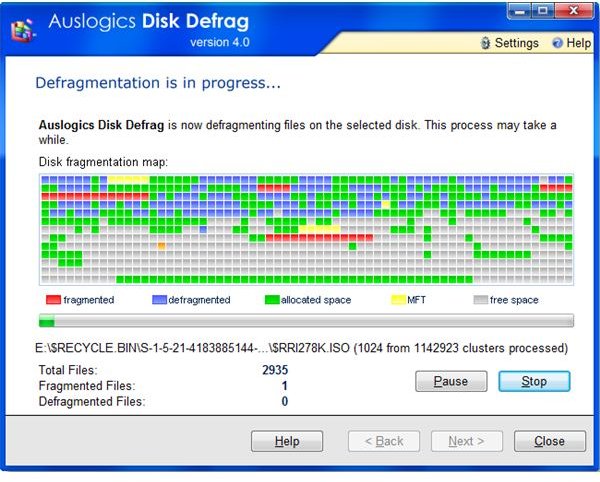
Auslogics Disk Defrag
https://www.auslogics.com/en/software
Auslogics Disk Defrag works with Windows 2000, XP, 2003, Vista (32 and 64 bit) and Windows 7 to defragment your hard disk. You can optionally choose which disk to defragment in real time, or schedule a future defragmentation.
Other Features:
- It has MFT Defragmentation support
- It has Raid disk Support
- It removes temporary files from C:\Documents and Settings\\Local Settings\Temp, and C:\Windows\Temp. In this way, defragmentation is faster.
- It supports command line operations.
- It has a task scheduler.
Defraggler
https://www.piriform.com/defraggler
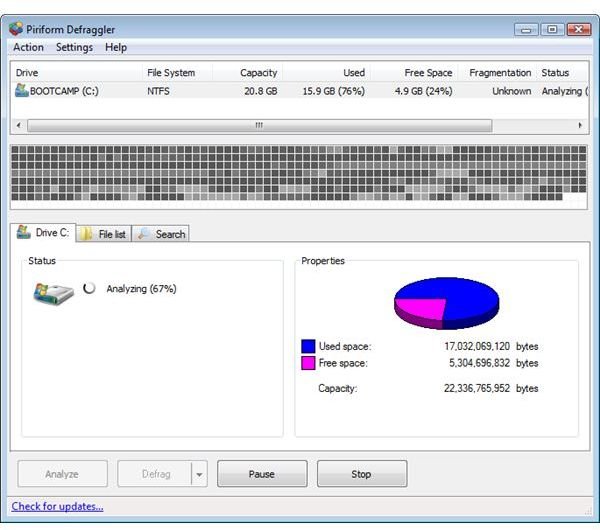
Defraggler has many features that other defragmenters do not have. It is granular, letting you drill down to defragment your entire hard drive, or a portion like individual folders or individual files. At the other end with your free space available through the disk, it can defragment it so that all the unused hard disk space is gathered together. There is also RAID drive support. The program works on Windows 2000, 2003, XP, Vista and 2008.
Other Features
- Defrag Individual Files or Drives
- Interactive drive map
- Defragment free space
- Move large files to the end of the drive.
- NTFS and FAT file systems support
- Defragging can be done in the background.
- Scheduled defragmentation
- Portable version
- Multi-language support
WinContig
https://wincontig.mdtzone.it/en/index.htm
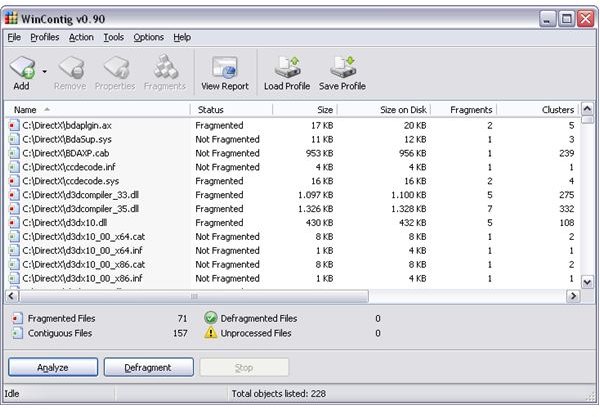
WinContig allows you to defragment your hard disk, folders and/or individual files. It works on Windows 2000, XP, and Vista. With Windows Task Scheduler you can create defragmentation schedules. You have the option to defragment a file into the first free area it finds, or to look for an area that best fits the file. Even if there is not enough space to fit the defragmented file, it will try to defrag as much of the file as possible.
Other Features
- It is a stand-alone defragmentation tool.
- It doesn’t create any installation directories or Registry entries.
- It will defrag files without the need to defrag the whole disk.
- It allows you to group files into profiles,
- Optional command-line switches are available.
- It is a standalone executable, not requiring an installation process.
- Extract the contents of the ZIP archive to any folder you like, and launch it.
Ultra Defragmenter
https://ultradefrag.sourceforge.net/
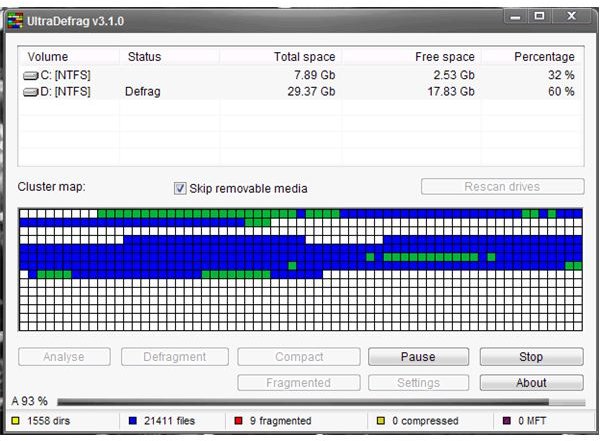
Ultra Defragmenter can be used to defrag files or folders and it can run under Windows 2000, XP, Server 2003, and Vista. Gui and command line controls are available. Source code is also available using the GNU Public license.
Other Features
- New NTFS scanning features, and faster NTFS analysis.
- Defragmentaion of additional streams attached to NTFS files was added.
- The Scheduler was rewritten in C language so the .NET framework is not required.
- It has the ability to translate Scheduler into foreign languages.
MyDefrag
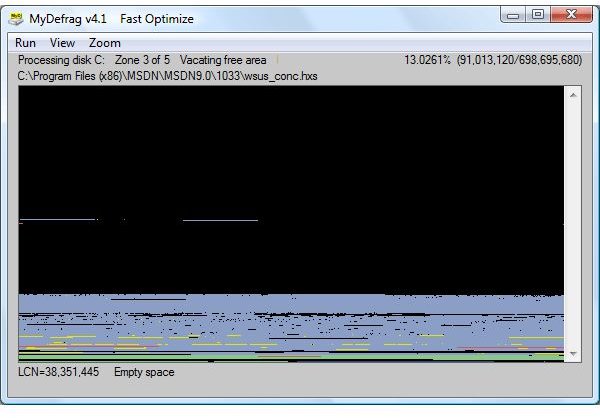
MyDefrag can be use in Windows 2000/2003/XP/Vista. It runs automatically on all your drives when launched. Your options are to defragment only a particular volume or file, by using the command line. The default is to defrag the entire hard drive. Also using administrator scripts you can launch or control the defrag. Another option is to run it in the background using the Windows Scheduler, or to run the Windows Screen Saver version which launches whenever the screen saver starts.
Other Features
- It can defrag floppies, USB disks, memory sticks.
- Organizes files into zones, such as directories, Windows files, files used while booting, regular files, and rarely used files.
- The most frequently used files are placed at the beginning of the disk.
- The files most commonly used together are placed near each other.
- Files can be sorted using various algorithms to speed up access
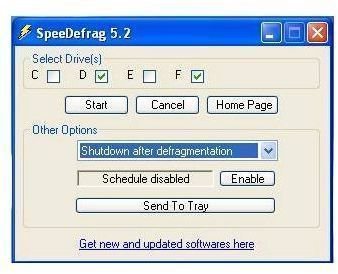
SpeeDefrag
https://www.vcsoftwares.com/SpeeDefrag.html
If you’ve ever run a defrag program, you know that it could take a lot of time to complete the operation. SpeeDefrag is a program speeds that up. It restarts your computer and runs only the Windows defrag program. Since only the Windows defragmenter is running, there is less overhead so defragmentation will run faster. A scheduler is available to run the defrag. You can also shutdown the computer after defragmentation through the scheduler. The program supports Windows XP and Vista.
Other Features
- Multiple drive support
- Only your Microsoft Windows Disk Defragmenter will run after reboot
- It runs as a command line interface with defrag.exe
- Many defrag problems are avoided by loading minimal process with defrag running
- It is fast